For years, creative teams have had to choose between two imperfect options: store their media in the cloud to collaborate easily, or keep everything locally and sacrifice flexibility. Peakto was built around a different idea.
We believe photographers, filmmakers, agencies and creative teams should be able to access, search, review and share their media from anywhere, while keeping their originals exactly where they belong: on their own drives, servers or NAS.
With its latest update, Peakto takes another step in that direction with two major improvements designed to make remote collaboration as seamless as cloud platforms—without giving up privacy, control or budget.
Access Your Local Media Library From Anywhere
Peakto acts as a control tower for visual content, bringing together media scattered across disks, NAS systems and creative applications into a single searchable workspace powered by local AI.
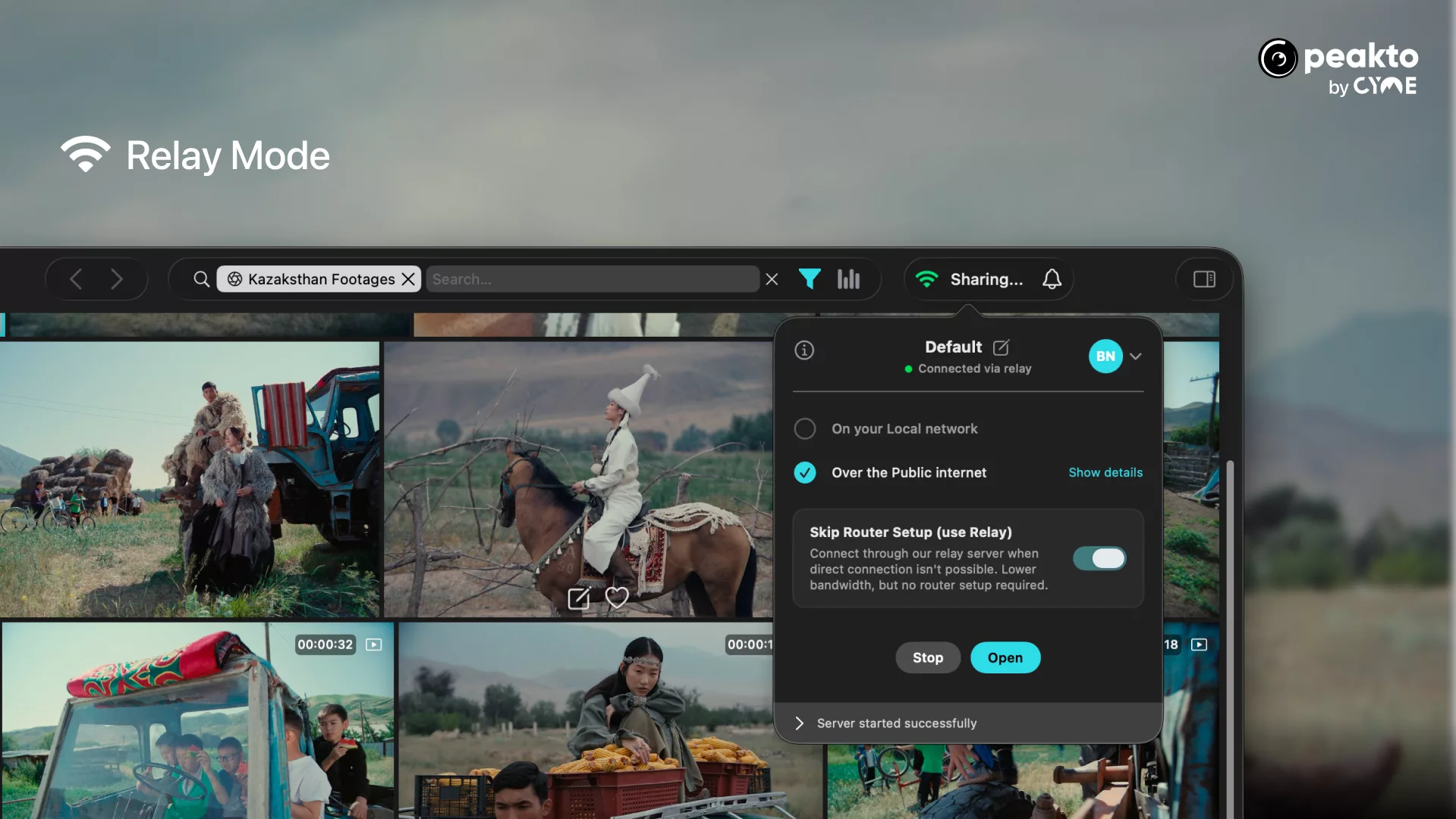
Until now, securely accessing this workspace remotely often required configuring routers, opening ports, setting up VPNs or relying on IT expertise. Peakto now introduces Relay mode, a new connection option designed to remove that complexity.
In just a few clicks, media libraries stored locally can be shared securely with teammates, clients or guests, wherever they are. No migration to the cloud. No duplicated files. No additional storage fees. Your media stays on your infrastructure, while Peakto handles secure access and intelligent discovery.
About Relay Mode
Relay mode removes the technical hurdles traditionally associated with remote access to local media libraries. Instead of configuring routers, opening ports, setting up VPNs, or relying on IT expertise, users simply enable Relay mode in Peakto to securely give access to their workspace online.
Peakto handles the connection in the background, making media stored on local drives or NAS systems accessible from anywhere through Peakto Web. Originals remain on the user’s own storage, while collaborators, clients, or guests can browse, review, and validate content remotely with the same ease they would expect from a cloud service—without the cost, duplication, or loss of control associated with moving media to the cloud.
Collaboration That Happens in Real Time
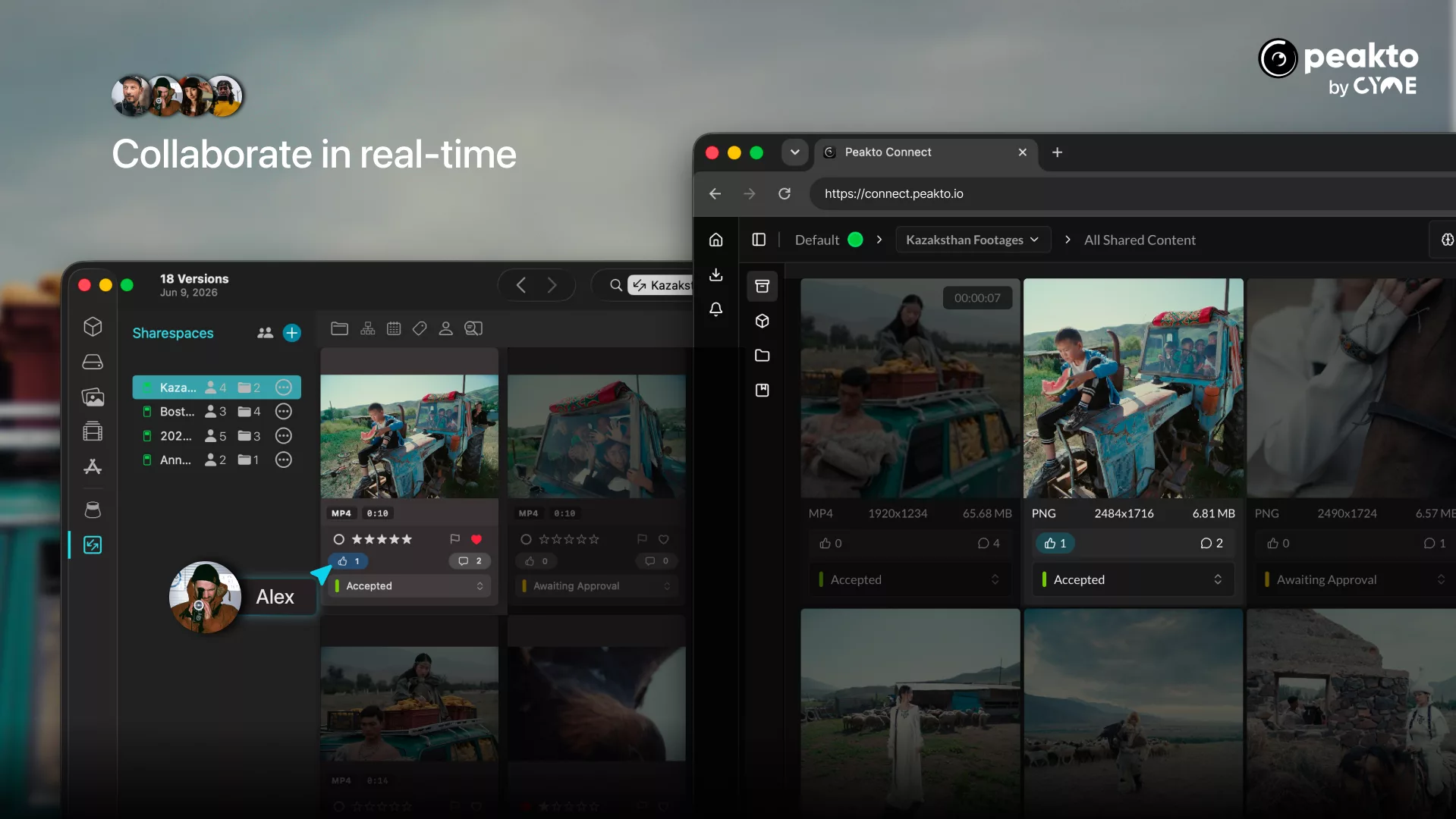
Creative reviews are rarely linear. Selections evolve, comments accumulate, ratings change and metadata gets enriched throughout the production process. Waiting for manual refreshes or wondering whether everyone is looking at the latest version slows teams down.
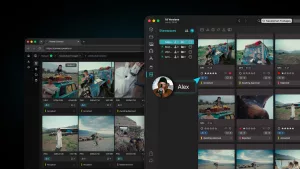
With Peakto, every interaction becomes instantly visible to all collaborators. Ratings, comments, approvals, keywording and metadata changes made from Peakto Web or from Peakto itself are synchronized in real time across the entire workspace. Whether you’re validating a photo selection with a client, reviewing rushes with an editor, or organizing a large archive with your team, everyone works from the same up-to-date environment.
To help teams get started, we’ve prepared a practical guide showing how to build a collaborative workflow with Peakto Pro—from inviting reviewers to approving selections and managing feedback in real time.
About Peakto Pro and Collaborative Workspaces for Teams
Peakto Pro extends Peakto into a collaborative workspace for teams. A Peakto administrator hosts a media library on a Mac connected to local drives or a NAS and publishes selected collections or projects through Peakto Web.
Team members, clients, and guests can then access shared content from any web browser, depending on the permissions granted to them. They can review images and videos, assign ratings, approve selections, leave comments, enrich metadata, and organize content into collections.
With real-time synchronization, every action performed by collaborators is instantly reflected in Peakto and visible to all authorized users, ensuring everyone works from the same, always up-to-date version of the project.
About Remote Access
Remote access is not only valuable for teams. For independent creators and passionate photographers, it offers a new level of freedom. Whether traveling, meeting a client, attending an exhibition, or simply away from the studio, you can browse your entire media library, search archives with Peakto’s AI, revisit past projects, prepare selections, or share galleries for feedback without carrying external drives or uploading terabytes of files to the cloud. Your media remains safely stored at home or in the office, yet stays available whenever inspiration strikes or an opportunity arises.
The Benefits of the Cloud, Without the Drawbacks
Cloud platforms have set high expectations for accessibility and collaboration. But they also introduce recurring storage costs, bandwidth limitations and concerns about where valuable media is stored and analyzed.
Peakto follows a different philosophy. AI analysis remains local. Originals stay on your own storage. Sensitive content never needs to leave your infrastructure. At the same time, Peakto continues to evolve into a central hub for managing visual assets: a place where creators can search with natural language, rediscover forgotten footage, organize collections, validate projects and collaborate efficiently, regardless of where their media physically resides.
Peakto brings us closer to that vision: making media libraries accessible, searchable and collaborative everywhere, while keeping creators in control of their content. Locally stored media. Accessible anywhere. Instantly shared with your team.