Webinar

Live on May 28: The Perfect Workflow for Photographers with Peakto and Luminar Neo

Table of Content
Share:

AI Workflow Integration: Bring AI Video Search Into Your Workflow

Microsoft WorkLab reports that employees using Microsoft 365 are interrupted every 2 minutes during core hours—about 275 pings a day—making “find the right moment in a video” a real productivity problem, not a nice-to-have.

If your teams can’t locate a scene, a quote, or a proof point quickly, they either recreate work or ship without verification. That creates slow cycles, brand risk, and costly internal friction.

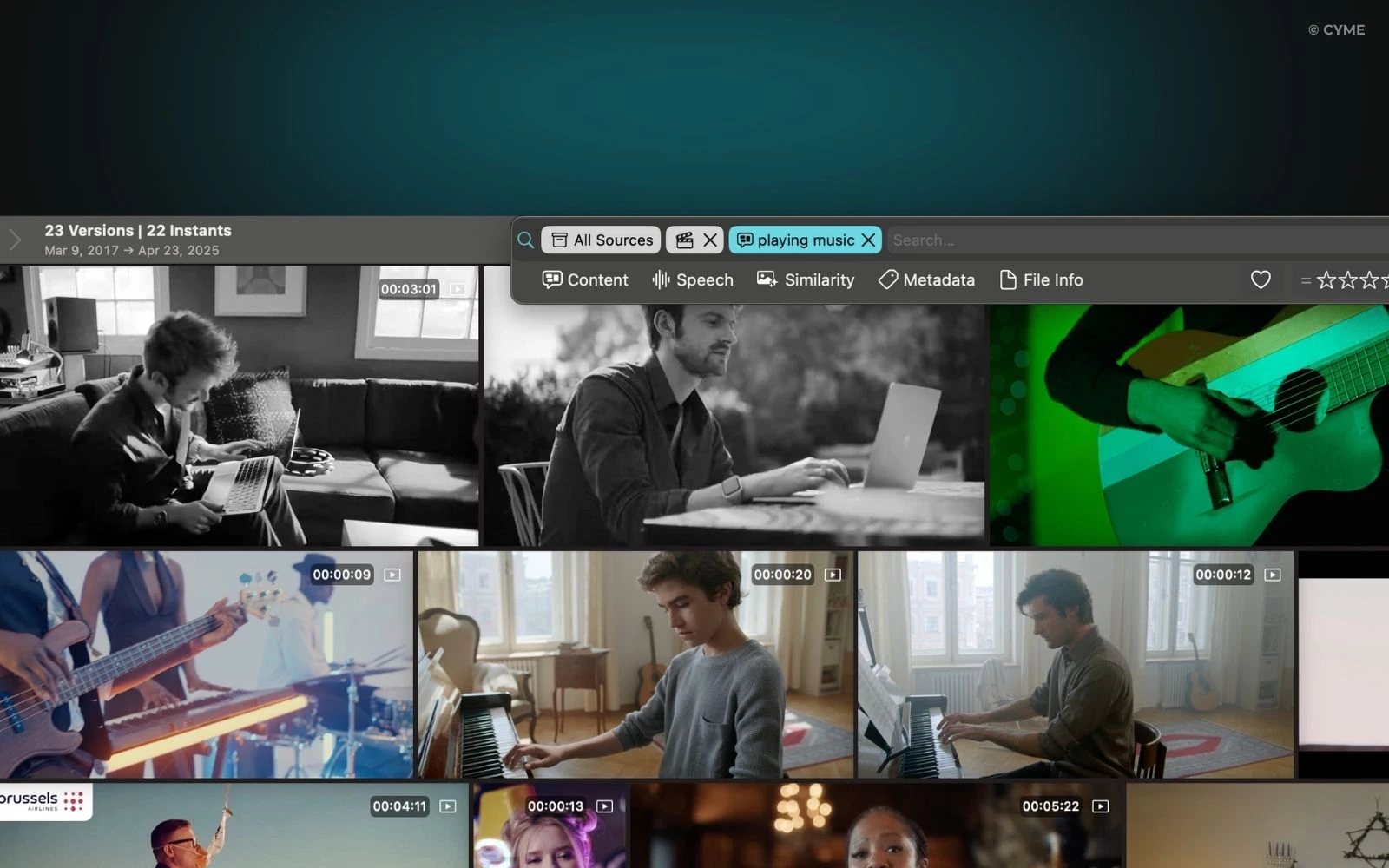
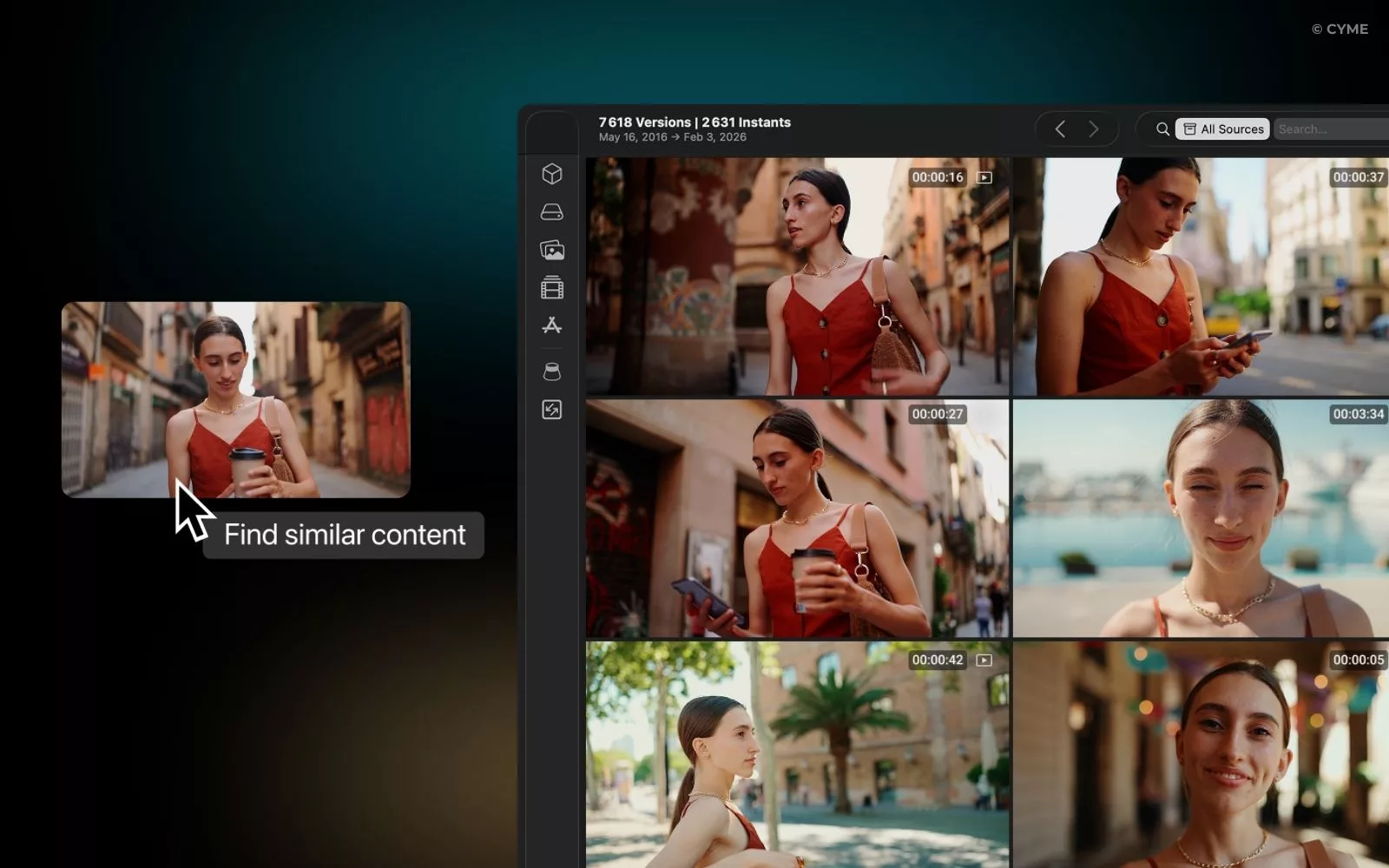
This guide shows how to integrate AI-powered video search into operational workflows (marketing, support, legal, sales) with an architecture you can govern. If you want to see what “search by frame” looks like in practice, start with the video frame search capability and map it to the steps below.

The essentials in 30 seconds
Define the highest-value queries first (scenes, people, topics, moments), then design workflows around actions, not search boxes.
Pick an architecture (SaaS, on-prem, hybrid, edge) based on data sensitivity, latency, and deployment reality.
Index once, reuse everywhere: transcripts, OCR, scene signals, and permissions must be normalized for reliable retrieval.
Treat governance as product work: access control, audit trails, and rights management decide whether teams adopt it.

Once the problem is clear, the next step is to make sure your organization is actually ready to integrate it.

Enterprise prerequisites that prevent AI video search from stalling

Access, data, and people: what you must have before you build

AI workflow integration fails most often on basics: access, rights, and inconsistent metadata. Start by listing every platform that holds video: DAM, shared drives, LMS, conferencing archives, internal portals, and external channels.

Use a concrete baseline for urgency: Microsoft WorkLab found PowerPoint edits spike 122% in the final 10 minutes before a meeting, which mirrors what happens when teams scramble to locate clips late in the process.

Define the minimum data you need per asset: title, owner, team, project, creation date, language, and usage rights. Add transcripts (ASR), visual text (OCR), and time-aligned segments for “jump to proof” behavior. If your teams use contextminds for ideation and a mind map, treat video search as the retrieval layer that turns outlines into verifiable references.

Checklist: security, SSO, storage, retention

  • SSO and identity mapping (users, groups, service accounts) with least-privilege roles.
  • Storage plan for raw files, derivatives (thumbnails, audio tracks), and indexes.
  • Retention policy aligned to legal holds and business needs.
  • Logging and audit events for searches, exports, and downstream actions.
  • Clear rules for external sharing, watermarking, and redaction workflows.

Buying criteria that map to real operations

Procurement should test operational reality, not demos. Ask for SLA terms, deployment options, escalation path, and support coverage. Validate compliance alignment and whether the vendor can prove reproducible indexing behavior in your environment.

Key takeaways
Treat permissions and rights as first-class data, not an afterthought.
Plan for storage and retention early; reindexing later is expensive and disruptive.
Buy for operations: support model, auditability, and deployment fit matter more than flashy features.

With prerequisites in place, you can now decide where AI video search will create measurable business value first.

Map priority use cases so you integrate actions, not “search”

Define query types, target workflows, and KPIs

Start by collecting 30–50 real questions from teams. Group them into query types: “find the moment,” “find the person,” “find the topic,” “find similar visuals,” and “find the claim.” This matters because each query type needs different signals and UI defaults.

Anchor your scope in how teams already work. Marketing wants fast clip retrieval and repurposing for campaigns. Support wants time-to-answer and proof snippets. Legal wants audit trails and rights controls. Sales wants customer-specific personalization without leaking sensitive footage.

To justify the investment, tie KPIs to observable workflow outputs: time saved per request, top-k precision, click-to-play rate, export volume, and adoption by team. For a market reality check, Wistia’s 2026 State of Video is based on 13 million videos and 79 million hours of viewing data, showing just how large enterprise video libraries can become when teams scale production.

Lock the pilot perimeter: languages, latency target, volume, and legal constraints. Decide which sources are in scope first, then expand through connectors instead of manual uploads.

Key takeaways
Use cases must be defined as “search uc0u8594 decision u8594 action,” not “search u8594 maybe.”
Pick a pilot perimeter you can fully govern, then expand by connectors.
KPIs should measure behavior change: time-to-answer, reuse rate, and adoption.

Once you know the use cases, you can choose an architecture that matches your constraints instead of fighting them later.

Choose the stack and target architecture that you can actually operate

SaaS vs on-prem vs hybrid vs edge: what changes in practice

Your architecture choice is mainly a security and latency decision, with operational consequences. Use a simple rule: if the footage includes regulated data, sensitive IP, or strict residency needs, you will likely prefer on-prem or hybrid. If speed-to-value matters most and data is lower risk, SaaS can win.

Adoption pressure is real: IBM reports 42% of enterprise-scale organizations have AI actively in use, with an additional 40% exploring, which means your stakeholders will expect integration into existing systems, not another standalone portal.

Architecture Best when Tradeoffs to plan for Operational must-haves
SaaS You need fast rollout and standard compliance packages Data residency constraints, vendor lock-in risk SSO, DLP alignment, export controls
On-prem High sensitivity, strict residency, custom security Higher ops burden, slower upgrades GPU/CPU capacity planning, patching, observability
Hybrid Mixed sensitivity and varied business units Complexity across boundaries Consistent identity, unified audit, clear data flow
Edge Low latency on-site video or constrained connectivity Model updates and monitoring at scale Device management, secure sync, local retention rules

Model and index decisions that affect relevance

Plan for three layers: ASR for speech, vision-language understanding for scenes, and embeddings for similarity. Most teams land on a hybrid index: metadata filters plus vector search plus reranking. Build orchestration with queues and jobs so you can reprocess safely after model upgrades.

Key takeaways
Choose architecture based on sensitivity and latency, then design operations to match.
Hybrid retrieval (metadata + vector + rerank) is usually the most stable for enterprise use.
Orchestration is not optional; it is how you scale indexing and reindexing safely.

After architecture is decided, the next bottleneck is ingestion: how footage becomes searchable, reliably and repeatedly.

Build ingestion and indexing that stays correct under change

Automate ingestion, extract signals, normalize metadata

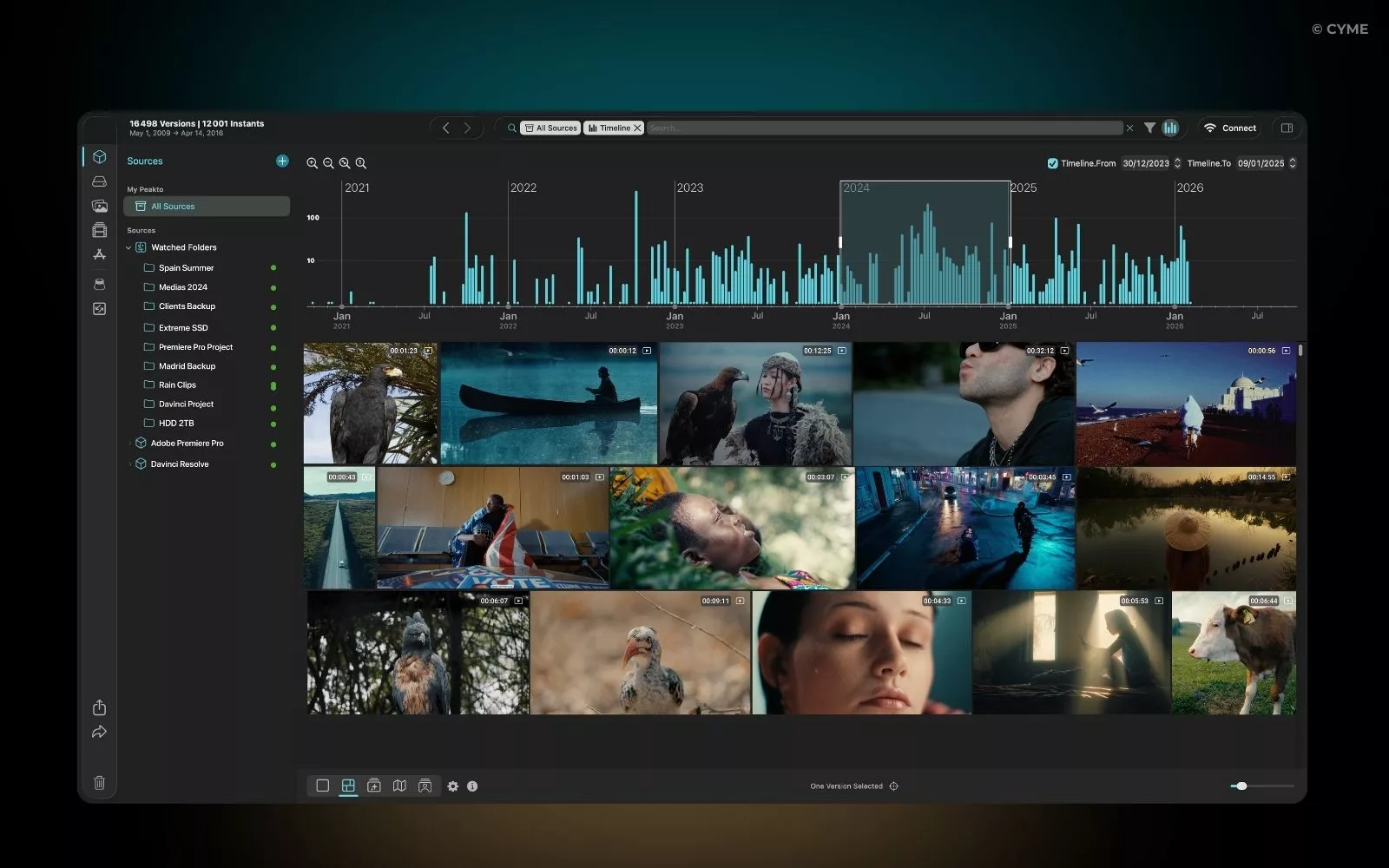
Design ingestion as a pipeline, not a one-time import. You need delta detection, deduplication, and retry logic. In practice, this means: scan sources, detect changes, pull new assets, extract signals, and write normalized records into your index.

Signal extraction should include audio tracks, transcripts, OCR of on-screen text, scene boundaries, and higher-level entities. Normalize everything into a taxonomy that teams can filter by: team, project, language, rights, and owner. This is where your “content creation process” either becomes repeatable or chaotic, because indexing quality determines whether users trust results.

Flow: Ingestion - signal extraction (ASR/OCR/scenes) - embeddings - hybrid index (metadata + vectors) - retrieval + reranking

Mixed-language footage is a common failure mode. Add sampling-based QA and measure transcript error rates per language. If you want one pragmatic benchmark for operational load, Verizon’s 2025 DBIR news release notes third-party involvement in breaches doubled to 30%, which is a useful forcing function to treat every connector and ingestion endpoint as part of your threat surface.

Key takeaways
Indexing is a product: you need QA, retries, and reprocessing strategy.
Normalize permissions and taxonomy early so filters work across sources.
Treat connectors as security-critical components, not “just integrations.”

Once your library is indexed, value only shows up when results are actionable and explainable to the user.

Configure search and summaries that drive decisions in seconds

Templates, timecodes, and multimodal search behavior

Do not make users invent prompts. Provide role-based templates: support investigations, marketing clip sourcing, compliance review, sales enablement. Each template should include filters (team, project, rights, date), plus output format (timecodes, transcript excerpt, scene thumbnails, and a reason for match).

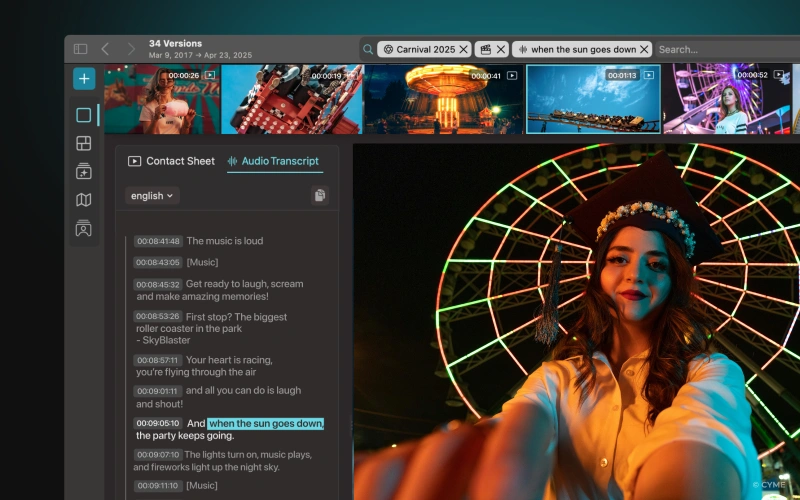
Summaries should be anchored to timecodes and internal citations, so users can verify quickly. For long recordings (webinars, trainings, recurring meetings), segment by agenda or topic and generate chapter markers.

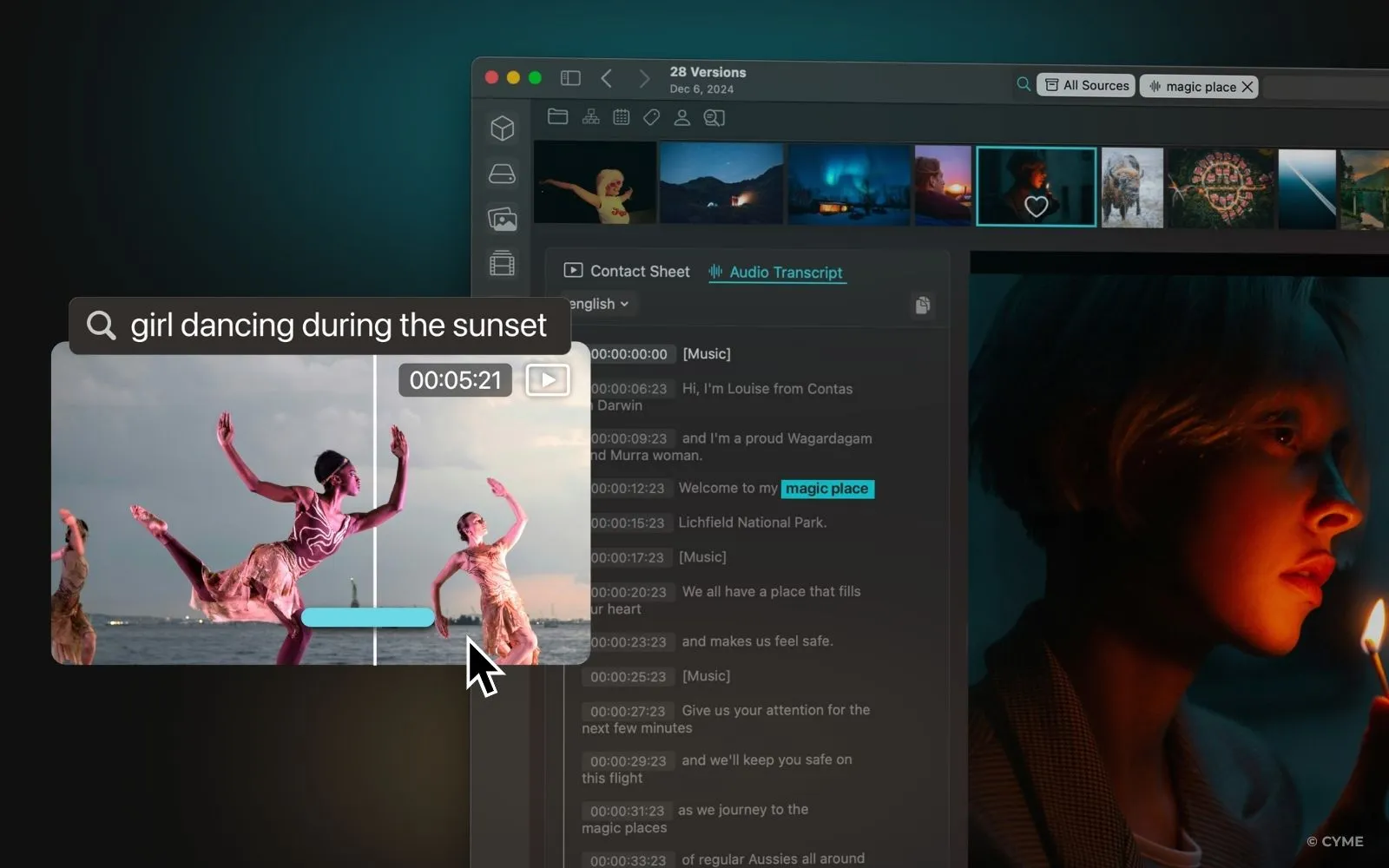
Multimodal search is the differentiator: allow text-to-video, image-to-video, and “find similar clip.” If you need a tangible argument for why verification matters, Microsoft WorkLab reports 60% of meetings are unscheduled or ad hoc, which increases the odds that the only reliable record is the recording itself.

Key takeaways
Templates beat “prompting”: bake filters and outputs into role-based queries.
Timecodes plus quotes make summaries verifiable and safe to reuse.
Segment long recordings into chapters to keep retrieval precise.

When search works, the final mile is where ROI is won: integrating results into the tools teams already use.

Integrate AI video search into workflows your teams already live in

Connect to business apps, create actions, and trace execution

Integration is where AI stops being a demo and becomes a system. Connect search outputs to your CRM, CMS, helpdesk, DAM, and team chat. Then define actions that ship work forward: create a ticket with timecodes, generate a brief, produce a clip, build a chaptered playlist, or attach evidence to a case.

Put a human validation step where brand or legal risk exists. That might be a “review before export” gate for marketing or a “counsel approval” step for legal. Encode prompts and rules so outputs match your writing style, required fields, and team preferences.

Instrument every action with business identifiers: asset ID, user ID, model/version, and policy decisions. This is how you debug errors and prove compliance later. As one instance of why “workflow first” matters, Wistia’s 2026 State of Video says 8 in 10 teams cite LinkedIn as their primary place to share videos, which means marketing often needs fast, repeatable clip pipelines, not ad hoc searching.

If you do this well, you shorten drafting time, reduce duplicate work, and unlock systematic reuse of your content across teams.

Key takeaways
Integrate “search uc0u8594 action” in the apps teams use daily to drive adoption.
Add human gates where risk is real, and log every decision for auditability.
Trace execution with IDs and versions so you can measure impact and debug fast.

As soon as you operationalize actions, governance becomes the difference between a trusted system and a blocked rollout.

Governance and compliance for multimodal pipelines

Start with role-based access: spaces by team, explicit sharing, and least privilege. Apply DLP rules where possible and implement redaction for PII and sensitive on-screen text. Treat media rights as enforceable policy: licenses, consent, permitted channels, and expiration.

Use audit trails to answer hard questions: who searched what, who exported what, and which model generated a summary. This also mitigates hallucination risk by making outputs traceable back to frames and quotes.

Quantify the security stakes for stakeholders: Verizon’s 2025 DBIR news release states credential abuse accounts for 22% of breaches and vulnerability exploitation accounts for 20%, so your SSO, patching, and connector hardening are not “nice extras.”

Key takeaways
Governance must cover access, exports, and rights, not just model choice.
Auditability reduces risk and improves trust when users challenge results.
Secure connectors and identity flows as part of your core design.

With governance defined, you can optimize performance and cost without breaking trust or slowing teams down.

Optimize latency, performance, and operational cost

Start by separating batch indexing from interactive retrieval. Batch jobs can run on cheaper compute windows. Retrieval needs low-latency paths and caching. Cache common queries, precompute thumbnails, and prioritize reranking only for the top candidates.

Measure cost drivers: ASR hours, OCR throughput, embedding generation, index storage, and reindex frequency. Control spend by reindexing only affected assets when models change. Use feedback loops from clicks and exports to improve relevance.

Plan SLA around peak collaboration: Microsoft WorkLab reports chats sent outside 9-to-5 are up 15% year over year, so after-hours usage spikes are real and should be part of capacity planning.

Key takeaways
Split batch indexing from interactive retrieval to control cost and latency.
Use caching and targeted reindexing to avoid runaway compute spend.
Operational monitoring matters as much as model quality in production.

Once the system is stable, the next challenge is adoption: making sure teams actually change behavior and you can prove value.

Drive adoption and measurable commercial value

Package use cases as a catalog: “support investigation,” “sales proof clip,” “training chapter builder,” “legal evidence pack.” Each item should include a template query, output format, and a short playbook.

Train champions inside teams. Hold office hours. Capture best queries and standardize them. This is where expertise becomes a distribution mechanism, not a bottleneck.

For a realistic baseline on adoption pressure, IBM reports 38% of enterprises are actively implementing generative AI and 42% are exploring it, so your internal users will compare your system to what they already see in other apps.

Measure ROI in 30 days with operational metrics: average time-to-clip, time-to-answer, percentage of requests resolved without escalation, and reuse rate of approved clips across campaigns or enablement.

Key takeaways
Ship a catalog of ready workflows, not a generic search page.
Enable champions and playbooks so quality scales with demand.
Prove value with operational metrics tied to real outputs.

With adoption moving, you can now simplify the plan into a sequence that avoids friction and accelerates time-to-value.

Deployment priorities for a low-friction rollout

Sequence matters. Start with high-signal use cases and restricted sources. Then add integrations and automation once trust is earned. Your minimum viable system is: a reliable index, permission-aware search, timecoded outputs, and safe actions with logs.

Watch the usual breaking points: rights data that is missing, transcript quality that varies across accents, and taxonomy drift. When those fail, users lose trust and revert to manual hunting.

To align stakeholders quickly, use a simple narrative: “We reduce time spent searching, reduce reuse risk, and increase clip throughput.” For a market anchor, Wistia’s 2026 State of Video notes on-demand webinars can keep getting plays for up to 12 months, which makes reuse workflows a durable value driver, not a one-week win.

Key takeaways
Roll out in a sequence: use cases uc0u8594 trusted index u8594 integrations u8594 automation.
Minimum viable is about trust: permissions, timecodes, and logs.
Taxonomy and transcript quality are the fastest ways to lose adoption.

After rollout planning, you need objective validation so you know what’s working and what must be corrected before scaling.

Validation, results, and the fixes that unblock go-live

Validate accuracy with top-k relevance checks, click-to-play rate, and time-to-first-usable-timecode. Run end-to-end tests: query, summary, export/action, and logging. Then run compliance checks: access boundaries, retention, redaction, and audit exports.

Build a go-live checklist: SLA targets, stabilized unit costs, and a minimum adoption threshold per team. Use weekly review loops to improve templates and reranking.

Remember that operational load grows with collaboration patterns: Microsoft WorkLab reports 30% of meetings now span multiple time zones, which increases async review and replay volume, and stresses retrieval and access control paths.

Symptom Most likely cause Priority fix What to measure next
Users say results are “close but not usable” Weak taxonomy, missing filters, no reranking Add role-based templates and hybrid retrieval with reranking Top-k precision and click-to-play rate
Timecodes feel wrong Transcript drift, mixed languages, scene segmentation errors Language detection, sampling QA, re-segmentation rules Time-to-first-usable-timecode
Legal blocks exports Unclear rights, no approval workflow Rights metadata, approval gates, export logging Export approval turnaround time
Security team rejects connectors Weak identity mapping, poor audit coverage SSO hardening, least privilege, full audit events Connector risk assessment pass rate
Costs spike after “small” changes Full reindexing, no caching Targeted reindexing and query/result caching Cost per indexed hour, cost per query
Key takeaways
Validate end-to-end: query uc0u8594 summary u8594 action u8594 logs, not isolated components.
Use a symptom-to-fix matrix to prioritize what truly blocks adoption.
Go-live should be gated by trust metrics and operational stability, not launch dates.

To remove the last blockers, here are direct answers to the questions teams ask during pilots.

FAQ: AI workflow integration for video search

What pilot scope lets you launch quickly without cutting corners?

Start with 1–2 teams, 2–3 sources, and one workflow that ends in an action (ticket, clip, or evidence pack). Keep languages limited and enforce strict permissions. Use one taxonomy and one approval gate. This creates trust early and avoids rework when you expand.

How do you connect a DAM and a helpdesk without creating integration complexity?

Use connector patterns with clear boundaries: ingestion reads from the DAM, search returns timecodes, and the helpdesk stores only references (asset IDs, time ranges, quotes). Keep raw media in one place. Add audit logs for every export and every ticket created from search results.

How accurate should timecodes and summaries be in a real enterprise setting?

Expect variance by audio quality, accents, and mixed languages. Your goal is “usable timecodes” that land users in the right segment quickly, with quotes they can verify. Improve reliability with sampling QA, better segmentation rules, and templates that narrow scope through filters.

What is the biggest risk when integrating AI video search into workflows?

The biggest risk is unauthorized leakage through exports, sharing, or overbroad search access. Fix this with least-privilege roles, rights metadata, redaction workflows, and auditability. Treat connectors and service accounts as high-risk because they often have broad access if unmanaged.

How does AI-powered video search compare to “basic transcript search”?

Transcript search is useful but fragile when transcripts are wrong or when the signal is visual. AI-powered search can retrieve by scene, objects, on-screen text, and similarity, then return timecodes and highlights. It also supports workflow actions, which is where measurable ROI usually comes from.

Which KPIs prove business value in 30 days?

Track time-to-answer for support, time-to-clip for marketing, and evidence assembly time for legal. Add adoption (weekly active users), click-to-play rate, and the percentage of searches that lead to an action. If those move, you have proof that behavior changed, not just tool usage.

You get ROI from AI video search when you build a reliable index, make results verifiable with timecodes, and integrate actions into daily tools. The technical stack matters, but governance and workflow design decide whether people trust it and use it. Start with one high-value workflow, instrument it end-to-end, then expand sources and automation once your validation metrics are stable.

You may also like...

Explore Peakto in video

Watch our demo video, then sign up for a live FAQ session to connect with our team.
How to Organize Your Photos Using Keywords 01
Hey, wait...
Inspiration, Tips, and Secret Deals — No Spam, Just the Good Stuff