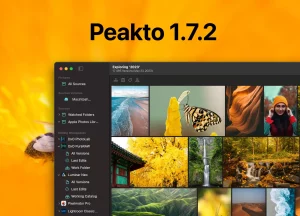




Photo management software like Peakto is essential for photographers who work with large libraries of images. Whether you’re a professional photographer managing thousands of shots from multiple shoots or a casual user organizing family photos, the right software can save you hours of time and help you find photos quickly.
In this guide, we’ll cover the key features to consider when choosing the best photo organizer in 2026, from basic organization and photo characterization to advanced AI capabilities, cloud storage options, and workflow optimization. We’ll also help you identify the software that best matches your specific needs.
What is Photo Management Software?
Photo management software helps you organize, store, and retrieve photos efficiently. Modern solutions include features like:
- Photo characterization: Automatic tagging, facial recognition, and metadata extraction
- AI-powered features: Intelligent culling, batch processing, and content analysis
- Storage options: Cloud-based or local storage solutions
- Workflow optimization: Tools to streamline your photo organization process
- Pricing flexibility: Free, paid, and subscription-based options
Whether you need a free photo organizer or a professional-grade solution, there’s software available to match your budget and workflow requirements.

What Does a Photo Manager Do?
In the digital age of photography, both amateur and professional photographers find themselves managing hundreds of files, which can quickly become overwhelming. This is where photo management software steps in, becoming your ultimate ally and making it easier and more enjoyable to handle your digital images. At its core, a photo manager helps to do photo characterization through handy features like advanced tagging, facial recognition, and even AI-powered content analysis. It also simplifies your work as a photographer by automating those tedious tasks like sorting and categorizing. This means you can quickly find that perfect shot among thousands, saving you time and frustration!
But that’s not all! Photo managers have another trick up their sleeve: they’re fantastic at handling non-destructive editing. This game-changing feature has revolutionized how we work with our images. With modern software like Adobe Lightroom, Capture One, and Luminar, you can edit your photos without touching the original file. This means you can create multiple versions of the same image, experimenting with different styles while keeping your initial shot safe. While this flexibility is fantastic, it can lead to a lot of files to manage. That’s where the image organization rool really shines! It helps you organize, view, and find all those different versions easily, so you can focus on what you love—creating stunning images!

Image organizing tools are also designed to handle photos taken with various camera types, whether you’re shooting with a smartphone or a high-end DSLR. Accessing metadata is another great perk; it allows you to view and edit important information like camera settings, location data, and copyright details—all in one place!
When it comes to organization, photo managers are true superstars. They offer intuitive folder structures, smart albums, and customizable collections, making it super easy to keep your digital archive neat and tidy. Finally, they provide secure options to save your photos, including cloud storage integration and backup features, ensuring that your precious memories and professional work are always safe and sound. With a good photo manager by your side, managing your photography has never been easier or more fun!
What Photo Library Organizer Is Available on the Market?
Free vs. Paid Options
Good news! There are excellent options for every budget, and to find the right one, simply compare free photo management software. If you’re looking for a free solution, Google Photos is a popular choice, offering basic organization tools and 15GB of free storage. For Mac users, Apple Photos comes pre-installed and serves as a great starting point.
If you’re willing to invest a little, Adobe Lightroom and Capture One Pro are professional-grade solutions that offer advanced features, ideal for photographers seeking more control and flexibility.
Cloud vs. On-Premise Solutions
Now, let’s talk about where your photos will live. Cloud vs local photo management software presents two different approaches. Cloud-based solutions like Google Photos or Adobe’s Creative Cloud offer the convenience of accessing your photos from anywhere.
On the other hand, on-premise software like FastStone Image Viewer (Windows) or the Media Manager Peakto (Mac) keeps everything on your local machine, giving you more control over your data. Can’t decide? Some software offers hybrid models, allowing you to keep current photos locally while archiving older ones in the cloud.
Mac vs. PC Compatibility
Good news for Mac users! Many great options like Adobe Lightroom and Peakto are available for Mac. However, some software like FastStone Image Viewer is Windows-only, so keep that in mind when choosing.
AI-Powered Features
Here’s where things get really exciting! Many modern players are now integrating artificial intelligence (AI), and this AI photo management software makes your life much easier. AI can revolutionize how you manage your photos by automating tasks that would normally take up a lot of time.
For example, Image Content Analysis allows AI to automatically tag and categorize your photos based on the objects, scenes, or themes within them, saving you the trouble of manual tagging. Face Recognition technology can help you easily find photos of specific people without having to manually tag each one. Need that perfect beach sunset photo? With Search by Description, simply type a description like “beach sunset,” and AI will locate it for you in seconds. And with Search by Similarities, AI can quickly identify photos with similar compositions, colors, or elements, enabling you to find images that share a common aesthetic or theme with just one click.
What Are the Features of a Photo Management Software?
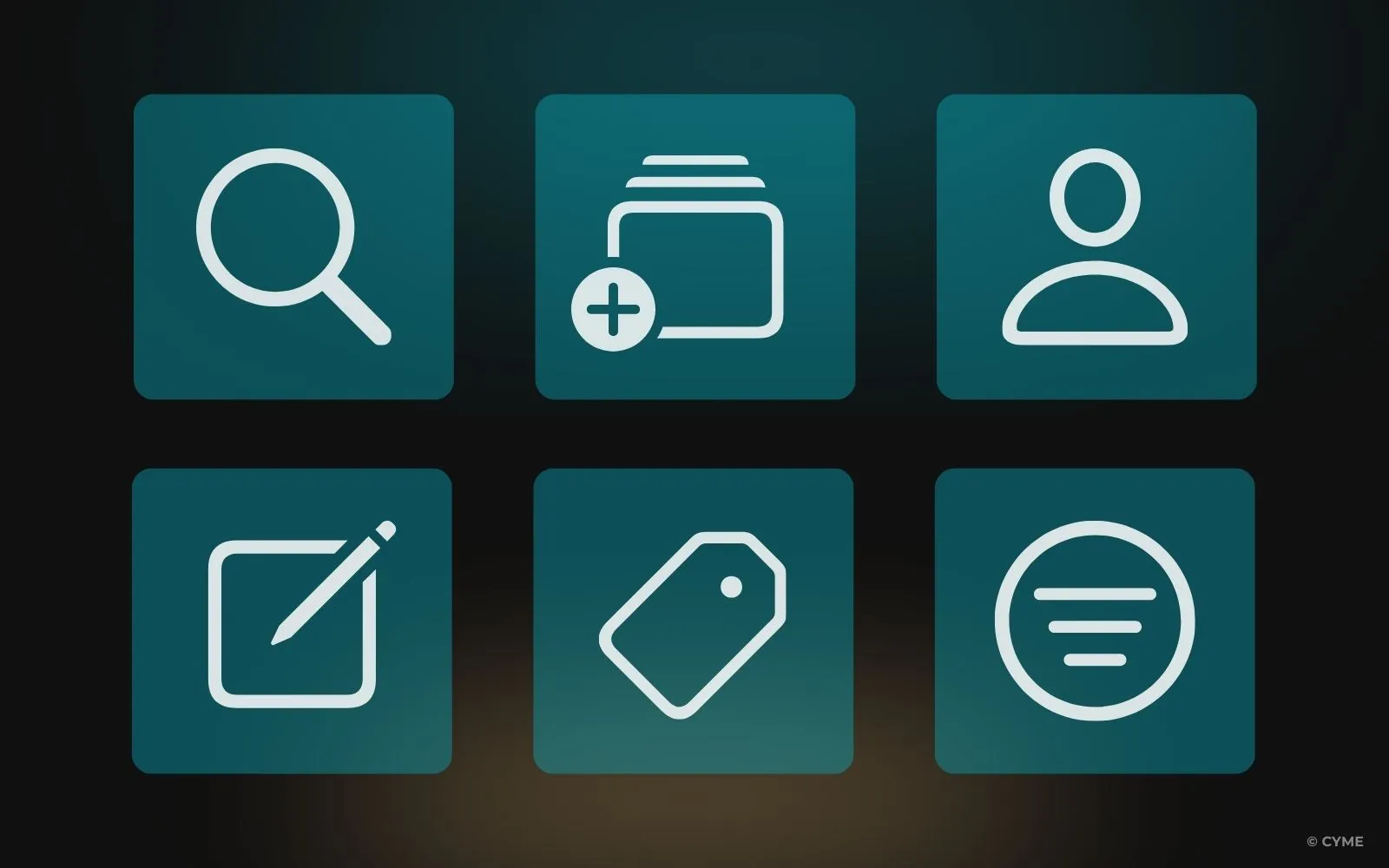
A photography asset organizer is like having a personal digital assistant for your visual memories. These clever tools transform the often overwhelming task of organizing thousands of photos into a breeze, allowing you to streamline your photo management workflows.
1. Facial Recognition
With advanced facial recognition technology, the software can automatically identify and group photos of specific people, saving you hours of manual sorting. Imagine being able to instantly find all pictures of your grandparents or your best friend with just a simple search!
2. Photo Tagging
Many tools also include automatic tagging, which uses AI to label your images with keywords like “mountains,” “pets,” or “party,” saving you hours of manual work.
3. AI-Powered Search
4. Search by Similar
5. Creating Selections
Creating customizable albums is a breeze when all your images are in one place, allowing you to curate and showcase your favorite memories in beautiful, themed collections.
6. Powerful Filters
7. Keyword Tagging
Use keywords to tag photos for efficient retrieval (e.g., “beach,” “vacation”). A consistent system ensures uniformity, and it’s easier when you have one tool to manage all your content. Tagging is especially helpful for retrieving your images or when you want to sell them on a photo bank.
8. Color Coding
Categorize photos visually using color labels. Color coding is an effective visual technique to organize and streamline photo editing workflows. For example, you can tag in-progress images in ‘yellow’ and complete edits in ‘green’.
9. Folder Structuring: Create a clear folder hierarchy based on years, events, or categories. Use a naming convention like “YYYY-MM” to ensure proper sorting.
10. Metadata Management: Add context using metadata, including location, camera settings, and date. Templates streamline this for specific types of photography.
11. Backup Strategy: Regularly back up your collection using both cloud services and external drives for added security.
12. Smart Collections: Automate organization with smart collections based on predefined criteria such as ratings or keywords.
Need help choosing the right software?
For a detailed step-by-step guide on how to evaluate and choose the best photo management software for your specific needs, see our guide on how to choose photo management software .
What Is the Best Program to Organize Photos?
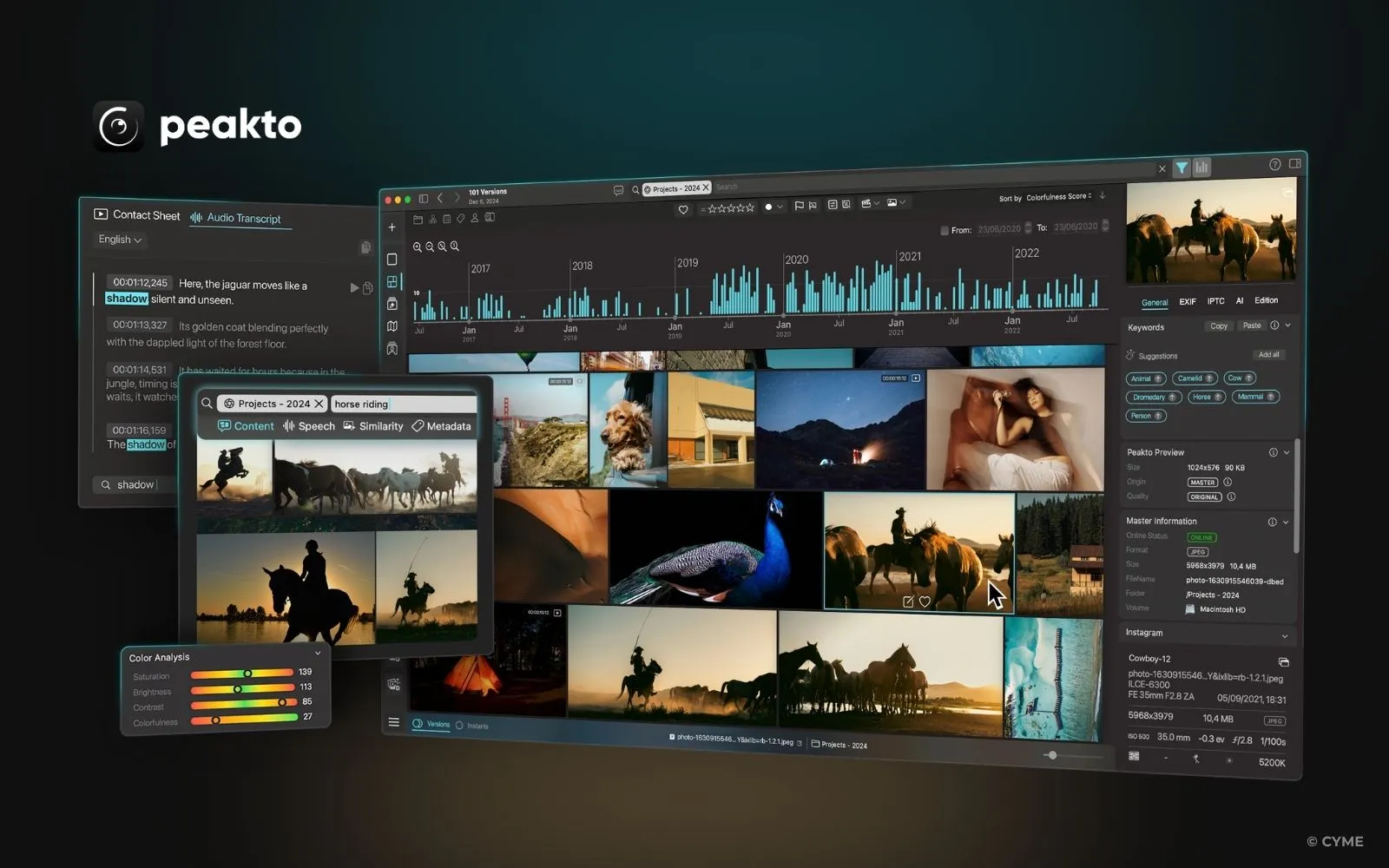
The best photo organizer really depends on what you need and how you like to work, but there are some clear standouts worth exploring. For Mac users, Peakto is a fantastic choice. It connects seamlessly with various editing apps, uses AI to organize your photos intelligently, and keeps your data private. Plus, it centralizes images from multiple sources and has powerful search tools to help you find exactly what you need.
If you’re a pro photographer, Adobe Lightroom is recognized for its comprehensive editing tools and robust organizational capabilities, suitable for both amateurs and professionals. Capture One’s combination of powerful organizational tools and high-quality editing capabilities makes it a standout choice for professionals and serious hobbyists.
Looking for something budget-friendly? ON1 Photo RAW offers an easy-to-use interface with features like AI-powered keywording, making organization a breeze. For a free option, Apple Photos is a great pick for Mac users, especially with its smooth integration across all your Apple devices.
Windows users aren’t left out either—ACDSee Photo Studio combines powerful cataloging (think facial recognition and batch processing) with advanced editing tools to keep your workflow efficient and organized.
At the end of the day, the “best” photo organizer is the one that fits your budget, handles your collection size, and meets your organizational needs, so don’t be afraid to try out a few and see what clicks!
Top Photo Management Software Comparison Table
Here's a quick comparison of the leading photo management software options:
| Software | Best For | Price | Key Features |
|---|---|---|---|
| Peakto | Multi-catalog consistency | Subscription | Batch culling, multi-catalog support |
| Adobe Lightroom | Professional photographers | Subscription | RAW editing, cloud sync, AI features |
| Capture One | Studio photographers | One-time or subscription | Advanced editing, tethering, batch processing |
| Google Photos | Casual users | Free (with limits) | Cloud backup, AI search, easy sharing |
| Apple Photos | Mac users | Free (with iCloud) | macOS integration, iCloud sync, simple interface |
| Mylio | Cloud sync enthusiasts | Subscription | Cloud sync, cross-device, AI features |
| Excire | Standalone users | One-time purchase | Powerful search, AI tagging, no subscription |
| Digikam | Budget-conscious users | Free (open-source) | Powerful features, no cost, community support |
Want more details? See our complete guide on choosing photo management software for a step-by-step evaluation process.
Explore the Full Guide
Dive deeper into specific aspects of photo management with our comprehensive guides:
Photo Characterization
Learn how to tag, organize, and find photos using AI-powered characterization features like facial recognition and auto-tagging.
Read more →Free vs Paid Software
Compare free and paid photo management options to find the best value for your budget and workflow needs.
Read more →Simplify Your Workflow
Discover how to streamline your photo organization process and save hours with the right software and workflow strategies.
Read more →AI-Powered Features
Explore advanced AI capabilities like intelligent culling, batch processing, and content analysis for efficient photo management.
Read more →Cloud vs Local Storage
Compare cloud-based and local photo management solutions to choose the best storage strategy for your needs.
Read more →How to Choose
Follow our step-by-step guide to evaluate and select the perfect photo management software for your specific needs.
Read more →How Much Does Photo Management Software Cost?
The cost of media management software varies widely depending on the features, functionality, and whether it’s a one-time purchase or subscription-based. Here’s a general breakdown:
Free Options
Affordable Paid Software
High-End Software
Many professional-grade photo management tools operate on a subscription model, offering varying pricing based on the features and capabilities they provide. For instance, Adobe Lightroom, which is part of the Adobe Creative Cloud Photography plan, starts at $9.99 per month and includes access to Photoshop. Capture One offers subscriptions starting at $24 per month, or the option to purchase the software outright, though pricing can fluctuate depending on the version and features selected.
Similarly, Peakto, which offers advanced features such as AI-driven organization and integration with multiple editing apps, is priced at around $9.99 per month or $99 per year, providing great value for photographers with complex organizational needs.
For those with more basic needs, free tools are available, offering simple solutions. Meanwhile, affordable subscription-based options are well-suited for photographers with more advanced workflows. When choosing the right software, it’s important to consider your budget, the size of your photo collection, and the features that will best support your daily work.
Maximize Your Photography Workflow with the Right Tools

In the ever-evolving world of digital photography, efficient photo management is no longer a luxury but a necessity. Whether you’re a seasoned professional or an enthusiastic amateur, the right photo software can simplify your photo organization workflow, making it seamless and enjoyable. From organizing and tagging your images to creating stunning albums and selling your work, these tools are designed to enhance your productivity and creativity.
Embrace the power of photo management software to streamline your processes, ensuring that every captured moment is easily accessible and beautifully showcased. With the right tools at your disposal, you can focus on what truly matters—capturing and sharing the world through your unique lens.