
Deduplication Tool
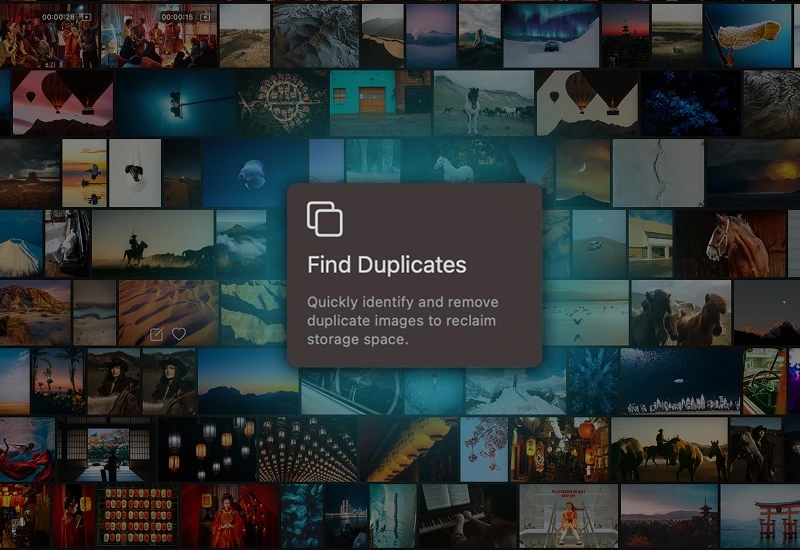
Find duplicate photos across your entire library
Identify identical and near-duplicate images wherever they are stored.
7-day free trial included
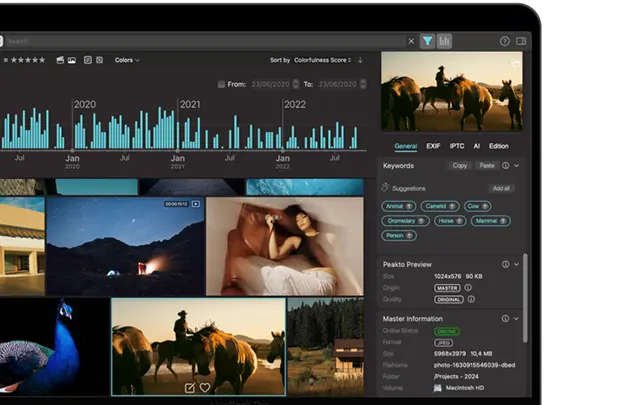
Peakto is a media management software for creators that streamlines their workflow, allowing them to spend more time creating thanks to powerful AI-powered features.
AI-Powered Duplicate Detection
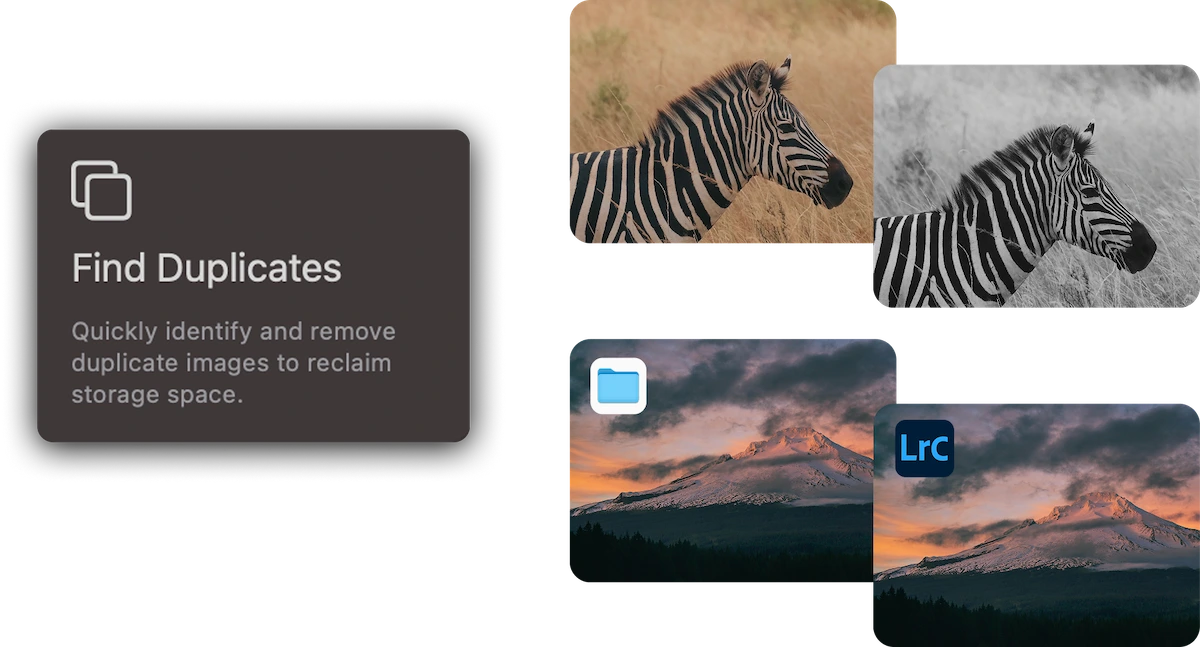
Peakto’s AI detects exact duplicates as well as near-duplicates created by exports, backups, edits, or format variations.
Built for Large Photo Libraries
Whether your library spans years of work or multiple drives, Peakto delivers fast, reliable deduplication at scale.
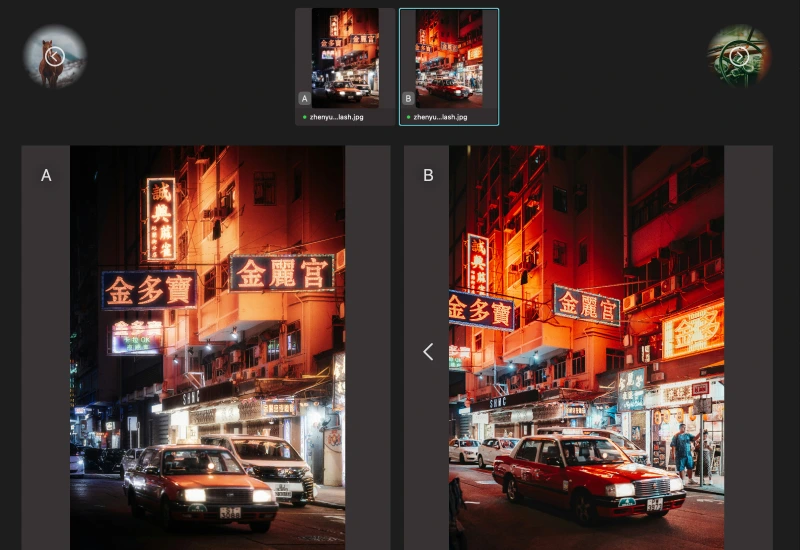
Fast Visual Comparison
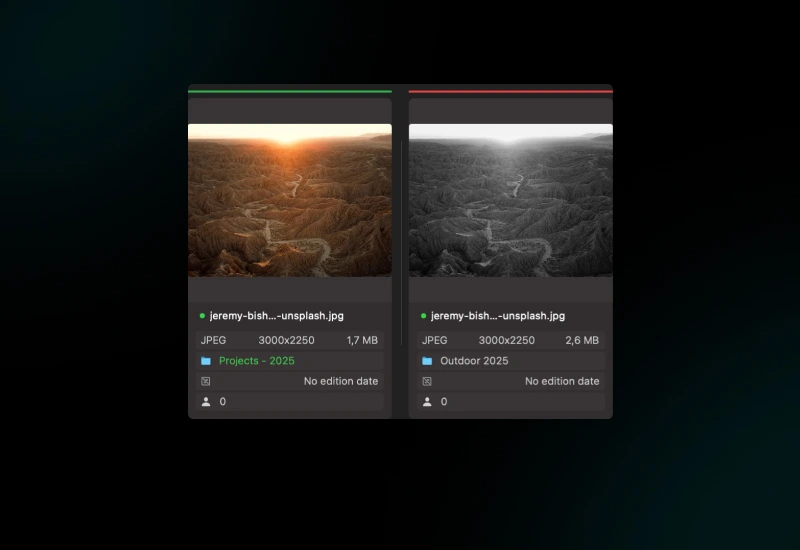
A dedicated comparison interface lets you review duplicates side by side and confidently choose what stays and what goes.
See what customers say about Peakto
3 benefits of using Peakto’s deduplication tool
Bring order and confidence to every photo decision.
Free Up Disk Space
Duplicate photos silently consume terabytes over time. Peakto helps you recover space without manually searching folder by folder.
Clean Your Library Without Risk
Peakto never deletes automatically. You stay in control, reviewing each duplicate before sending it to the trash.
Eliminate Hidden Redundancy
Find duplicates you didn’t know existed. Exports, backups, edited versions, and mirrored catalogs often create invisible redundancy. Peakto reveals and resolves it globally.
Discover this feature in a short video
Find similar files and keep the strongest image.
1
Choose Your Scope
Start from anywhere: a single collection, a folder, a catalog, or even your entire library.
2
Adjust Your Rules
Adjust similarity and define smart rules to keep only the best image.
3
Review Your Groups
Review similar images, compare them, and apply actions in one step.
6 reasons why Peakto is the
best media manager
Apple Native
Peakto ensures smooth performance and seamless integration with the Apple ecosystem, delivering a fast, reliable, and intuitive experience.
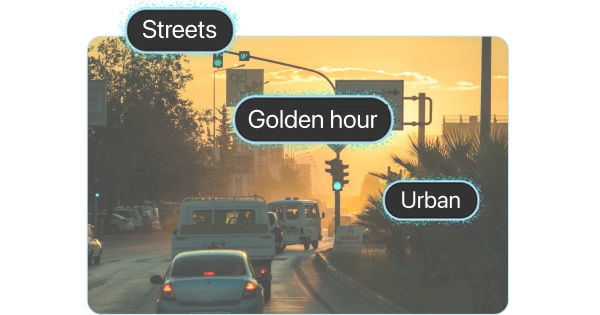
AI-Powered
Centralized Organization
Continuous Improvement
Large Compatibility
Workflow Integration
Find even more features inside Peakto
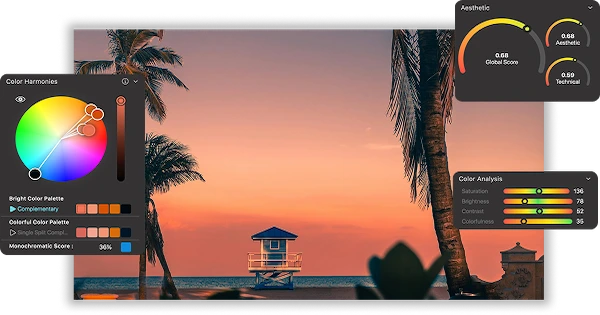
Aesthetic Analysis
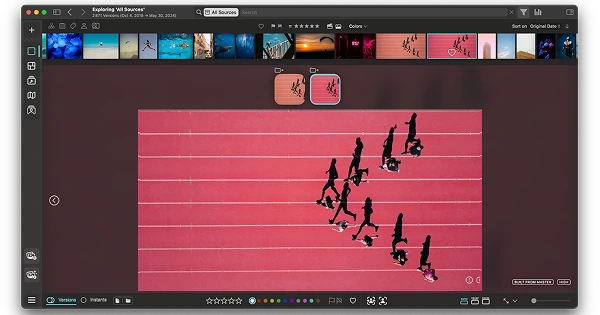
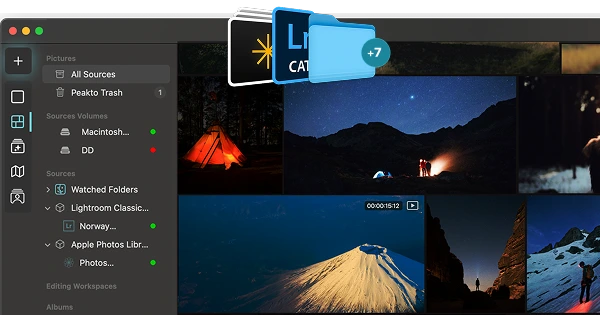
Multi-Source Viewer
Panorama View
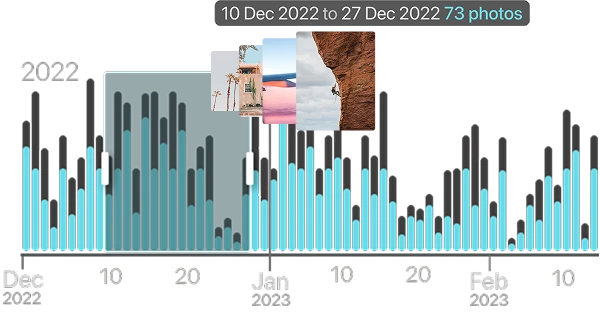
Timeline Widget
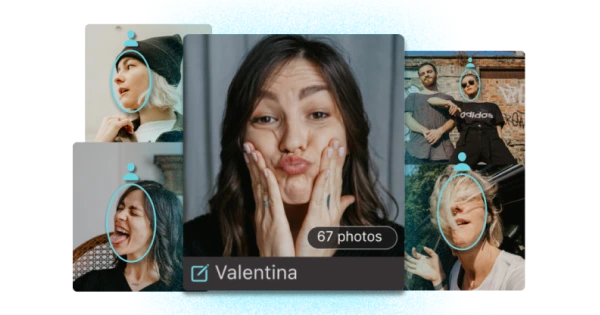
Face Annotation
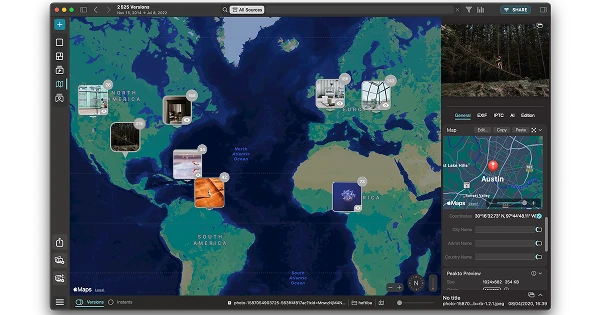
Map View
Your content is more than files—they’re memories tied to places. Peakto’s Map View lets you relive your best moments by exploring your…
Smart Keywords
Importing Sources
Filters & Metadata
Exporting Media
Centralized Trash
Frequently Asked Questions
What is Peakto?
Peakto is an intelligent media manager designed for videographers and photographers. It centralizes your photos and videos from multiple sources — editing software, catalogs, hard drives, servers, or NAS — into one unified space.
Thanks to its artificial intelligence, Peakto automatically identifies the content of videos and images, allowing you to quickly find the files you’re looking for. It streamlines the organization, search, and sharing of your media, even within collaborative projects.
How do I get Peakto?
To obtain Peakto software, follow these steps:
- Purchase Peakto: Visit the Peakto store and choose between a subscription plan or an unlimited license.
- Download Peakto: After completing your purchase, you will receive an email with a link to download the software.
- Trial Period: Note that the 7-day trial period is only available with subscription plans.
How does it work?
Provide your payment information via credit card or PayPal. You will not be billed for the subscription until the end of the 7-day trial period. The free trial automatically converts to a monthly subscription (1, 12, or 24 months) unless canceled before the end of the trial period. After the trial period ends, all license purchases are final and non-refundable.
What is deduplication in Peakto?
Deduplication in Peakto helps you identify and manage duplicate or near-identical photos across your entire photo library. Using AI, Peakto groups visually similar files so you can keep the best version and remove the rest.
How does Peakto decide which images to keep?
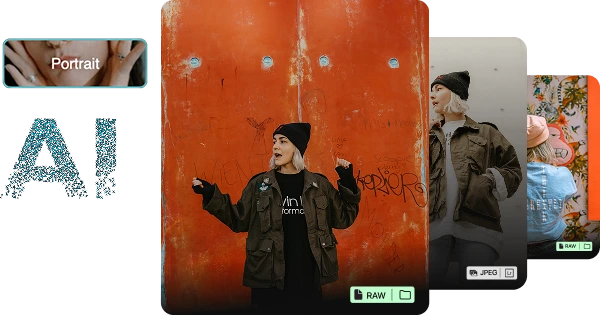
Peakto uses customizable rules to help select the best version within each group—such as file type (RAW vs JPEG), image size, and existing ratings. You can reorder or disable rules and always make the final decision.
Am I in control of what gets deleted?
Can I apply actions in bulk after deduplication?
Yes. Once your selections are made, you can apply actions to all picks or rejects at once—such as adding flags, color tags, moving files to trash, or creating albums.
Does deduplication work if some drives are offline?
Where can I find technical support?
We are here to answer your questions. To get support, take a look at the Knowledge Base, submit a Ticket, or join the Community. You can find all this information on the Contact page of our website.