Peakto vs. Mylio
See how Peakto compares with Mylio for organizing and finding photos and videos
Quick overview
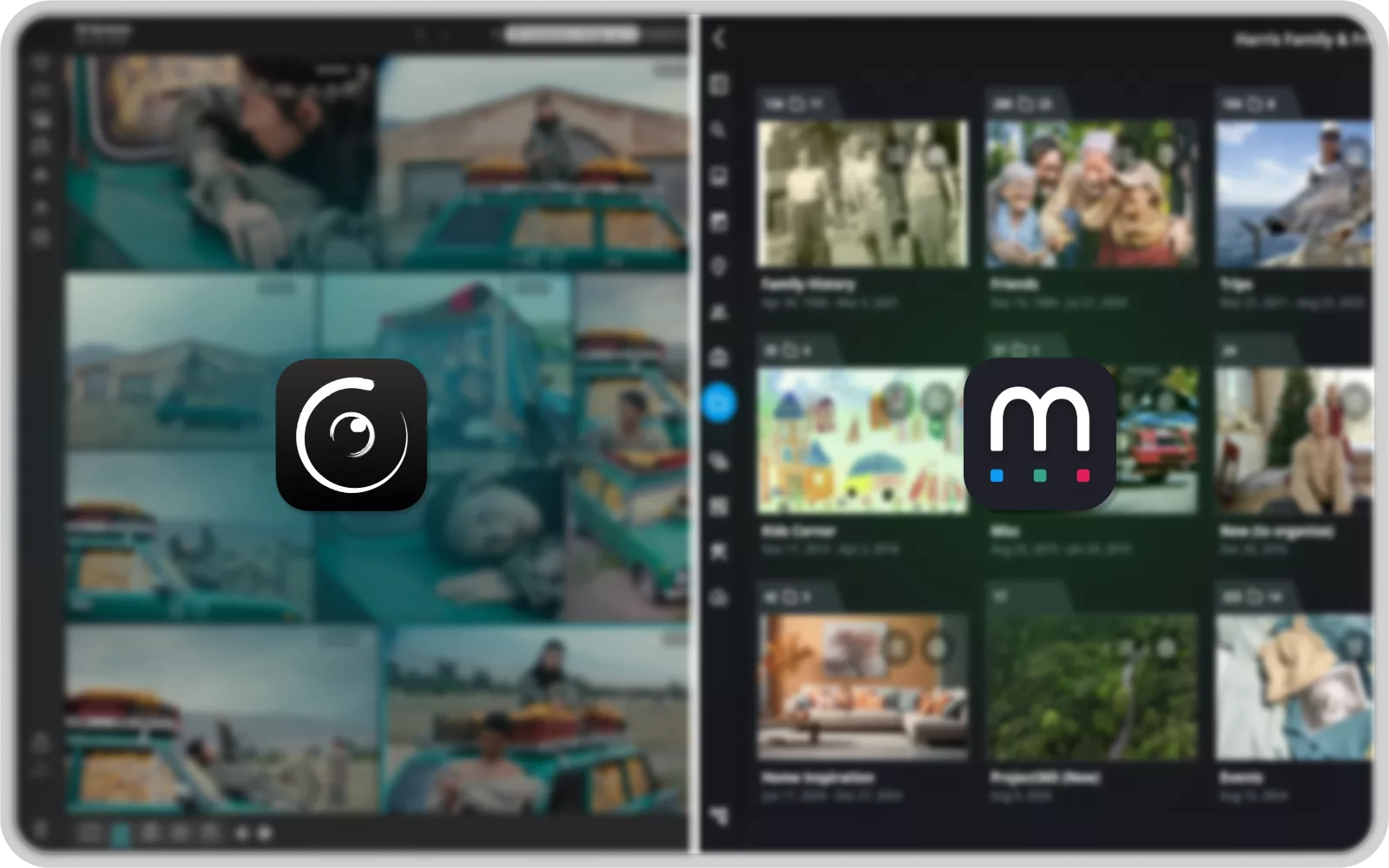
Two different approaches
Advanced Photo & Video
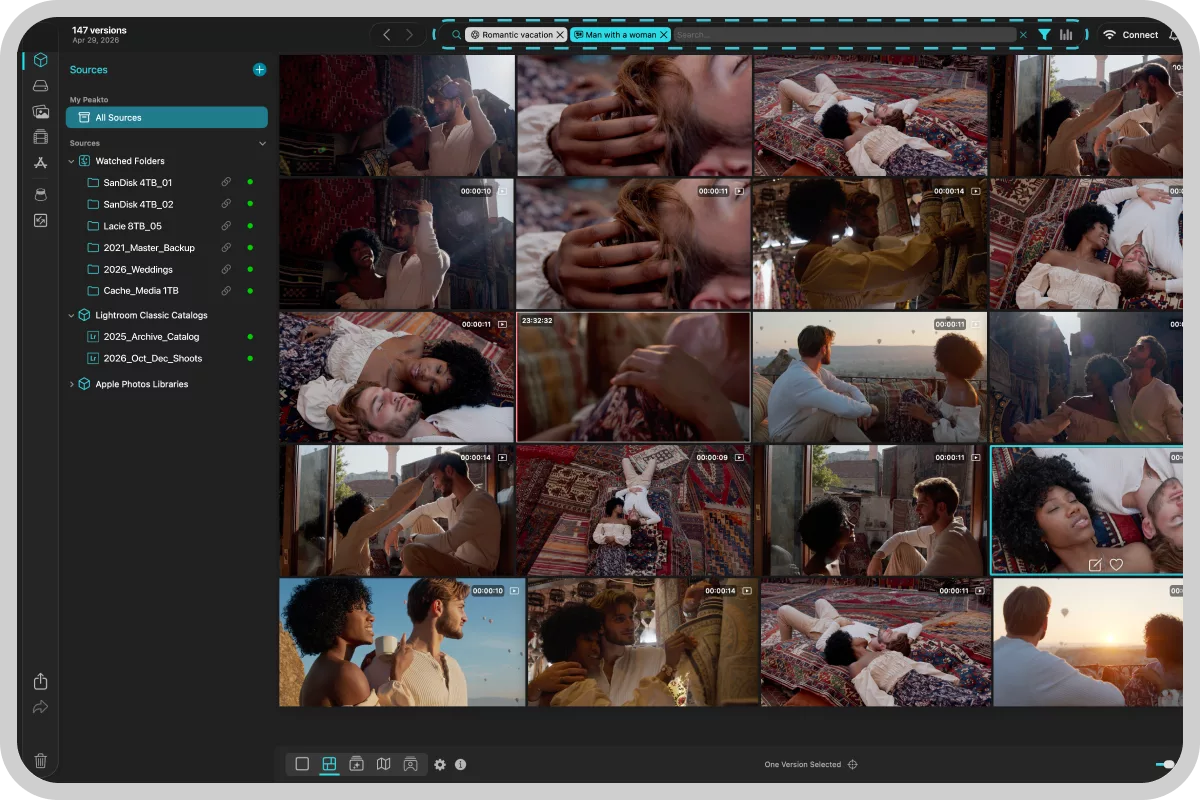
Search with Peakto
Peakto is built for creators and teams who want to find any photo or video in seconds across catalogs, folders, drives, and NAS—without duplicating files. Its 100% local semantic AI delivers fast, private search on Mac.
Simple Family Photo
Sharing with Mylio
Mylio is ideal for simple family sharing across iOS and Android, keeping everyone’s photos accessible on their phones with an easy sync-based approach—though its search capabilities are generally less advanced.
Key takeaways
Biggest differences that matter
Semantic search intelligence
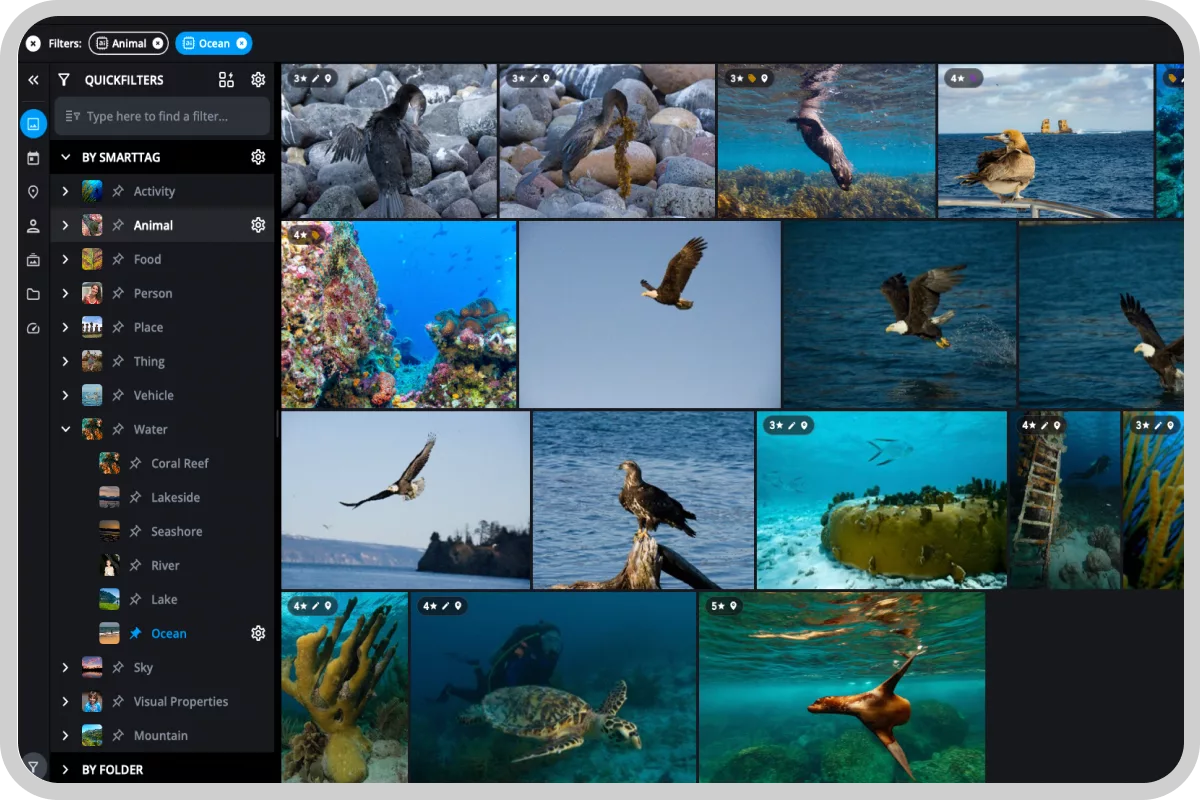
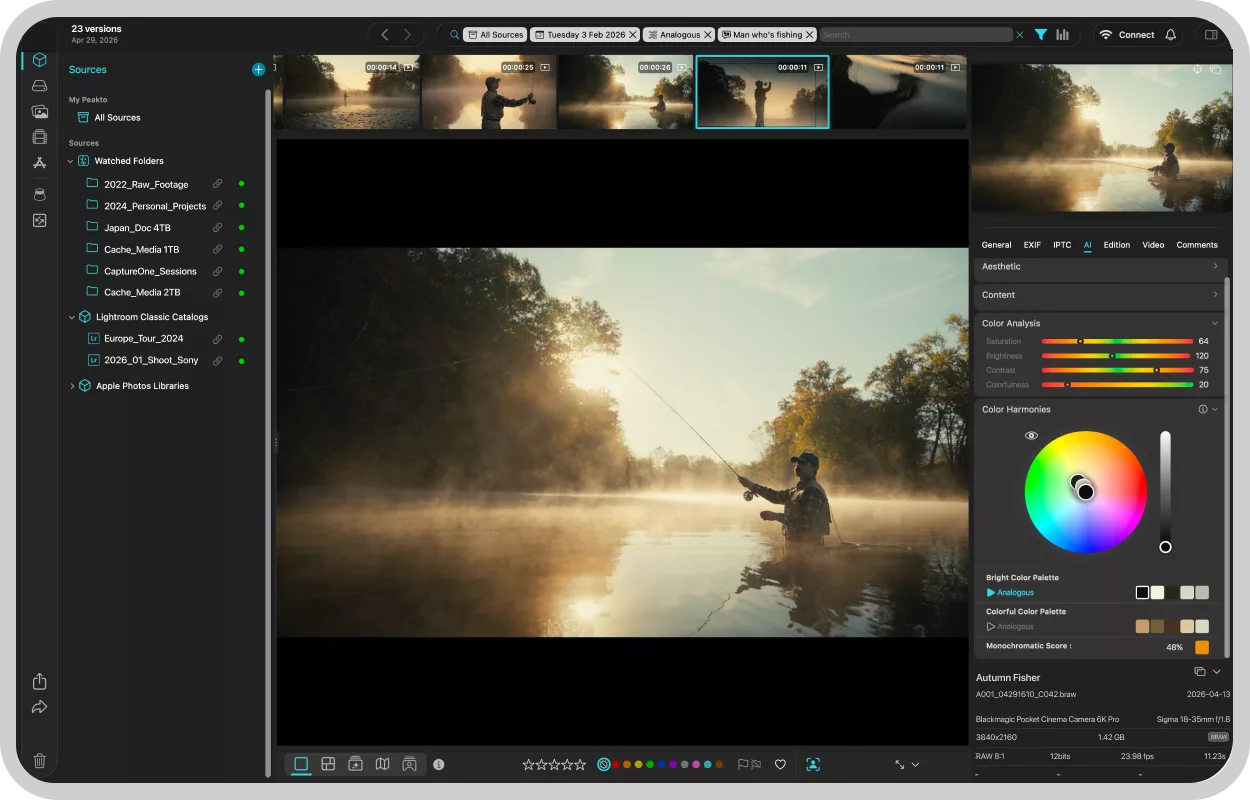
Where Mylio mainly relies on basic tags and face recognition, Peakto goes further with next-gen semantic AI. You can find a photo—or even a specific moment inside a video—just by describing it (e.g., “a walk in the forest at sunset”), without having to manually sort everything first. And because the analysis runs 100% locally on your Mac, your media stays private: no cloud upload, no data leaving your device.
Non-destructive workflow
While both tools are “filesystem-based” (they don’t move your files), their approach is different. Mylio builds its own database so your organization lives mainly inside Mylio’s ecosystem. Peakto works as a non-destructive control tower: it reads your existing catalogs without modifying them. That means you can unify multiple sources—and even switch editing software later—without losing your structure.
Video management
When it comes to video, Mylio mostly behaves like a file browser—helpful for viewing and organizing clips, but limited in deeper analysis. Peakto goes further: it can analyze your footage to help you find a specific scene or moment in just a click. For anyone who wants to truly reuse and leverage a video archive, that means a massive time saver—not minutes, but hours over the course of a project.
Peakto vs. Mylio
Feature comparison
Legend: ✔ = full support · ◑ = partial / plan-dependent · ✘ = not announced / n.a.
Final score
This score is indicative and non-exhaustive, based only on the features listed above. The key is to identify your needs to find the solution that fits your workflow best.
Peakto
64
Mylio
50
Your workflow comes first
Find the right tool for your needs
Peakto
Choose Peakto if your priority is to find any file in seconds, even when your media is scattered across catalogs, folders, drives, or a NAS. Peakto helps you organize with ratings, annotations, and smart albums, while staying aligned with the editing tools you already use—so your structure remains consistent across your workflow.And if you work with video, Peakto becomes the long-term companion that grows with you, helping you manage and rediscover footage as your projects and needs evolve.
Photographer
Family
Videographers
Teams
Starting at $10/month
Free trial available
Mylio
Choose Mylio if your priority is to keep a single library with you at all times, with seamless continuity across devices (Mac/PC/iOS/Android). It’s especially useful if you want built-in redundancy—using copies/vaults to help protect your photos across multiple locations.Mylio is primarily designed for personal and family use, making it easy to keep everyone’s photos accessible and shared across phones and computers.
Photographer
Family
Starting at $15/month
Free trial available