Eighty-four percent of US adults say they use YouTube, which means your metadata is competing in a brutally crowded discovery surface. Pew Research Center shows how mainstream video platforms have become, but search visibility still comes down to your own naming, descriptions, rights, and governance. This guide gives you a workflow you can run across teams, platforms, and regions, without turning your library into a spreadsheet graveyard.
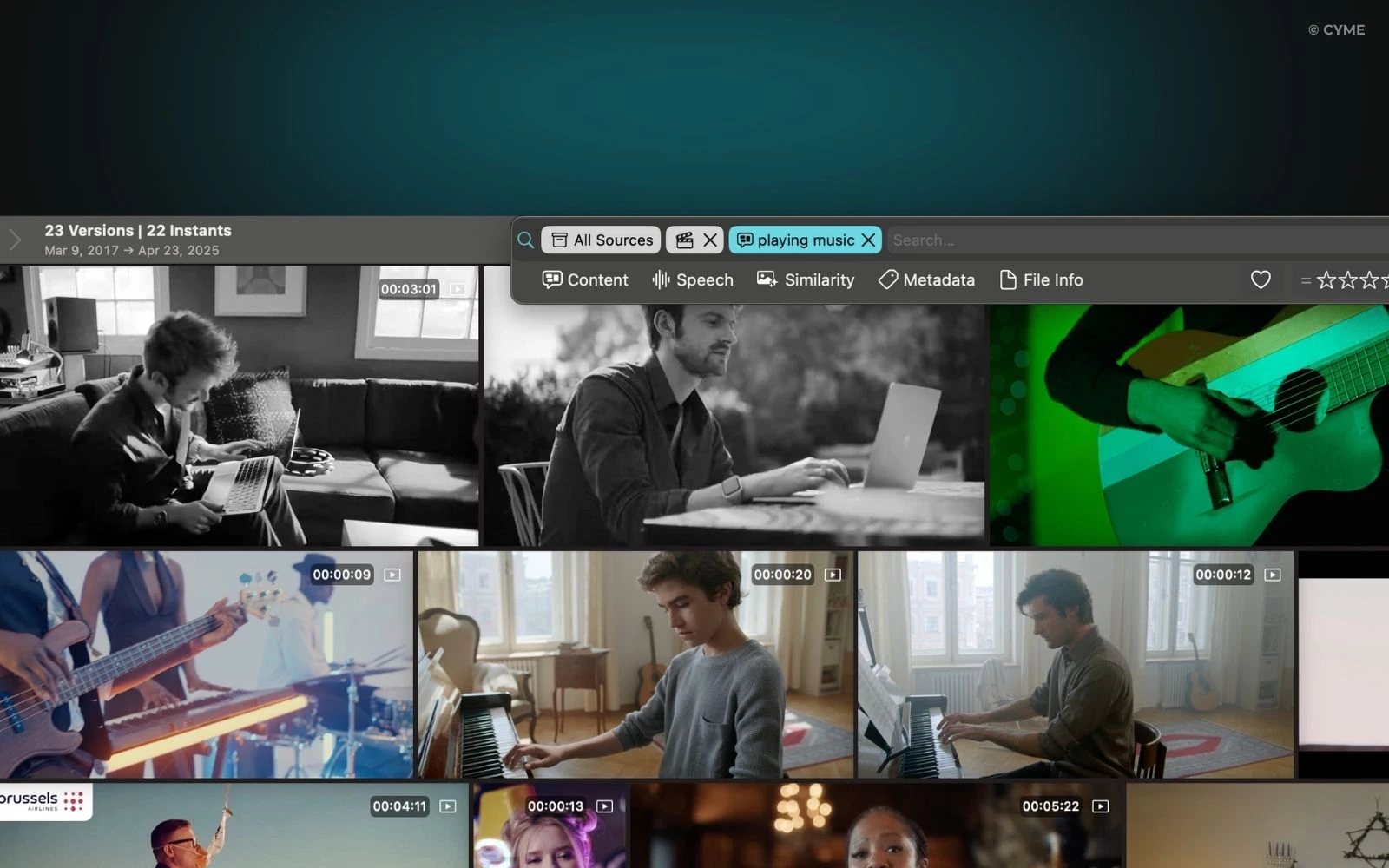
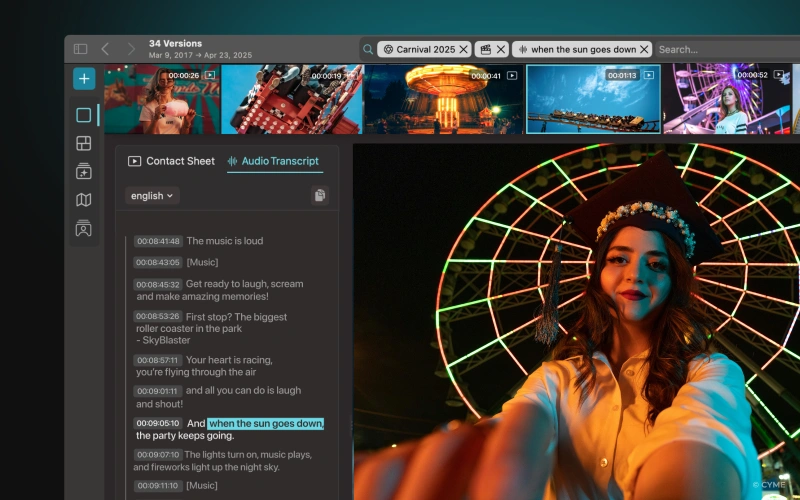
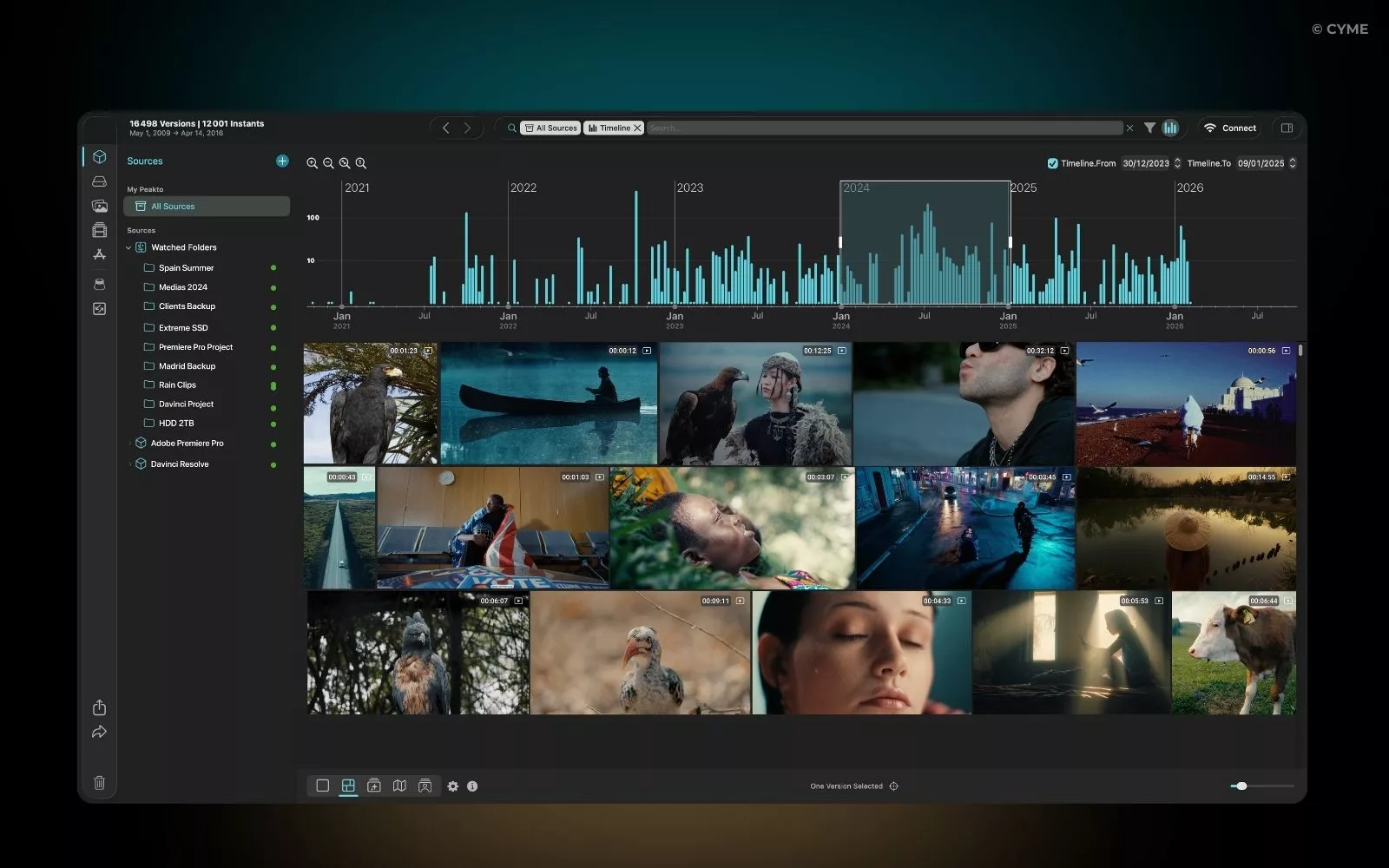
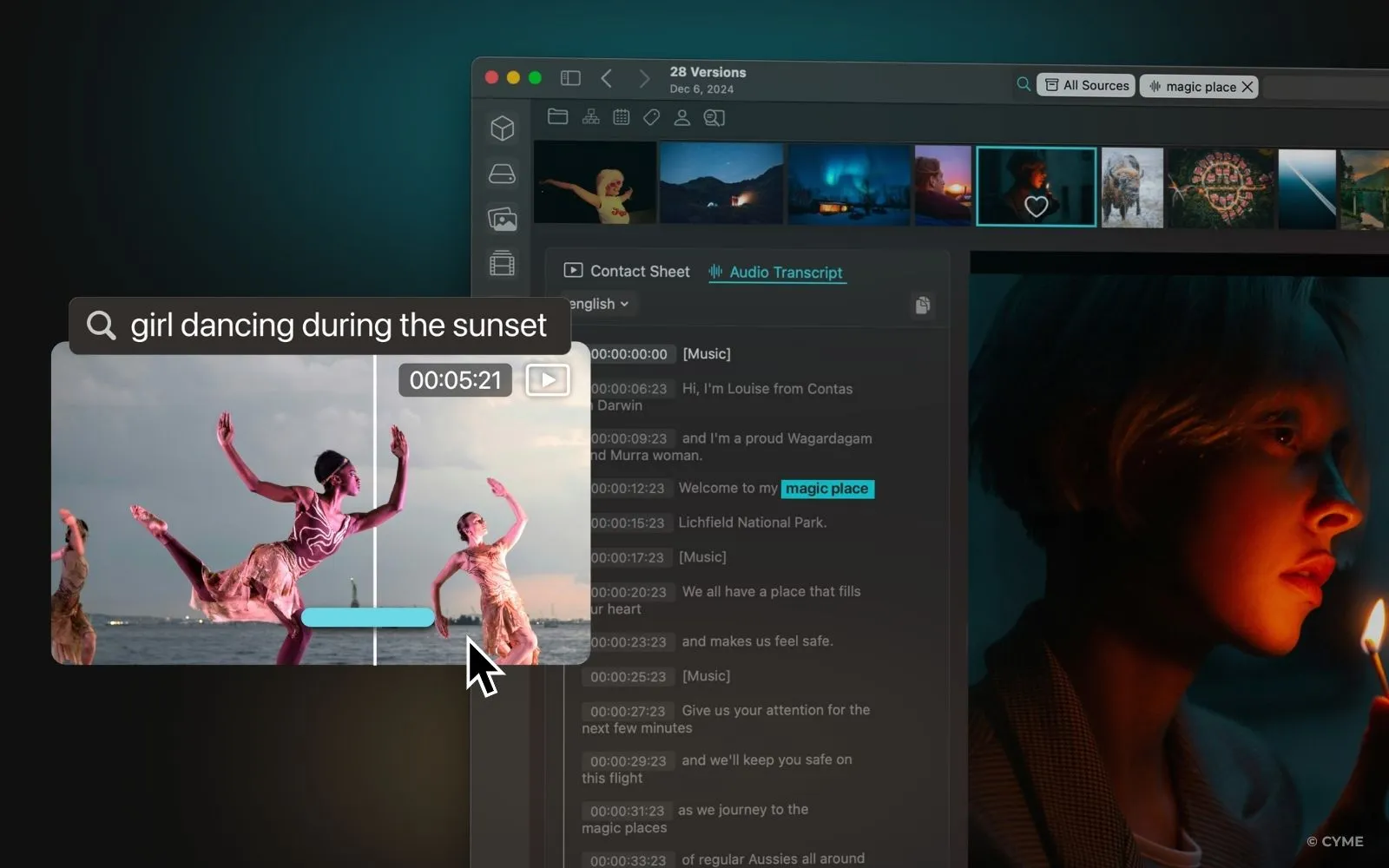
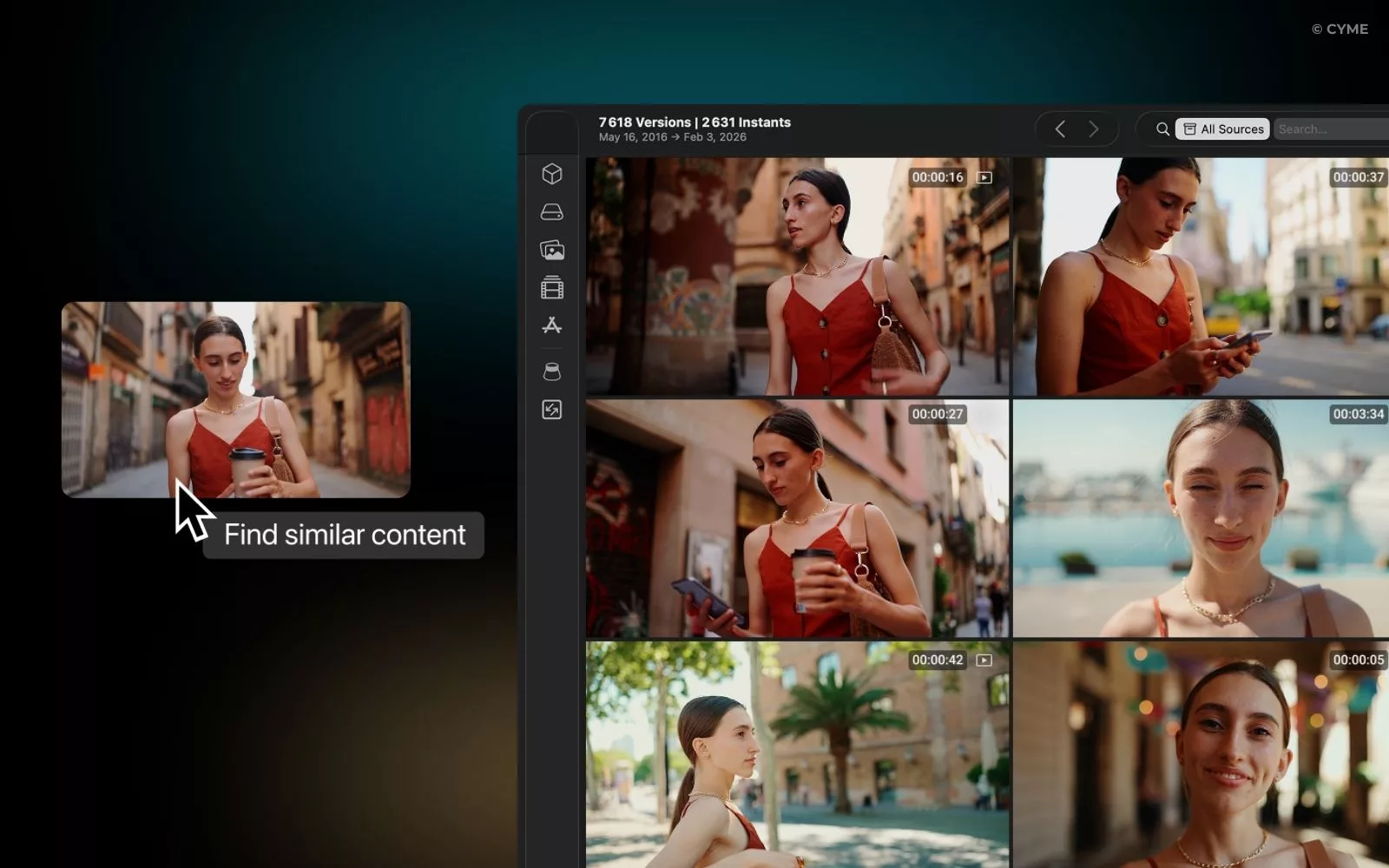
If you want a concrete example of how metadata can power discovery beyond titles and tags, start with video frame search to see how visual indexing changes what “findable” can mean.
The essentials in thirty seconds
Define a metadata strategy before you touch fields: owners, definitions, standards, and escalation paths.
Audit across systems first, then fix: map fields, score quality, and prioritize impact on search and reuse.
Separate descriptive, structural, and administrative metadata so every update is predictable and auditable.
Automate validation and compliance checks, but keep humans accountable for rights, brand tone, and final approvals.
You cannot audit what you have not standardized.
Prerequisites: Build a complete video metadata workflow before you scale
Clarify your stack, access, and scope across systems
Metadata management fails when the work is split across systems without a single source of truth. Start by listing every place where video metadata is created, edited, or copied: your DAM or MAM, your CMS, your OTT back office, social platforms, and any delivery or ad systems. Include agencies brands partners if they upload or localize assets. Then document access. Who can edit what, where, and through which interface or API.
Define scope with uncomfortable specificity. Which content types are included: long form, clips, trailers, ads, live recordings, internal training, or user generated submissions. Then define the perimeter of metadata itself. Are you managing only titles and descriptions, or also time based chapters, subtitles, rights windows, and product identifiers. When scope is vague, teams create parallel workflows through email and spreadsheets, which guarantees drift and breaks consistency across systems.
Keep a short list of “metadata decisions that cannot be made downstream.” Examples include canonical title rules, the approved video ID format, and which system owns rights and licensing status. That is the minimum needed to avoid rework.
Create governance: roles, validation, and a lightweight RACI
Video metadata is operational data. Treat it like you would treat pricing, legal approvals, or product catalogs. Create roles with clear boundaries: metadata owner, content producer, localization lead, legal or rights approver, SEO lead, and platform publisher. Then write a RACI that is strict about who is accountable for final values.
Define validation as a process, not a vibe. Decide which fields are required, which fields are conditional, and which fields are prohibited in certain markets. Decide what happens when validation fails: block publishing, allow publishing with a warning, or route to review. If you cannot answer that, your governance is not real yet.
A company that wants scalable video search needs definitions that survive turnover. Store field definitions alongside examples and edge cases. Your definitions must also cover how to update metadata without breaking reporting, permalinks, or external embeds.
| Prerequisite | Owner | Output | Why it prevents rework |
|---|---|---|---|
| Field definitions and standards | Metadata owner | Data dictionary with examples | Stops teams from inventing meanings or formats |
| Publishing policies and compliance rules | Legal and platform lead | Required fields and restrictions | Reduces takedowns and avoids forbidden terms |
| Taxonomy and hierarchies | Content strategy lead | Categories, series structure, regions | Prevents duplicate categories and random tagging |
| Versioning and IDs | Media operations | Unique ID rules and version states | Avoids overwriting edits and misrouting updates |
Set your initial taxonomy: categories, languages, regions, and versions
Your taxonomy is the bridge between humans and machines. Build it before mass edits. Start with top level categories that match how users search and how teams browse. Then add series and episodic relationships if you publish repeat formats. Decide whether categories are single select or multi select, and write the rules. Without that, every upload becomes a new category, and your hierarchies collapse.
Languages and regions must be first class metadata, not an afterthought. If you localize, define whether the canonical record is language neutral with linked localized variants, or whether each locale is a separate record. Both can work, but mixing them breaks reporting and causes wrong market restrictions.
Also define version states. You need to distinguish between a draft, a review build, a legal cleared master, and platform specific exports. Without explicit versions, teams will “maintain” metadata by copying fields into new rows, which makes updates impossible to trace.
- Format metadata: container, audio layout, caption availability, and mastering notes
- Rights metadata: licensor, allowed territories, usage types, and expiry handling
- Identifiers: canonical video ID, series ID, and external platform IDs
- Versioning: editorial version, localization variant, and distribution package version
Treat video metadata as governed operational data, not “upload details.”
Lock field definitions, owners, and version rules before you touch your library.
Build taxonomy and locale rules early to protect consistency across systems.
Once governance exists, you can measure reality instead of guessing.
Audit current video metadata at scale and turn findings into a fix backlog
Inventory fields per platform and map the gaps across systems
Start your audit with a field inventory, not with “content reviews.” Export metadata from each system and list fields side by side. Capture platform specific fields you might ignore, such as playlist relationships, thumbnail references, accessibility indicators, and rights restrictions.
Then map equivalences. A “title” field in a DAM is not always a “title” on a platform. Some systems use internal titles for ops and public titles for display. Some systems limit length or strip punctuation. Your job is to document those behaviors so you can implement consistent rules and avoid silent truncation.
Focus on major deltas first: missing descriptions, inconsistent categories, duplicate tags, and mismatched language settings. Those are usually the fastest wins for search and internal findability.
Score quality: completeness, freshness, and exactitude you can validate
A scalable audit needs a scoring model that a team can run weekly. Define a small set of quality dimensions that you can compute and review: completeness, freshness, accuracy, and duplication risk. Completeness measures whether required fields exist. Freshness measures whether fields reflect the current version and restrictions. Accuracy measures whether values match controlled vocabularies and definitions. Duplication risk flags near identical titles, tags, or descriptions.
Flow: Export metadata from each system → normalize field names → run rule checks for required fields and controlled vocabularies → assign quality labels per asset → group issues by root cause → prioritize fixes by distribution impact → publish a remediation backlog with owners and due dates.
Make the scoring actionable. Tie it to workflows. If an asset fails rights validation, it cannot be published. If it fails tag standards, it can publish but must be queued for clean up. Those policies remove debate and keep the team moving.
Build a remediation backlog: quick wins, SEO impact, and long term hygiene
Your backlog should reflect business impact, not just data cleanliness. Prioritize assets that drive discovery, revenue, or institutional reuse. If you publish educational content through institutions, make sure learning outcomes, instructors, and course references are correct. If you publish product videos, align titles and descriptions with product pages, brand terms, and compliance constraints.
Quick wins typically include: fixing missing titles, rewriting duplicate descriptions, standardizing categories, and resolving conflicting locales. Longer term work includes taxonomy redesign, series graph cleanup, and rebuilding rights and expiry metadata.
Use a feedback loop. Every correction you apply should reduce future failures through better standards, better validation, or improved authoring templates. If the same issue repeats, the problem is the workflow, not the editor.
Audit with exports and rules, not manual spot checks.
Turn findings into a backlog tied to distribution and search impact.
Fix root causes through standards and workflows, not one off edits.
After you know what is broken, you can design metadata that stays clean.
Create durable descriptive metadata that drives clicks and understanding
Write titles that match intent and stay stable over time
Great video titles do two jobs: they help platforms understand the topic, and they set a clear expectation for the viewer. Start with intent. Is the video a how to, a demo, an explainer, a case study, or a trailer. Then choose a main topic phrase that matches how people search, and keep it consistent across the library.
Stability matters. If you change titles constantly, you break bookmarks, reporting, and internal search memory. Use a title strategy that separates the stable part from the variable part. A stable part could be a series name or product line. A variable part could be the episode topic or use case.
Define capitalization and separators as standards, and enforce them across systems. A small style rule prevents hundreds of micro inconsistencies that reduce recall and make duplicates harder to detect.
Write descriptions that add context, entities, and clear calls to action
Descriptions are your highest leverage field because they can carry context that a title cannot. Use the first lines to summarize what the viewer will learn or get. Then add key entities: product names, people, locations, standards, and institutions involved. Entities make metadata more precise for search and for internal reuse.
Add a call to action that matches the video’s purpose. If it is a product walkthrough, the action may be “request a demo.” If it is support content, the action may be “follow the steps shown” and “check the referenced settings.” Keep CTAs consistent with brand tone and compliance policies. Do not add claims you cannot substantiate.
If you also publish videos on your website, follow Google’s guidance to keep each watch page’s title and description unique per video and consistent across metadata sources. Google Search Central explicitly calls out consistency when you provide metadata in multiple places, such as structured data and sitemaps.
Tags, categories, and thumbnails: control spam and improve selection signals
Tags should be specific and controlled. Treat tags as retrieval aids, not as a dumping ground. A good tag is narrow, unambiguous, and tied to a known definition. Create rules to prevent spam, like banning competitor names, misleading topics, or internal jargon. Enforce tag spelling and singular or plural usage. That is how you maintain consistency through time.
Categories should be fewer than you think. Categories are navigational. If you have too many, browsing becomes useless and editors pick randomly. Use categories for broad themes and use tags for specifics.
Thumbnails are metadata too. Define a thumbnail policy that covers brand safety, readability, and relevance. If a thumbnail does not match the content, you get short clicks and poor satisfaction signals. Build a review step for thumbnails on high visibility content.
| Field | Reusable template | Rule you can validate |
|---|---|---|
| Title | [Series or product] — [Specific topic] (Format) | Uses approved separators and avoids banned terms |
| Description opening | One sentence outcome + one sentence context | Includes the primary entity and matches video topic |
| Tags | Use case, feature, audience, industry | Controlled vocabulary only, no duplicates, no spam |
Titles must match intent and remain stable to protect search and reporting.
Descriptions should add entities and context, not repeat the title.
Tags and categories need definitions and standards, or they become noise.
Want to apply this method? Start by centralizing descriptive metadata rules in your DAM or MAM and enforcing them at publishing time.
When descriptive metadata is clean, structure becomes the next multiplier.
Optimize structural and technical metadata for navigation and reuse
Chapters and segmentation that improve navigation and comprehension
Chapters turn long videos into skimmable, reusable segments. They help viewers jump to the moment that matters, and they help internal teams reference specific parts. Use chapter titles that read like a table of contents. Avoid jokes, vague labels, or repeated names. Each chapter should encode what changes at that point: topic, step, speaker, or scene.
Keep chapter policy consistent across systems. If your DAM supports segment metadata, store chapters there and push them to platforms when possible. If a platform requires manual entry, treat it as a derived field, not the authoritative one.
Chapters also support editorial reuse. When you can find segments by chapter title, your team can build clips faster and maintain traceability to the source asset.
Model relationships: series, episodes, playlists, and associated content
Structural metadata is how you tell systems what is connected. Define relationships explicitly: series to episode, season to episode, campaign to assets, product to demo, and event to highlights. Then decide which system owns the graph. If every platform builds its own graph, your library becomes multiple conflicting truths.
Create relationship fields with clear definitions. “Associated content” should not mean “anything.” It should mean a defined relationship type: same product, same speaker, same event, same use case, or same storyline. Those definitions protect relevance and reduce the temptation to link everything to everything.
If you distribute across platforms, build a mapping strategy so that playlists and series carry consistent names and ordering. That is how you maintain user expectations through different surfaces.
Technical fields, transcriptions, and accessibility as first class metadata
Technical metadata supports operations, playback quality, and downstream processing. Store fields that matter for routing: duration, audio configuration, caption presence, language, and encoding profile family. Make these fields either extracted automatically or validated at ingest. Manual entry is too fragile.
Accessibility metadata is not optional for many organizations. The World Health Organization estimates that about one in six people experience significant disability. World Health Organization is a reminder that captions, transcripts, and clear structure are audience reach, not just compliance. Track whether captions exist, which languages are covered, and whether transcripts are human reviewed or machine generated.
Create coherence rules that connect accessibility fields to publishing. If a video is tagged as “public education,” your policies may require captions. If a video is an internal draft, you may allow missing subtitles but require a task to add them before release. That is how you implement predictable workflows through governance.
Chapters and relationships make video libraries navigable and reusable.
Technical metadata should be extracted or validated, not trusted to manual entry.
Accessibility metadata expands reach and supports compliance across regions.
Once you model structure, you can keep multi platform publishing consistent instead of improvising per channel.
Keep multi platform video metadata consistent without losing local nuance
Naming conventions: casing, separators, and controlled terms
Cross platform metadata breaks for simple reasons: different casing, different separators, and “almost the same” titles. Define a naming convention that covers series names, episode naming, speaker names, and locale labels. Decide whether you use title case or sentence case, and keep it stable. Decide your separator character and ban alternatives. These micro standards remove drift across systems.
Create a controlled term list for brand names, product names, and regulated terms. Then embed those standards into authoring templates. If editors must remember rules, the rules will be ignored. If the system enforces them, consistency becomes cheap.
Also define what cannot change. For example, keep canonical IDs and canonical titles stable, and allow only display titles to vary by channel. That supports reporting and reduces reconciliation work.
Field mapping across platforms: design once, publish many
Field mapping is where metadata strategy becomes operational. The mapping should show which fields are authoritative, which are derived, and which are platform only. It should also show transformation rules: truncation, forbidden characters, and localization behavior.
| Canonical field | DAM or MAM | Website watch page | YouTube | OTT or app |
|---|---|---|---|---|
| Canonical title | Authoritative | Derived with minor formatting | Derived, length constrained | Derived, may vary by device |
| Description | Authoritative | Derived, must be unique per watch page | Derived, includes channel CTA rules | Derived, often shortened |
| Thumbnail reference | Authoritative asset link | Derived, consistent reference recommended | Platform specific selection possible | Platform specific renditions common |
| Series relationship | Authoritative graph | Derived navigation elements | Playlist mapping | Series and season modeling |
| Locale and region restrictions | Authoritative rights fields | Derived page availability | Platform restrictions where supported | Geo availability rules |
When you publish videos on your own site, align watch page metadata with your other metadata sources. Google Search Central warns that inconsistencies across structured data, sitemaps, and on page metadata can create mismatches. Google Search Central is explicit about keeping the same thumbnail URL per video when you provide multiple metadata sources.
Localization, compliance, and update metadata without breaking trust
Localization is more than translating titles. You need locale specific metadata that reflects local search behavior and compliance constraints. Keep a translation memory for repeated phrases such as series names, product features, and legal disclaimers. Define how you localize tags. Many teams should not translate tags directly, because tags map to controlled vocabularies.
Compliance is where governance pays off. Build prohibited term lists per region. Track embargo dates and rights windows. Create restrictions metadata that can drive publishing automation. If you rely on humans to remember restrictions, mistakes will be repeated through every upload workflow.
Finally, plan when to update metadata. Set a calendar for reviewing evergreen content, seasonal assets, and expiring rights. Each update should be logged with who changed what and why. That history is crucial when stakeholders ask for accountability or when a platform policy changes.
Standards for naming and controlled terms prevent cross platform drift.
Field mapping clarifies what is authoritative and what is derived across systems.
Localization and compliance need explicit policies, not ad hoc edits.
Consistency is hard to maintain manually, so the final step is automation and governance that scales.
Automate metadata quality, governance, and compliance checks
Ownership, access control, and SLAs that match real workflows
Automation without ownership creates silent failures. Assign owners per field group: descriptive, structural, and administrative. Decide who can edit each group and under what conditions. Then define SLAs for fixes, especially for rights related changes. When a rights window changes, your system must propagate updates through all publishing endpoints quickly.
Audit trails are non negotiable. You need to know who changed metadata, when it changed, and what the previous value was. That is how you debug discovery drops, explain compliance actions, and reconcile data across systems.
Also define escalation. If validation fails repeatedly for a team, the system should route training or template updates, not just create endless tickets.
Rule based validation: required fields, constraints, and alerts
Rule based validation is the backbone of scalable metadata management. Start with simple constraints: required title, required description for public assets, required language, required rights status, and valid category values. Then add conditional rules: if the asset is in a regulated category, require additional disclosures. If the asset is localized, require locale specific title and description. If the asset is published to a platform, require a thumbnail reference that meets your standards.
Set alerts that match the risk. Missing tags can be a warning. Missing rights clearance should block publishing. Build compliance checks as code where possible, not as a checklist in someone’s head. That is how you maintain quality through turnover and growth.
If your organization relies heavily on AI search or recommendation, treat metadata validation as model input hygiene. Bad metadata becomes bad training signal and bad retrieval context.
AI assisted enrichment with human approvals and rights expiration handling
AI can accelerate tagging, entity extraction, summaries, and transcript alignment, but it must sit inside governance. Use AI to propose metadata, not to publish it. Require human validation for claims, names, sensitive entities, and any fields that can trigger compliance or brand risk.
Costs of poor data quality are not theoretical. IBM cites an IBM Institute for Business Value report where over a quarter of organizations estimate they lose more than five million dollars annually due to poor data quality, with a smaller group reporting much higher losses. IBM is talking about data broadly, but video metadata is part of the same operational reality: weak validation creates rework, broken discovery, and compliance exposure.
Handle rights and licenses as automated lifecycle metadata. Track expiration dates, allowed territories, and usage types. Then build actions: alert before expiry, unpublish automatically where required, and update metadata to reflect new availability. This is where a company that scales globally separates itself from one that relies on heroic manual clean up.
Automation works only with clear ownership, audit trails, and enforcement rules.
Validation should block high risk publishing and warn on low risk hygiene issues.
AI enrichment must be governed, with humans accountable for compliance and accuracy.
Want to apply this method? Start with a weekly quality report and a short remediation backlog that your owners can actually close.
FAQ: Managing video metadata in real operations
How do you audit video metadata across multiple platforms without losing your mind?
Export from each system, normalize field names into a shared dictionary, then run rule checks for required fields and controlled vocabularies. Focus on gaps that affect discovery and reuse: missing descriptions, wrong language, inconsistent categories, and duplicate titles. Turn findings into a backlog tied to owners and due dates, and fix root causes by adjusting standards and templates.
Why are transcripts and captions part of metadata best practices, not just accessibility?
They expand reach, improve comprehension, and create searchable text that supports internal discovery. Accessibility is also a large audience reality: the World Health Organization estimates about one in six people experience significant disability. World Health Organization reinforces that captions and transcripts are not niche. Treat caption presence, language coverage, and review status as governed metadata.
How long does it take to clean up a large video library’s metadata?
It depends more on governance maturity than asset count. If you already have field definitions, owners, and validation rules, you can run quick wins fast by fixing missing required fields and normalizing categories. If you lack standards, cleanup becomes endless because errors reappear. Start with an audit and a scoring model, then prioritize the highest distribution and search impact content.
What is the biggest risk if you skip governance and rely on manual edits?
You get silent drift: teams create conflicting meanings, inconsistent naming, and untraceable changes across systems. That causes broken search, wrong regional availability, and compliance exposure. It also increases rework because fixes are not propagated. Strong governance adds audit trails, ownership, and enforcement so updates are predictable and reversible.
Which is better for metadata management: a DAM or spreadsheets?
A DAM or MAM is better when it enforces standards, supports audit trails, and integrates with publishing systems. Spreadsheets can help during an initial audit, but they do not scale as a source of truth. They lack field level validation, access control, and reliable version history. Use spreadsheets only as temporary analysis exports, then implement rules back in governed systems.
Your best metadata strategy is the one your team can run every week without exceptions.
Start by locking field definitions, ownership, and standards, then audit across systems to expose gaps you can fix quickly. Build durable descriptive metadata, add structural relationships and accessibility fields, and keep multi platform outputs consistent through mapping. Finally, automate validation and compliance checks so quality does not depend on memory. If you do this, your library becomes easier to search, safer to publish, and faster to reuse.