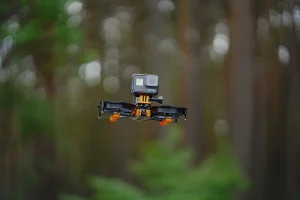
Over the past year, Peakto has evolved significantly, becoming more powerful, versatile, and collaborative for photographers, videographers, and creative teams.
Each update has been guided by the same ambition: to simplify media management so you can spend less time organizing your content and more time creating, collaborating, and making the most of it.
Here’s a look at everything Peakto has gained over the past 12 months.
More Tools for Photographers
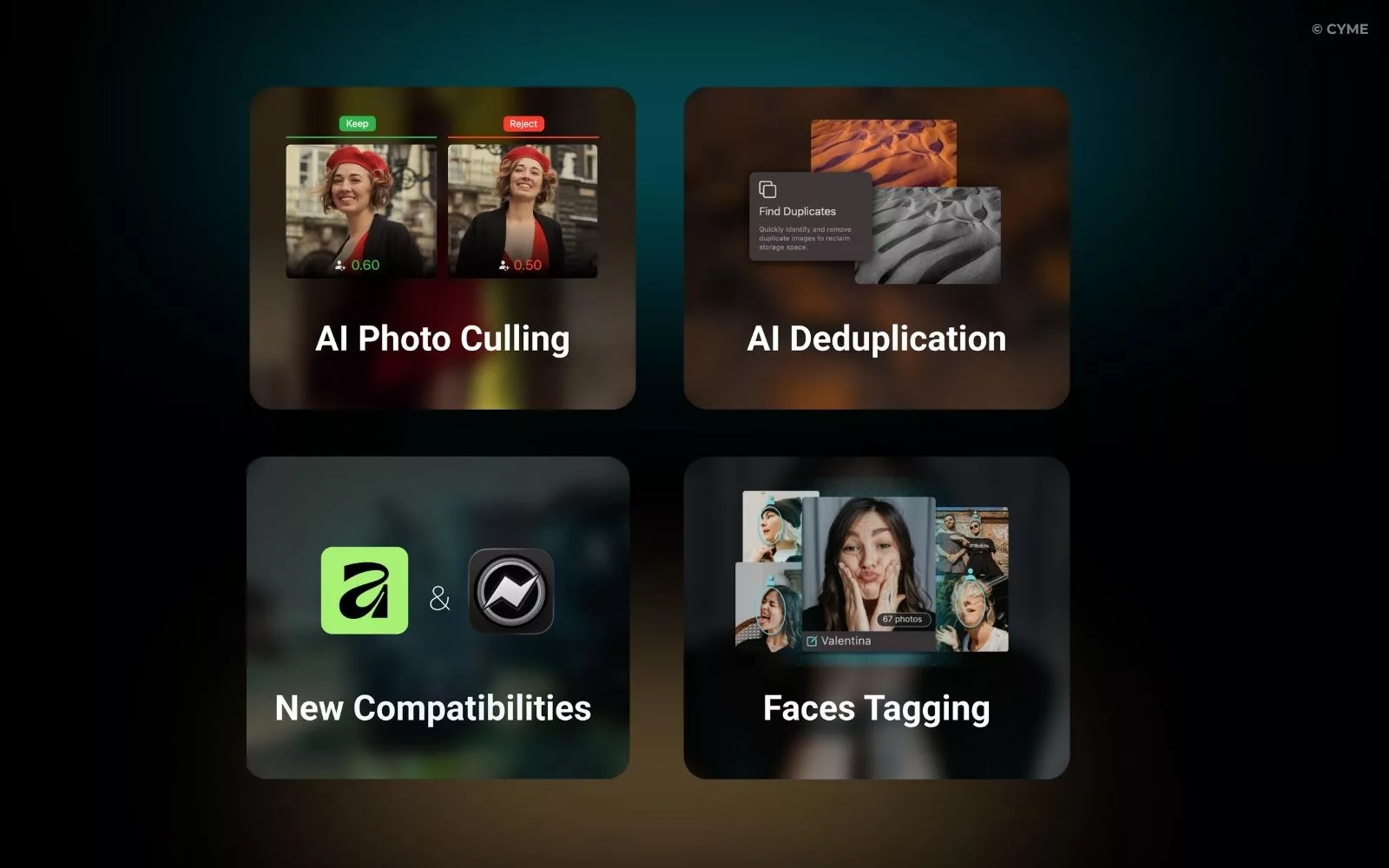
1. Find and Remove Duplicates Automatically
2. Let AI Make the First Selection
3. More Apps, One Catalog
4. Improved Face Management
You can now manually add faces when they aren’t automatically detected, making people organization more complete and accurate.
This new capability strengthens an already powerful face recognition workflow: Peakto’s private AI automatically brings together photos of the same person across catalogs, folders and connected applications, helping you annotate people faster while keeping your media under your control.
Smarter Workflows for Videographers
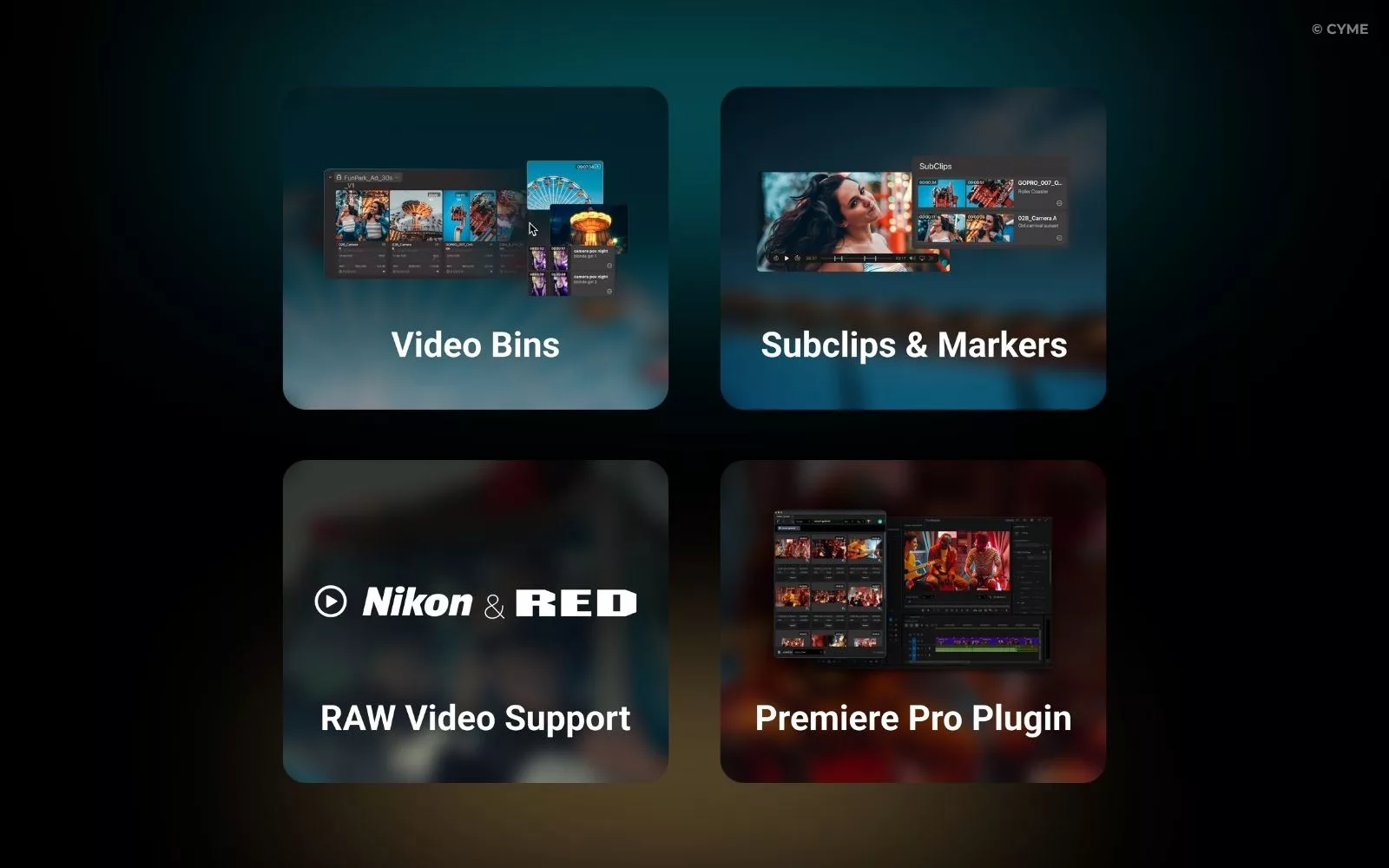
1. Create Video Bins from All Your Media
2. Mark Key Moments Before Editing
3. Expanded RAW Video Support
Peakto now supports native playback of Nikon N-RAW, RED RAW and Blackmagic RAW files. For remote access and collaboration, Peakto can also generate optimized proxies in H.264, HEVC and ProRes 422.
4. Peakto in Premiere Pro
Better Collaboration for Creative Teams
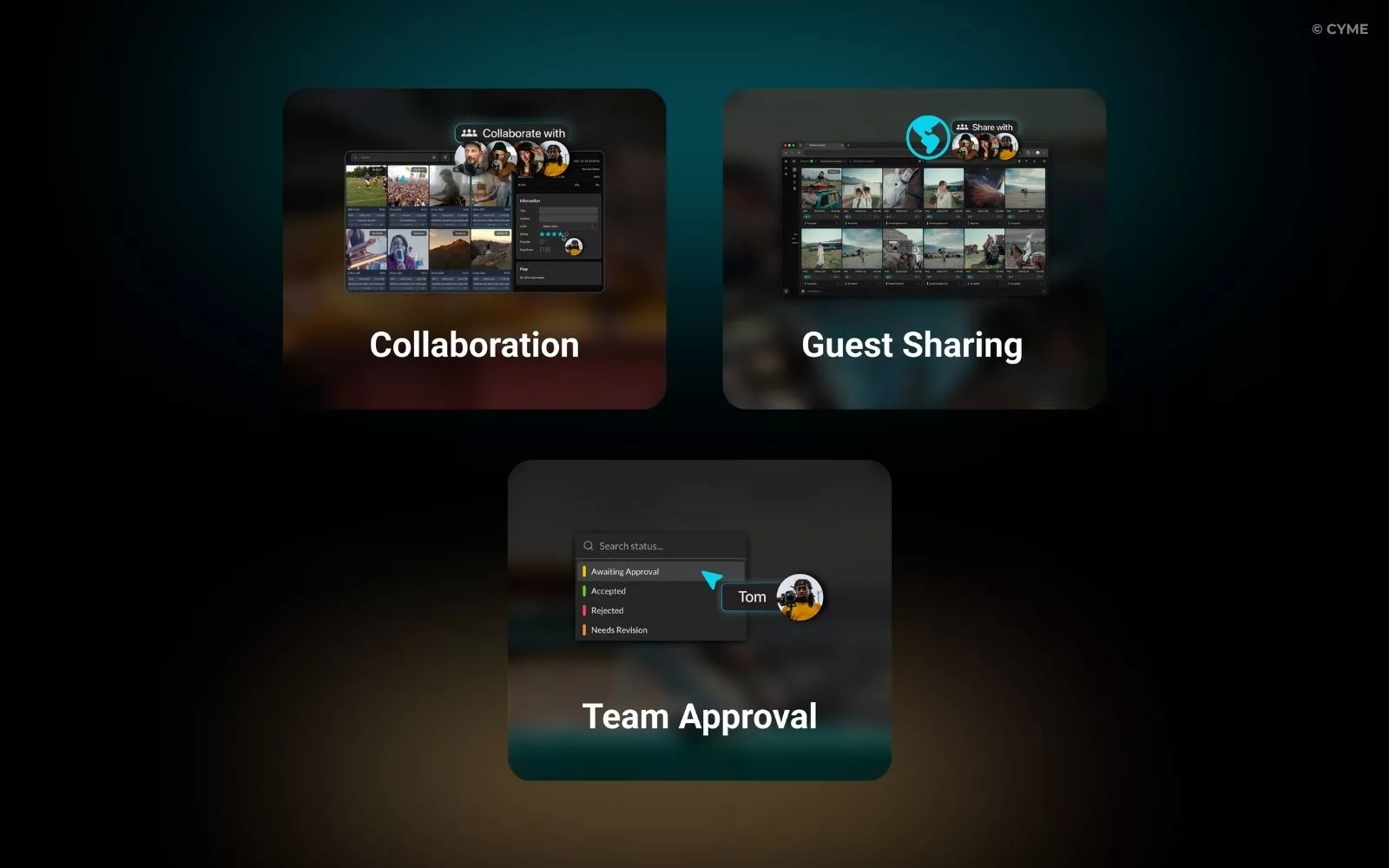
1. Collaboration at a New Level
2. Share with Anyone
3. Faster Approvals
A More Seamless Experience
Peakto now offers a smoother and more accessible experience, with a redesigned interface that makes navigation easier and switching between views faster. It is also now available in German, Japanese, and Spanish, helping even more creators around the world work with Peakto in their preferred language.
And we’re not stopping there. A major new update is already on the horizon.
The best of Peakto is still ahead. We can’t wait to show you.