Event

Meet us at NAB Show 2026 in Las Vegas

Table of Content
Share:

Reshoot Avoidance With Advanced Search

Seventy-one percent of organizations say employees spend more time than necessary searching for the information they need. Panopto’s 2024 Workforce Training Report ties that “search tax” to slower execution, missed reuse, and preventable rework.

If you are reshooting because “we can’t find it,” you do not have a filming problem. You have a retrieval problem. This guide shows how to prevent unnecessary retakes by making reuse the default outcome of search, not a lucky accident.

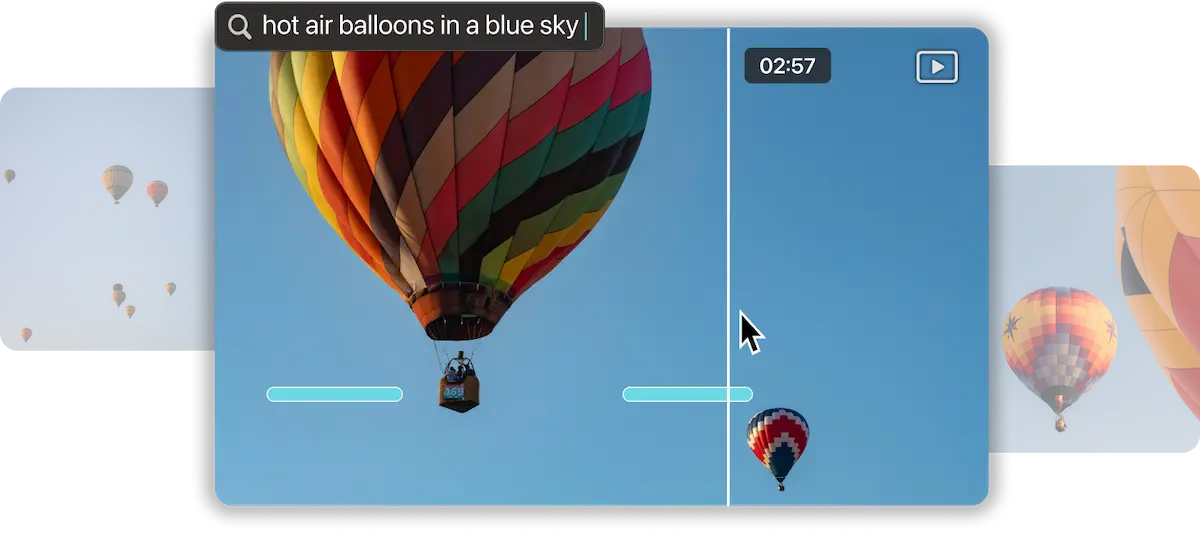
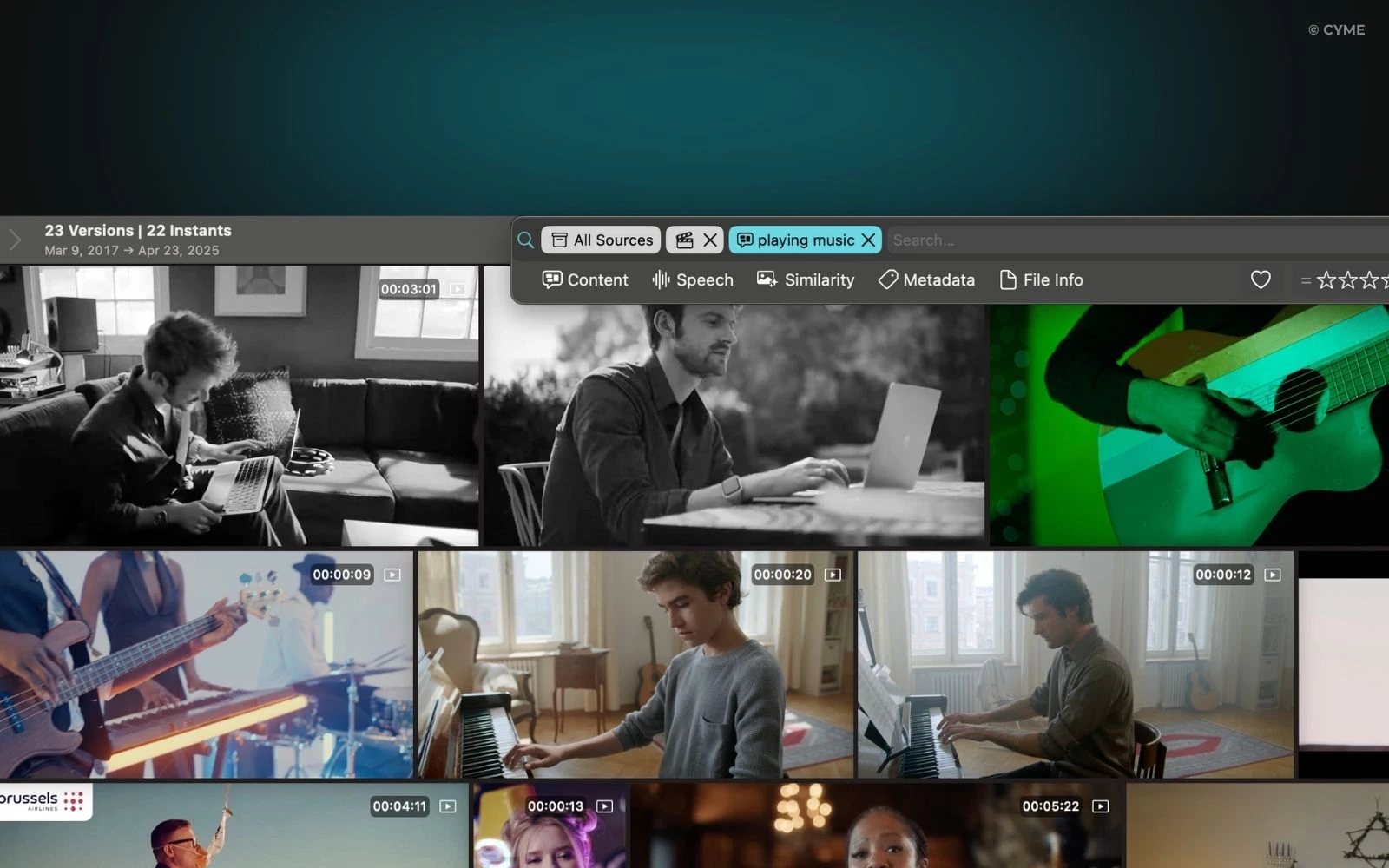
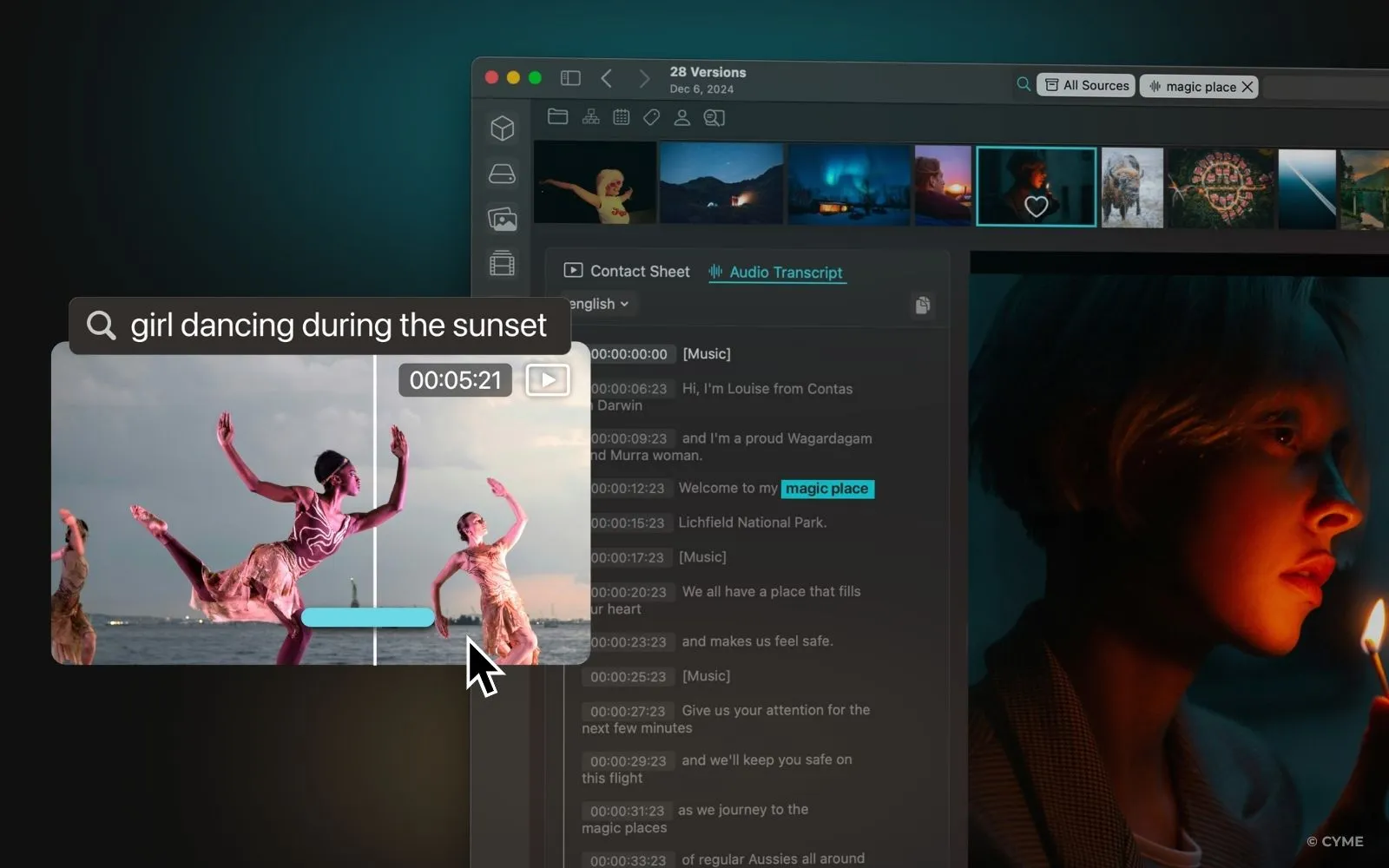
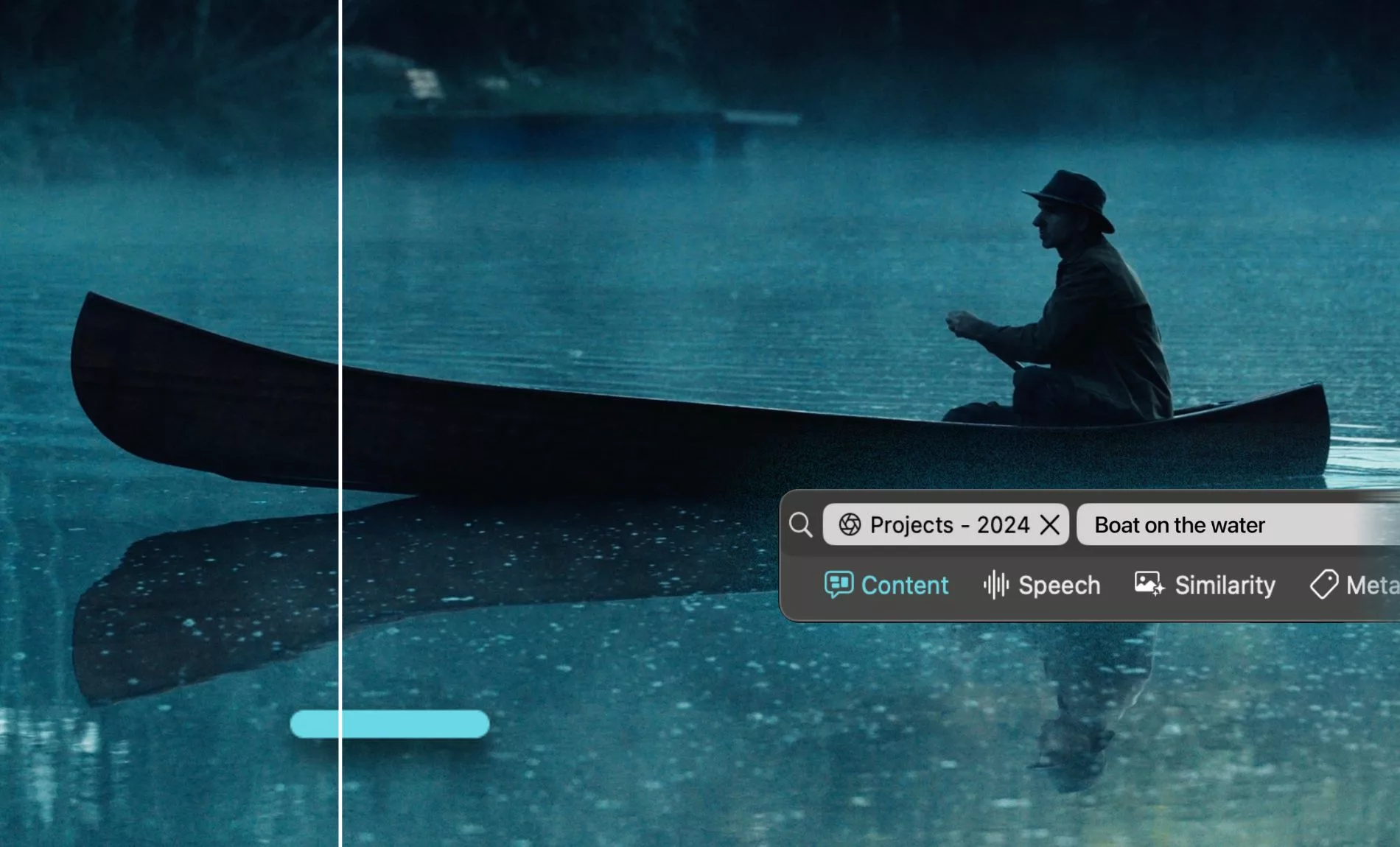
Start by understanding what modern video frame search enables: finding the right shot by what is visible in the frame, not only by file names or folder paths.

The 30-second version
Create one media search ecosystem (not five islands), with clear access and rights data.
Use advanced search operators plus field filters, then save views so creatives reuse on purpose.
Normalize shot metadata and naming so retrieval is predictable, even under deadline pressure.
Measure results with fast retrieval tests and a simple “cause → countermeasure” loop.

Before you optimize queries, you need a foundation you can trust.

Build a media search ecosystem that prevents “we already shot this”

Choose a DAM/MAM setup that matches how edits actually happen

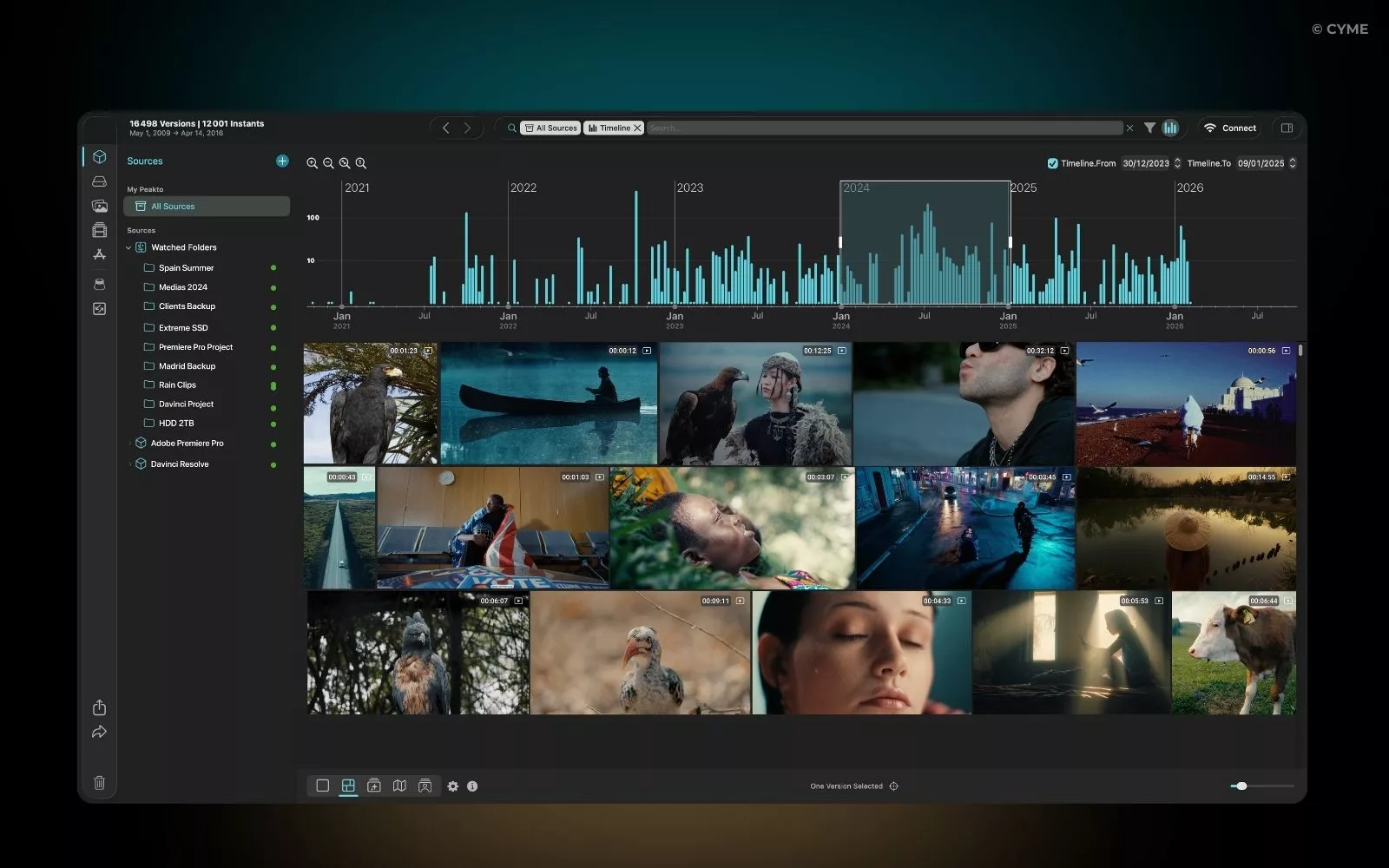
Reshoot avoidance starts when your media is findable across projects, not locked inside one editor’s bins. A DAM or MAM becomes the system of record, while the NLE stays the system of craft. Your goal is one shared truth for “what exists,” “where it lives,” and “what we are allowed to use.”

That means your ecosystem should support fast proxies, stable IDs, and cross-project search. When teams rely on ad-hoc drives, search becomes a memory test. Under pressure, people skip looking and schedule a retake.

In many organizations, search waste is structural, not personal. In the same Panopto report , 51% of surveyed organizations said employees typically spend three hours per week searching for needed information, and 71% believe people spend more time than necessary. In media teams, that “information” is often shots, releases, cue sheets, and versions.

Where you store What it does well Reshoot risk pattern Fix
Shared drives / cloud folders Cheap, quick to start Duplicates, inconsistent naming, no rights overview Add controlled metadata, stable IDs, and rights fields
NLE project bins Context for the edit, fastest review Footage trapped in one project; new teams cannot find it Sync selects and metadata back to the system of record
DAM/MAM with proxies and search Cross-project reuse, governance, audit trail Search fails if metadata is messy or missing Standard fields, QC, and shared saved views

Key takeaways
Centralize “what exists” outside the NLE so reuse survives project boundaries.
Treat search time as production cost, not an editor’s personal efficiency issue.
Make rights and versions searchable, or reshoots will keep “determines” your schedule.

Set access, scope, and a readiness checklist before you index

Search only works when the library is complete enough to trust. Define scope first: rushes, selects, exports, stills, graphics, audio stems, and deliverables. If you exclude “unsexy” assets, you force people back into overflow folders, side chats, and last-minute re-uploads.

Then define roles. Your editor needs speed and proxies. Your creative director needs confident browsing and comparison. Production needs rights, releases, and usage constraints in one overview. If these needs are split across five services, people will default to the fastest path, not the correct one.

  • Indexation: proxies generated, thumbnails consistent, frame-level search enabled where possible.
  • Rights: talent, music, location, and brand approvals searchable; expiration dates visible.
  • Backups: masters protected; restores tested; version history retained.
  • Duplicates: detection on ingest and export; clear “source of truth” rules.
  • Access: project permissions mapped to who cuts, who approves, and who distributes.

Think of this like how Stack Exchange communities are structured. People get detailed answers because questions are tagged, searchable, and moderated. Your footage library needs the same discipline, or internal teams will keep asking the same one question: “Do we have this shot?”

Key takeaways
Define asset perimeter first, or your best shots will sit outside search.
Make roles explicit, so each team gets the search experience they need.
Treat backups and rights as part of retrieval, not a separate production checklist.

Once the ecosystem is stable, you can turn search into a repeatable reshoot-avoidance habit.

Use advanced search to turn old footage into new options

Combine operators and field filters to narrow results fast

Advanced search is not about typing more. It is about reducing ambiguity. Start with operators that express intent, then tighten with filters that reflect production reality.

Operators you should train as muscle memory:

  • AND to require both concepts: product AND “wide shot”.
  • OR to widen creatively: “dolly” OR “push in”.
  • NOT to exclude unusable options: NOT “logo outdated”.
  • Quotes to force exact phrases: “hero shot”.

Then use field filters that mirror the brief. Typical fields include date, location, talent, campaign, and shot type. Your search input fields should match how producers describe needs, not how storage is organized.

When organizations do not train search, they pay for it repeatedly. McKinsey cites survey findings that over a quarter of a typical knowledge worker’s time is spent searching for information. McKinsey’s knowledge work paper frames this as a skills and system problem, not an effort problem.

Key takeaways
Operators clarify intent; filters enforce production constraints.
Design fields around briefs, so search mirrors real creative language.
Train search like a craft skill, or you will keep paying the same time penalty.

Save searches and share views so reuse becomes the default

Reshoot avoidance fails when search is private. If one editor discovers a usable shot, the organization does not learn. The fix is simple: saved searches and shared views.

Create saved searches for recurring patterns: “approved talent,” “evergreen product,” “b-roll city exteriors,” “close-ups with clean background.” Share them with creatives and producers. Now reuse is not a hidden trick. It is part of the workflow.

Flow: Brief need → translate into fields and operators → filter by rights and versions → shortlist → creative review → reuse or identify true gaps → schedule shoot only for the gaps

Query patterns you can copy into your team playbook:

  • "hero shot" AND product:alpha AND campaign:evergreen
  • talent:"Jordan Lee" AND location:"Austin" NOT usage:expired
  • (angle:wide OR angle:medium) AND movement:dolly
  • scene:"kitchen" AND NOT "cold temperatures"

That last example looks odd, but it is practical. AI tags can sometimes label environment cues. You should decide which tags are helpful and which need removal to protect precision.

Want to apply this method fast? Start by standardizing two saved searches: “approved evergreen” and “needs rights review.”

Key takeaways
Saved searches turn individual wins into team habits.
Shared views reduce duplicate work and improve creative consistency.
Define which AI tags stay and which get removed, or search quality will drift.

Advanced search still breaks if metadata is unpredictable. That is the next constraint to remove.

Normalize metadata so the right shot is retrievable on demand

Create a shot taxonomy that editors and producers both use

Good metadata is not “more tags.” It is fewer tags that mean the same thing to everyone. Start with a taxonomy for shot description that matches how your team speaks in reviews:

  • Angle: wide, medium, close-up, insert.
  • Lens / focal feel: macro, tele, natural perspective.
  • Movement: static, handheld, pan, tilt, dolly, drone.
  • Subject: product, talent, hands, environment, UI.
  • Purpose: hero, b-roll, testimonial, safety, compliance.

Then define mandatory fields for retrieval and governance. If a field is mandatory, it must never be blank. “Blank” is how reshoots happen.

Field Why it prevents reshoots Example value
Product Avoids “wrong SKU” retakes Alpha Headphones
Campaign / usage Enforces intended channels and formats Evergreen web, paid social
Rights status Prevents publishing blocks that trigger rework Approved / needs review / expired
Scene / take Makes comparisons and matching possible Scene 12, Take 03
Version Prevents accidental reuse of outdated branding v2 approved

Naming conventions should reinforce the schema. Use a consistent pattern like Scene_Take_Camera_Version . The difference between “usable” and “lost” is often one missing token.

Also store rights and approvals alongside assets, not only in emails. McKinsey notes that only 16% of content in typical businesses is posted where other workers can access it, which directly predicts reuse failure. McKinsey presents that accessibility gap as a core productivity drag.

Key takeaways
Taxonomy beats “tag soup”: fewer terms, consistent meanings.
Mandatory fields should reflect reshoot triggers: product, rights, version, scene/take.
Naming conventions are not cosmetic; they determine cross-project reuse.

Use AI tagging, but keep human validation and quality checks

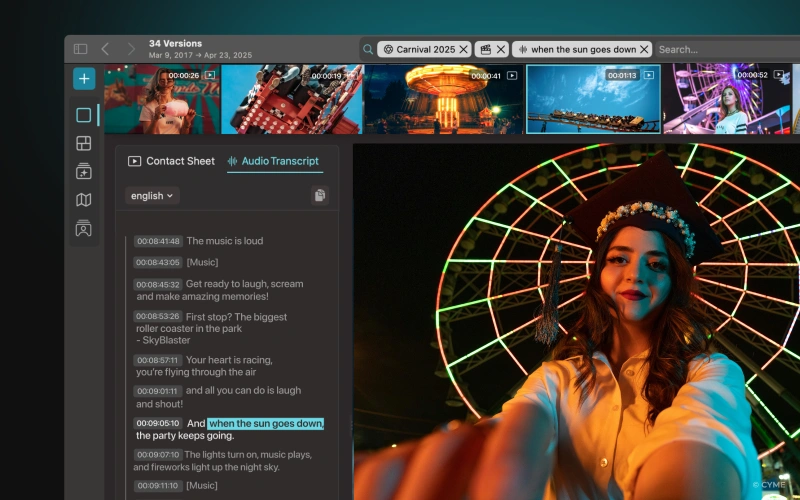
AI-assisted tagging can scale, but it can also introduce noise. Speech-to-text, object detection, and signal processing for audio cues can create helpful tags. They can also create nonsense tags that hurt precision and user experience.

Set up a validation loop:

  • Assist: auto-tags for objects, spoken keywords, and basic shot traits.
  • Validate: a human confirms high-impact fields like product, talent, and rights.
  • Audit: weekly checks for duplicates, empty required fields, and wrong values.

Watch for corrupted text inputs. OCR or transcript errors can leak strange phrases into tags, like “sukkot coincides with very,” which then pollutes suggestions and autocomplete. If you see that pattern, you need controlled vocabularies and stricter field validation.

Do not ignore documents. Many teams store releases, cue sheets, and approvals as PDFs. If you extract pdf metadata into your system, you can search “usage approved” without hunting through attachments.

Finally, define internal policies for tag governance: who can add tags, who can edit them, and who can request removal. This prevents a slow drift into chaos, while still letting teams move fast.

Key takeaways
AI can scale tagging, but humans must validate high-risk fields.
Audit for duplicates and empty fields, or search quality will decay quietly.
Govern tagging with simple policies so metadata stays trustworthy.

With search and metadata in place, you can enforce a rule: prove you do not already have it before you shoot it.

Verify coverage before you schedule a new shoot

Run a repeatable “search brief” and similarity check

Reshoot avoidance needs a lightweight gate, not a bureaucracy. Create a one-page search brief that production and creative both respect. It should answer: what is the objective, what is non-negotiable, and what is flexible.

Include constraints upfront:

  • Must-have: specific product version, exact scene context, required talent.
  • Nice-to-have: preferred location, preferred movement, exact wardrobe.
  • Hard constraints: rights, brand rules, legal, platform specs.

Then run similarity checks on three axes:

  • Visual: does a frame look close enough to pass review?
  • Script intent: does the shot support the narrative beat?
  • Framing: can you crop or reframe without losing meaning?

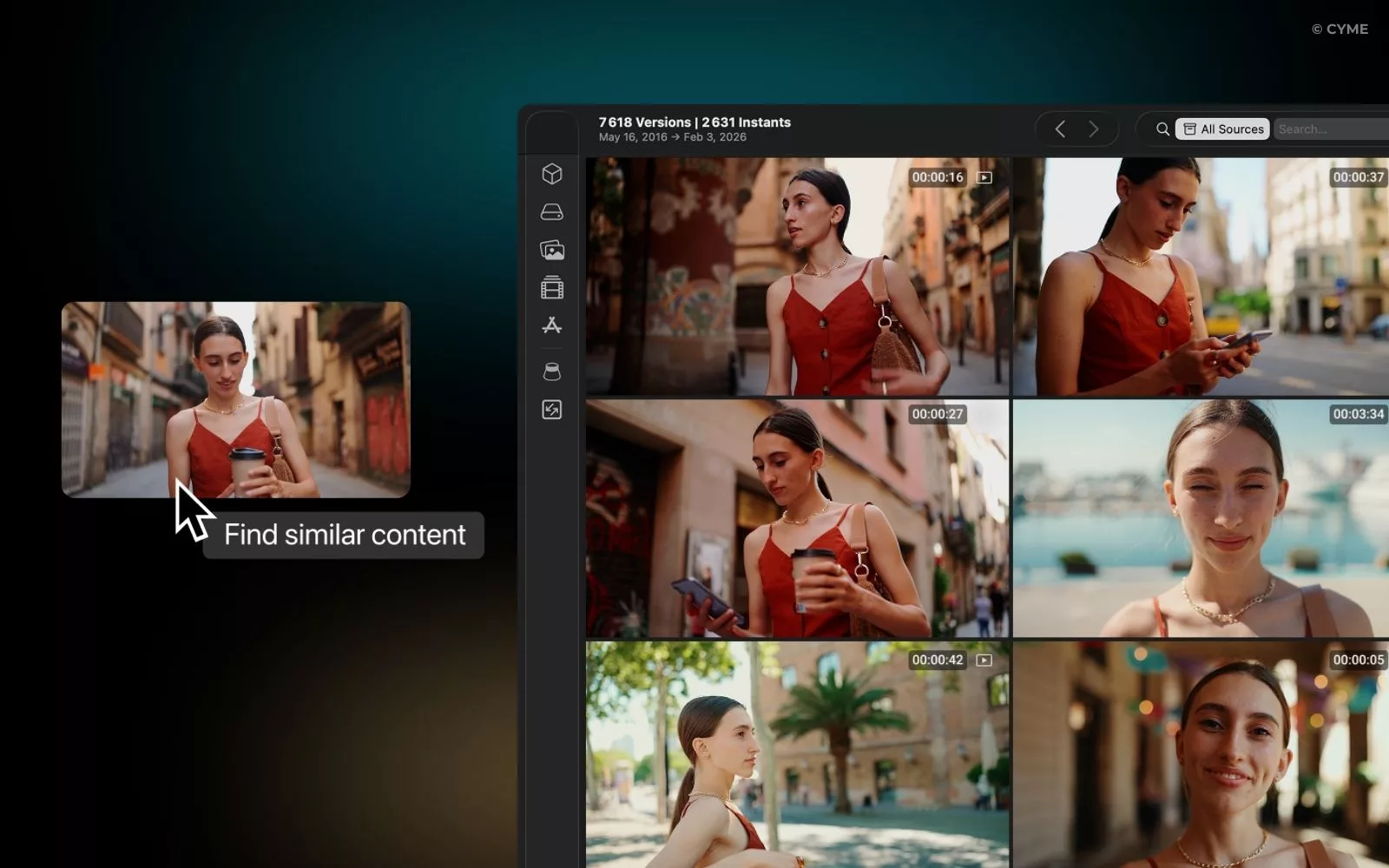
If you have frame-level search, start with “looks like this” rather than “is named like this.” That reduces reliance on memory and helps new team members find assets without tribal knowledge.

The business case is time. If employees already spend excessive time searching, the gap between “we have it” and “we cannot find it” becomes expensive fast. In Panopto’s 2024 study, 71% of organizations said employees spend more time than necessary searching. Panopto also reports that the typical search time many organizations perceive is three hours per week.

Key takeaways
A short search brief creates alignment and reduces “shoot first, search later.”
Similarity checks should include visual, intent, and framing, not only keywords.
Frame-level discovery cuts dependency on tribal memory and scattered folders.

If your team debates “do we have it,” require a 15-minute search brief before any booking request.

After you verify coverage, you still need to stop rework from re-entering through the back door: ingest, export, and approvals.

Automate workflow so reshoot avoidance survives real deadlines

Build guardrails at ingest, export, and approval

Automation is where reshoot avoidance becomes durable. You want the system to warn you, not to shame you. Add guardrails in three places.

On ingest: detect duplicates by checksum and by visual similarity. If the system flags “likely duplicate,” force a choice: link to existing asset, or explain why it is new. This prevents silent inflation and keeps search results clean.

On export: require a minimum metadata set for new masters. If required fields are missing, block export to “final” status. This avoids the classic failure where the best version exists but is not findable.

On approval: define who can approve what. Creative approves look and story. Production approves rights and usage. Post approves technical quality. Without this separation, approvals become vague, and vague approvals trigger retakes.

If your content is spread across systems, unify the search experience. A BA Insight enterprise search report cites IDC analyst findings that employees spend 2.5 hours per day searching for data, about 30% of the work week. BA Insight uses that number to argue for unified search across silos like drives, cloud buckets, and collaboration platforms.

Also set “2026 rituals” that keep the system healthy:

  • Monthly audit: required fields completion, duplicates, and broken links.
  • Quarterly cleanup: archive dead versions, confirm rights status, refresh shared views.
  • Release drill: pick one asset and prove you can find all approvals in minutes.

Key takeaways
Guardrails at ingest and export prevent messy libraries that kill reuse.
Unified search across silos is the fastest path out of “we can’t find it.”
Small monthly audits beat big annual cleanups that never happen.

Finally, you need proof. Reshoot avoidance is only credible when it is measurable.

Prove results with measurable KPIs and a simple feedback loop

Track reshoots avoided, time saved, and root causes per project

Start with three KPIs your team can influence:

  • Reshoots avoided: count “planned shoot requests canceled due to found coverage.”
  • Time to retrieval: median time to find a usable shot from a clear brief.
  • Reuse rate: percentage of deliverables using at least one reused shot.

Then run a practical retrieval test. Once per month, take one real creative need and set a target: “find ten usable shots in five minutes.” If you fail, record why. Was it metadata? Rights? Versions? Permissions? That root cause determines what you fix next.

Ground the time argument in known research. McKinsey points to surveys where over a quarter of a knowledge worker’s time is spent searching for information. McKinsey also highlights that many workers are not trained in search, which makes the problem persistent.

Common reshoot cause What it looks like Countermeasure Owner
Missing metadata Great shot exists, but nobody can filter to it Mandatory fields + QC for empty values Post lead
Rights uncertainty Talent or music approval unclear, so teams avoid reuse Rights status field + attached releases + review queue Production
Version confusion Multiple “final” exports, no clear master Master flag + version rules + export gate Editor + producer
Siloed storage Assets live in personal drives or old project folders Unified search + permissions that match workflows Ops / IT
No shared reuse culture Great finds stay private and get repeated Saved searches + shared views + monthly review Creative ops

Use a dashboard that speaks to each stakeholder’s experience. Creatives want an impression of speed and creative breadth. Production wants rights clarity. Leadership wants trendlines. Keep it internal, simple, and tied to real projects.

One more practical analogy helps here. On platforms like Stack Overflow, people find answers because the exchange between question, tags, and accepted solutions is structured. “Stack Internal” exists for the same reason inside companies: search and reuse win when knowledge is normalized, not scattered across chats.

Key takeaways
Measure canceled shoot requests, retrieval speed, and reuse rate.
Run monthly retrieval tests to expose the real failure mode.
Fix the root cause, not the symptom, or reshoot avoidance stays anecdotal.

FAQ: reducing reshoots through better search

When should you search instead of scheduling a retake?

Search first when the need is “coverage,” not novelty: b-roll, environment, product beauty, cutaways, and reaction shots. If the brief allows flexible framing, frame-level discovery can surface near-matches quickly. Retake when you need a specific performance, a new product version, or a legally required claim change that existing footage cannot support.

What minimum fields make rushes reliably findable?

Start with five: product, campaign/usage, rights status, scene/take, and version. Add shot taxonomy fields only after those are consistent. The minimum goal is predictable filtering, not perfect description. If required fields are complete, advanced search becomes fast and repeatable across teams.

How do you handle expired rights without triggering a reshoot?

First, filter by rights status and expiration so teams do not build edits on blocked shots. Then check alternatives: reframes that remove talent, b-roll replacements, or audio swaps. If you store releases and approvals as searchable documents, you can confirm whether a renewal is possible before you assume a reshoot is necessary.

What is the main risk if indexing starts degrading results?

The risk is silent decay: noisy tags, duplicates, and empty required fields increase, so teams lose trust and stop searching. The fix is operational: monthly audits, strict required fields, and controlled vocabularies. Treat “metadata drift” like technical debt, because it compounds and directly causes rework.

Advanced search vs. browsing folders: what is the difference in practice?

Folders assume you remember where something was stored. Advanced search assumes you remember what you need. In real productions, people rotate, projects overlap, and versions multiply. Search scales better because it filters by attributes (rights, campaign, talent, shot type) and can surface reusable near-matches even when storage paths are inconsistent.

How do you align creative and production on reuse expectations?

Start with a shared definition of “acceptable reuse,” then encode it into saved views and a short search brief template. Agree on limits: what cannot be compromised (rights, product version, claims), and what can (location, exact framing, movement). That agreement reduces debates and helps teams reach decisions faster.

Reshoot avoidance is not a creative compromise. It is a retrieval discipline that protects budgets, timelines, and momentum. Build one trusted library, normalize metadata, and train advanced search as a team skill. Then enforce a simple gate: search and prove gaps before booking. When you measure retrieval speed and reuse, you stop arguing about process and start improving it project by project.

You may also like...

Explore Peakto in video

Watch our demo video, then sign up for a live FAQ session to connect with our team.
How to Organize Your Photos Using Keywords 01
Hey, wait...
Inspiration, Tips, and Secret Deals — No Spam, Just the Good Stuff