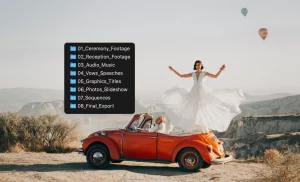
150+ improvements. A completely rebuilt foundation. A new experience for photographers, filmmakers, and creative teams.
Peakto 3.0 is here! And it’s no ordinary update.
Originally designed as an AI-powered photo manager, Peakto has evolved into a comprehensive media management platform. Today, we’re going further: helping creators not only find and organize their content, but also select, prepare, and share it to bring new projects to life.
With over 150 improvements, we’ve rebuilt the foundations of Peakto to deliver better performance, smarter AI, and more intuitive workflows.
And because this is our biggest release ever, we’re introducing it in three phases, starting with photographers.
Built for Millions of Photos and Videos

Your creative library keeps growing. So does Peakto.
Photos scattered across hard drives, NAS devices, Lightroom Classic, Capture One, or Apple Photos? Peakto brings everything together without moving your original files.
With Peakto 3.0, we’ve completely rebuilt our database engine to manage over 3 million assets, making large libraries faster and easier to explore.
A new Control Center gives you greater control over indexing: monitor progress, pause processing, schedule updates, and optimize resource usage.
Find and Explore Your Content Faster
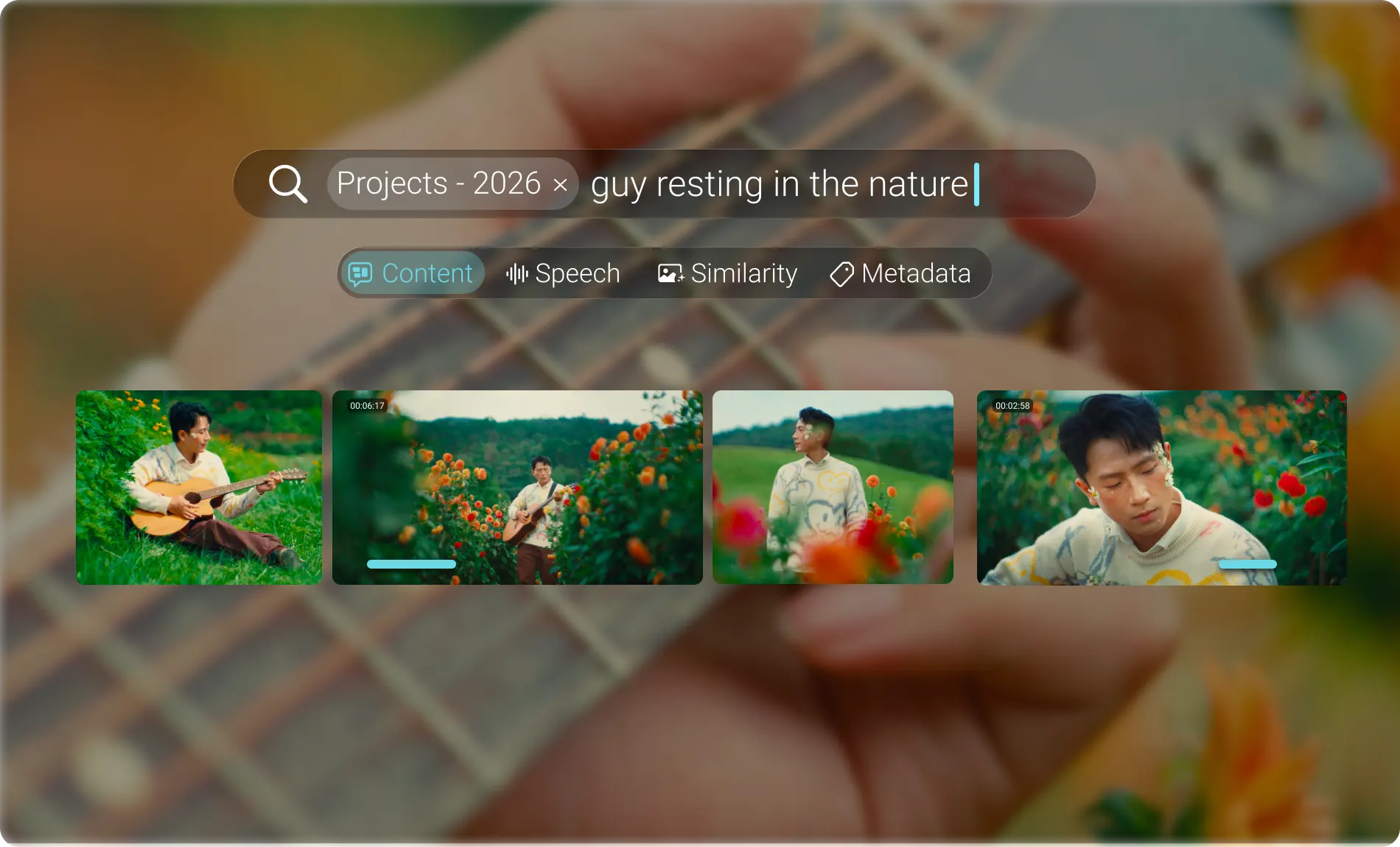
We’ve redesigned Peakto to make navigating massive collections more intuitive.
Smarter AI Search: Improved AI models deliver more relevant results when searching by natural language. A new Spotlight-inspired interface clearly shows whether a match comes from visual content, transcripts, keywords, or metadata.
Finder-like Navigation: Browse folders and subfolders naturally, across all your connected sources.
Improved Face Recognition: Better face clustering and redesigned people thumbnails help you rediscover photos of the same person across your libraries.
New Foundations. Same Principles.
Despite this major transformation, our commitments remain unchanged.
Connect everything. Move nothing. Keep using your existing storage and creative applications.
Private AI, running locally. Your photos and videos are analyzed on your Mac, not uploaded to cloud AI services.
Access from anywhere. Explore your locally stored media securely through Peakto Web, without migrating your library to the cloud.
Bring AI to your media. Not your media to AI.
One Monster Release. Three Launch Phases.
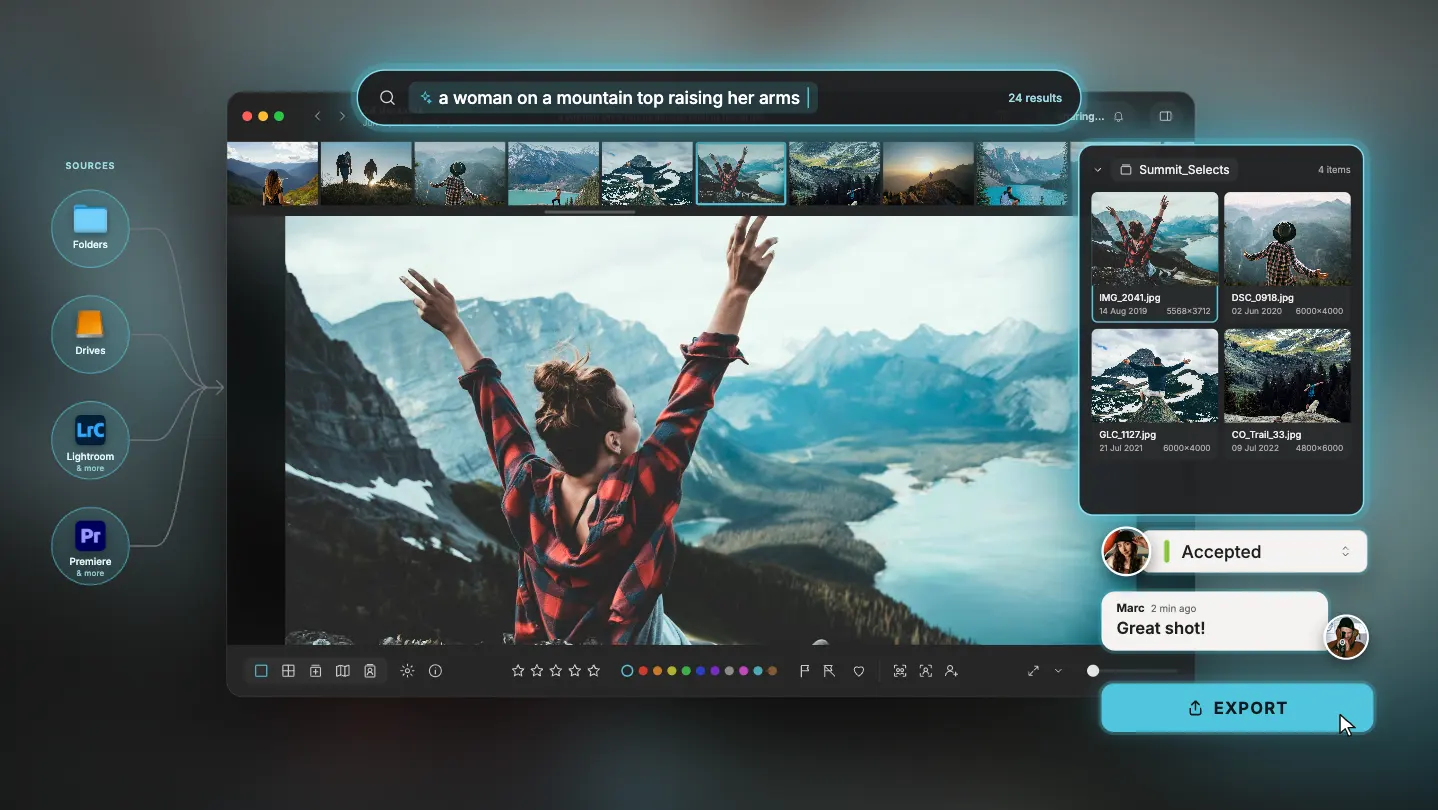
Peakto 3.0 is such a major release that we couldn’t fit everything into a single launch.
We’re introducing it in three phases, each designed to unlock new possibilities for different creative workflows.
Phase 1 — Built for Photographers. Available Now!
Explore the new Peakto 3.0 experience, with support for millions of assets, indexing controls, improved navigation, and smarter Face Annotation.
Phase 2 — Made for Filmmakers. Coming Next!
Go from footage to rough cuts faster. Search video transcripts, turn spoken words into clips, and assemble footage on multi-track timelines. These capabilities are already being refined in Peakto 3.0 ahead of their dedicated launch.
Phase 3 — Designed for Creative Teams. Coming Soon!
Collaborate remotely through a redesigned Peakto Web experience. Review media, share annotations, and create rough cuts together while keeping your originals on local storage. MCP compatibility will also open new possibilities for AI-assisted workflows.
And One More Thing… Meet Specio!
Peakto 3.0 will connect with Specio, CYME’s new wildlife identification app. Powered by local AI, Specio identifies over 450,000 animal species and automatically enriches your photos with scientific and common names.
Two powerful apps. One smarter wildlife photography workflow.