Event

Meet us at NAB Show 2026 in Las Vegas

Table of Content
Share:

Editing Workflow: Streamlining Postproduction with Peakto

McKinsey has reported that knowledge workers can spend about a quarter of their time searching for information and people. In postproduction, that “search tax” shows up as lost selects, duplicate exports, and messy relinks. This guide gives you a practical editing workflow to centralize media, standardize metadata, and create a clean handoff to your NLE.

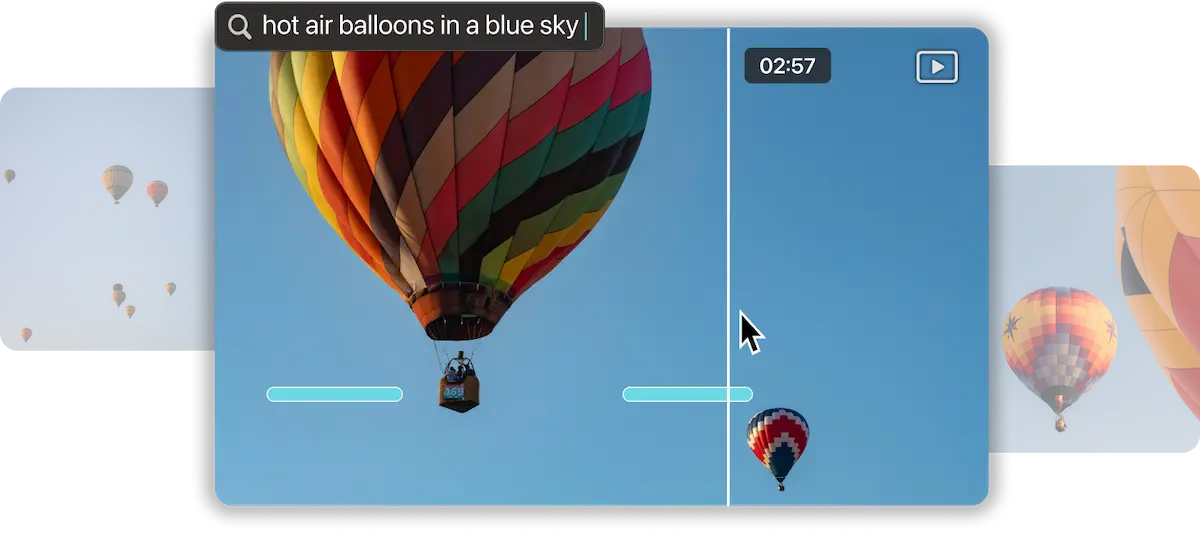
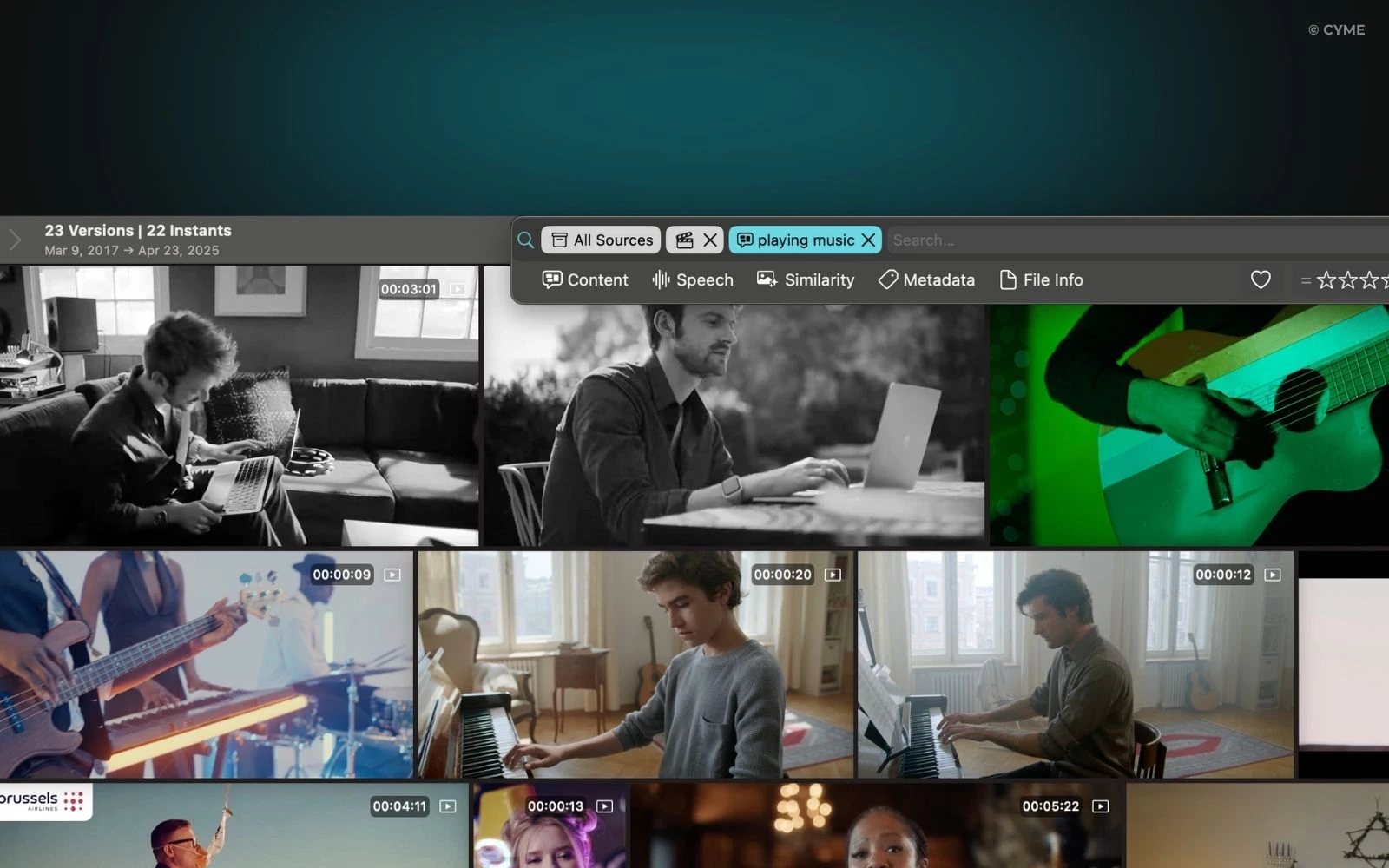
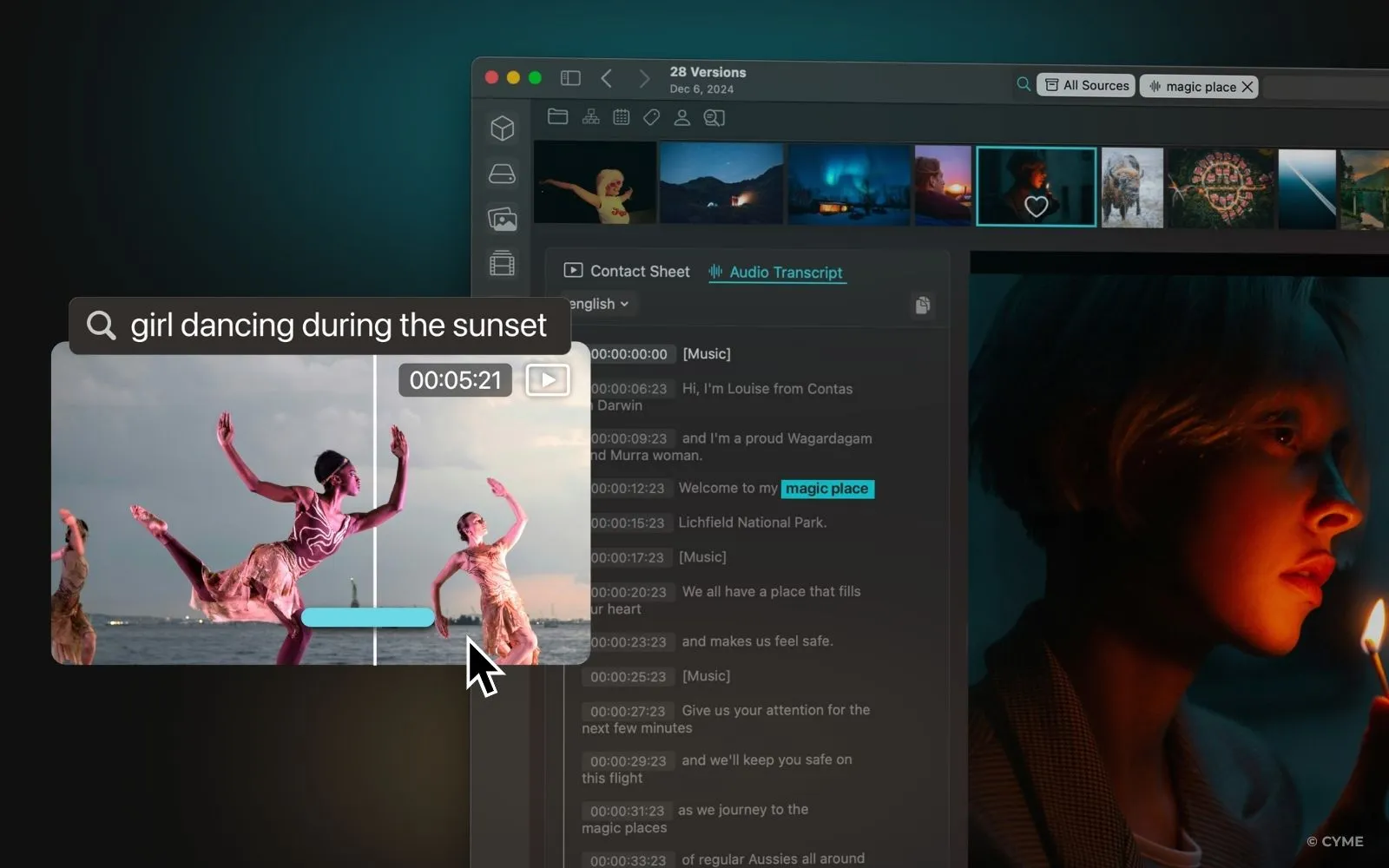
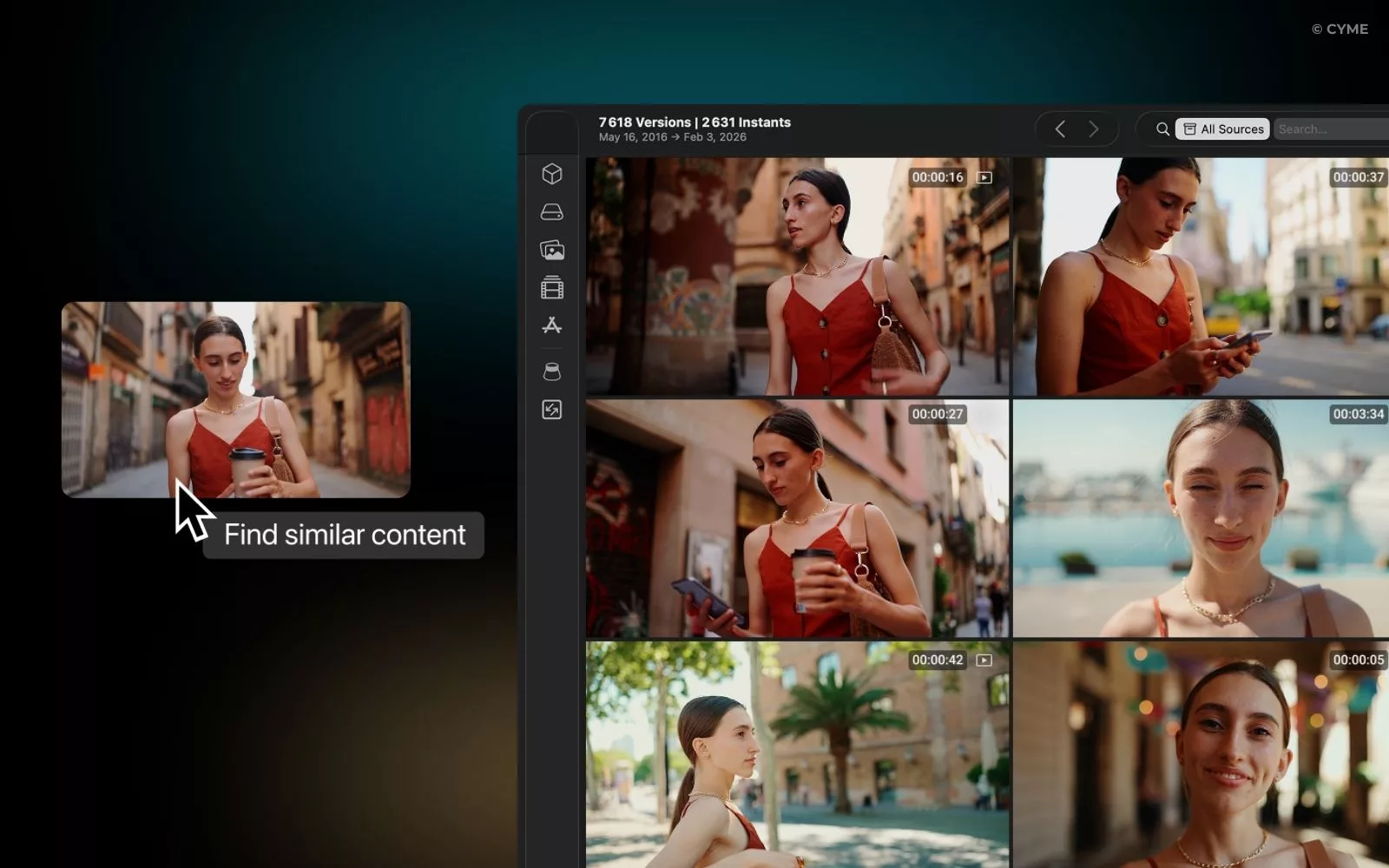
To see what “frame-accurate find” looks like in practice, start with video frame search . Then follow the steps below to make Peakto a real editing accelerator, not just another app on the dock.

The essentials in 30 seconds
Centralize your media locations first, or every “smart” feature will amplify chaos.
Use editor-first metadata (scene, intent, keepers) instead of archive-first tags.
Deduplicate and shortlist before the NLE to reduce noise and relink risk.
Validate with KPIs: faster retrieval, fewer review loops, and predictable deliveries.

With that baseline in mind, you’ll move faster if you treat Peakto as a workflow layer, not a one-time import.

Get the technical prerequisites and editing goals nailed down

Access, storage, and shared expectations

Your workflow only streamlines if your foundations are stable: Peakto installed, volumes mounted consistently (local, external, or NAS), an NLE chosen, and clear read/write permissions. Reliability is not theoretical: Backblaze explains that an annualized failure rate of one percent implies roughly one drive per hundred can fail in a year. That is why “where the media lives” and “how it’s backed up” belong in the workflow, not in someone’s memory.

Align the team before you touch settings. Define formats, naming, delivery specs, review steps, and who signs off. If your team spans photographers and videographers, document the crossover points: stills for thumbnails, graphics pipelines, and what counts as a final export.

  • Confirm volumes are connected and mount names are consistent.
  • Lock a stable folder tree for each project and keep it unchanged.
  • Verify read/write rights for every role that touches media.
  • Decide a proxy strategy and where proxies live.
  • Define backups and retention so deletions are reversible.
Storage option Best for Main risk Workflow rule
Local SSD Solo editing and travel rigs Single point of failure Mirror to a second location on a schedule
DAS (direct-attached) High-capacity local projects Cable swaps and path changes Standardize volume names and ports per workstation
NAS Shared libraries and teams Permission drift and slow browsing Centralize access rules and keep paths predictable
Key takeaways
Stability beats speed: consistent mounts and permissions prevent relink spirals.
Define deliverables and approvals first, then configure tools to match.
Backups are part of the editing workflow, not an afterthought.

Once prerequisites are set, you can map your real process instead of your ideal one.

Map your current editing workflow before you configure Peakto

Find bottlenecks and define “truth” rules

Start by writing down where time disappears: import, search, stringouts, approvals, exports, and archive. That is not busywork; it directly targets the “search tax” McKinsey highlights, where people can lose roughly a quarter of their time just locating what they need. In post, that cost multiplies because every missed clip becomes a missed decision.

List your real sources, not what you wish you had: camera cards, shuttle drives, NAS shares, project folders, exports, audio, GFX, and client references. Then define your “truth rules” in plain language: where the master lives, who can rename, who can delete, and who validates a version. Without those rules, your library becomes a debate.

Flow: Sources → Ingestion → Index → Search → Selection → NLE → Validation → Delivery

Keep your pilot small: one client, one project, one production week. That scope makes it obvious whether your process reduces confusion or just rearranges it.

Key takeaways
Map the workflow you actually run, including exports and archive, not only ingestion.
Write “truth rules” so naming, deletion, and validation are not subjective.
Pilot on a controlled project to protect deadlines while you refine.

With the map done, you can centralize media inside Peakto without disrupting production paths.

Centralize media in a Peakto library without breaking your folder logic

Library setup, controlled locations, and predictable ingestion

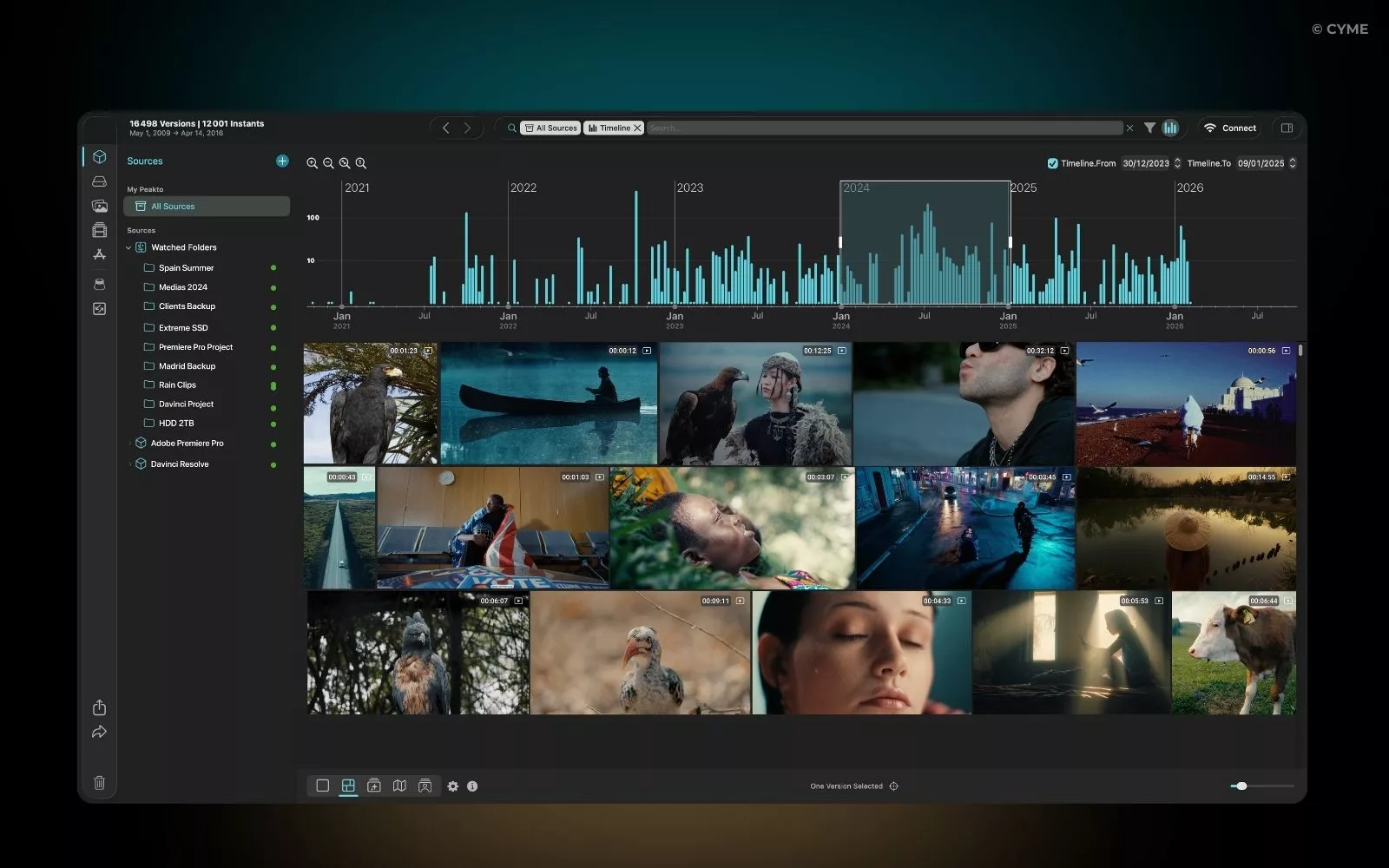
Create a library and add only controlled locations: approved project roots, known external volumes, and team shares. Avoid pointing Peakto at random desktop folders, because it will index noise and slow your decisions. Use a project convention that survives handoffs, then keep it stable.

Folder template: Project_Client_YYYYMMDD/Rushes_CamA/Audio/GFX/Exports/Archives

If your studio also works in photo ecosystems, Peakto can sit above multiple sources without forcing you to re-home originals. That includes catalogs from lightroom, apple photos, and luminar, and it can reduce the “where was that file” argument across photos picture and video footage. In the same spirit, teams coming from capture workflows often want capture one search and one search behavior, instead of five separate browser habits.

In your documentation, keep it simple and actionable: a base knowledge base page for naming rules, a short group tutorials playlist for assistants, and a decision note explaining which folders are indexed. If someone asks “what do we do when Peakto opens,” answer with a checklist, not a paragraph; even a menu reminder like “peakto open” versus “peakto peakto overview” can reduce onboarding friction.

Key takeaways
Index only controlled locations or you will accelerate the wrong work.
Standardize a folder convention that survives team handoffs and client revisions.
Document rules in a single place so new projects start clean.

Once media locations are stable, metadata becomes the lever that speeds up creative decisions.

Standardize metadata that accelerates editing decisions

Taxonomy, fast annotation, and consistency rules

Editors do not need more tags; they need the right tags. Build a taxonomy that answers cutting questions: what is happening, who is speaking, what is the intent, and is this a keeper. Use short controlled vocabularies so searches remain predictable across projects. Your goal is not “perfect description,” it is “fast selection.”

Automate where it helps, then keep human overrides fast. Batch-tagging and quick annotations are more valuable than deep per-clip essays. When AI signals are available, treat them as triage: use them to surface candidates, then confirm with your eyes and ears.

Field Rule Who owns it Why it matters in the cut
Scene Required Assistant Enables fast assembly by story unit
Subject / speaker Required for interviews Assistant + editor Supports dialogue pulls and selects
Location Required for multi-site shoots Assistant Prevents continuity mistakes
Intent Controlled list Editor Speeds “find the moment” searches
Export version Every delivery Producer Prevents sending the wrong file
Key takeaways
Use editor-first fields: scene, intent, speaker, and version control.
Keep vocabularies controlled so searches do not drift across projects.
Batch work beats perfection when deadlines are real.

With metadata in place, you can finally search, sort, and clean selections at speed.

Search, sort, and deduplicate faster before you start cutting

Natural queries, dialogue search, and noise reduction

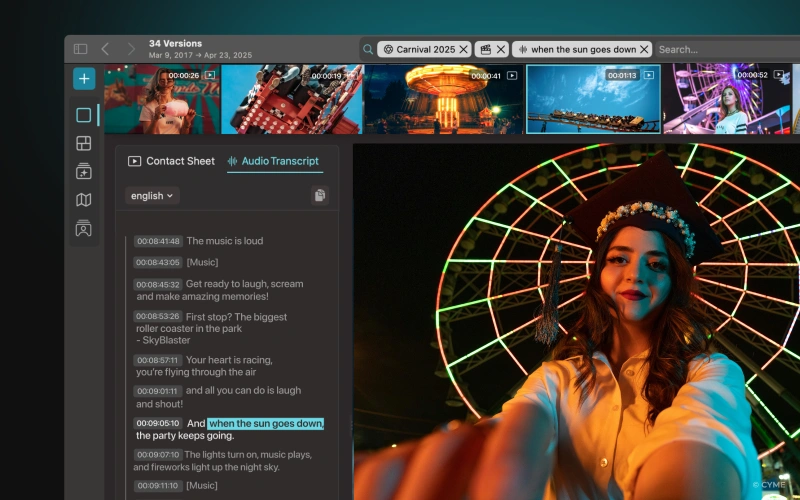
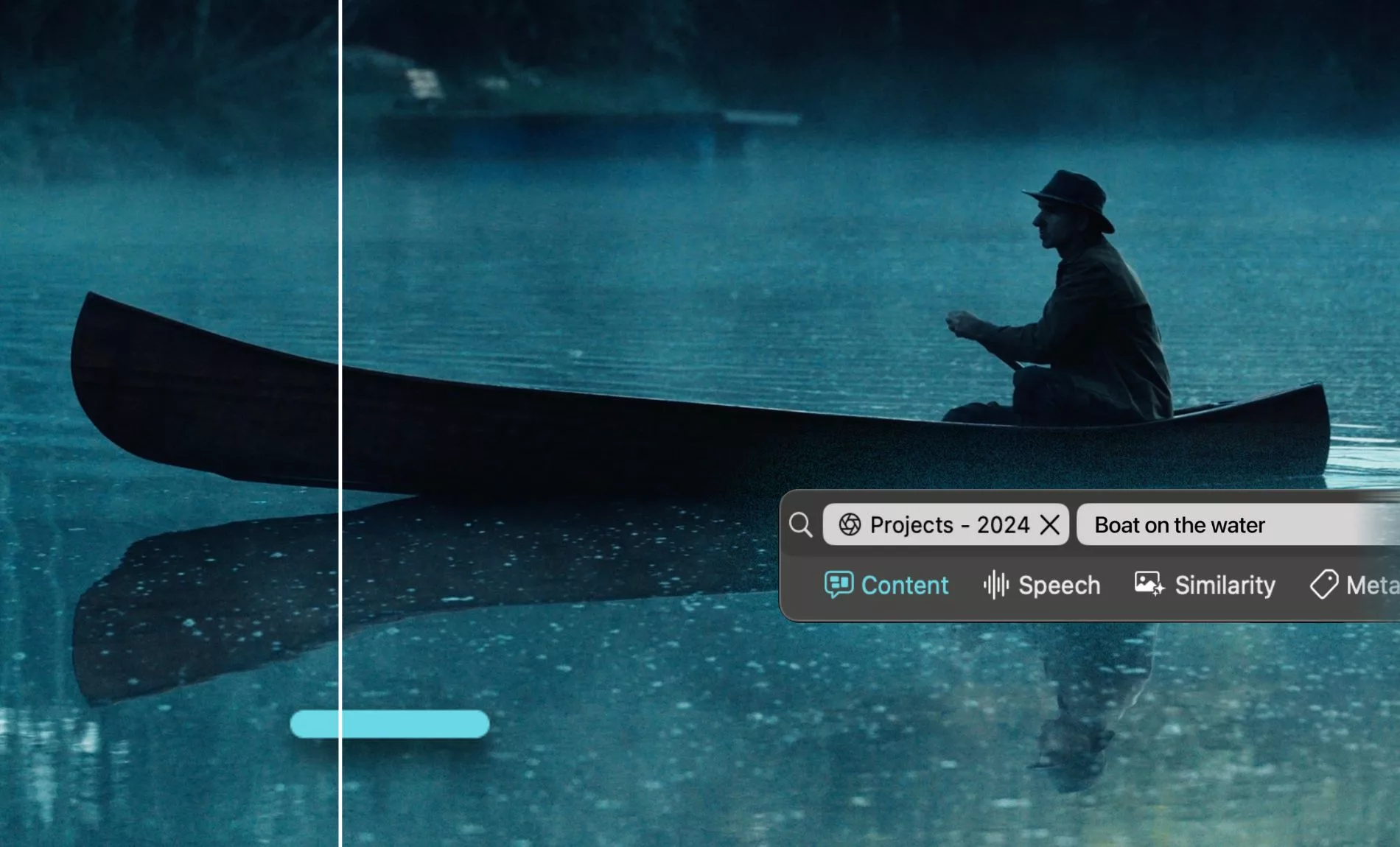
Searching should feel like asking a clear question, not clicking through folders. Use natural phrasing across tags, descriptions, and transcripts when available. For long interviews, transcript search is the difference between “I remember she said it” and a usable quote list.

Deduplication is the unglamorous win that prevents wrong choices. PetaPixel’s coverage of Peakto 2.6 highlights a focus on finding duplicates across libraries, which maps directly to postproduction pain: multiple exports, near-identical selects, and repeated transcodes. Build “duplicate checks” into your pre-edit routine so the NLE timeline stays signal-rich.

Flow: Query → Filtered results → Pre-select → Shortlist → Export to edit

To keep searches trustworthy, decide where naming changes are allowed and where they are forbidden. Otherwise, today’s perfect shortlist becomes tomorrow’s missing media.

Key takeaways
Search should start from intent, then narrow with metadata and transcripts.
Deduplicate early to prevent noisy selects and wrong export choices.
Shortlists are assets: protect them with stable naming and paths.

Now you can connect selection work to the NLE so the cut starts with clarity, not scavenger hunts.

Hand off Peakto selections to your editing software cleanly

Plugins, proxies, markers, and relink-safe structure

The handoff fails when file paths drift, bin structure changes, or proxies are generated inconsistently. Your goal is a predictable bridge from shortlist to timeline. If you use NLE integrations, keep a single rule: the library structure is sacred, and the NLE mirrors it.

Define how you will express decisions: sub-clips, markers, and status labels. Then standardize the marker language so assistants and editors speak the same shorthand.

Marker format: (Sequence) INT_01 / Time / Note / Status (Keep, B-roll, Risk)

For teams exploring integrations, write down which plugins are approved and why. That note should include who maintains them, how updates are tested, and what happens if they break mid-project. If someone searches settings and gets lost, a simple internal phrase list like “plugins open plugins search” can remind them where to look without derailing the session.

Key takeaways
Make the library structure the source of truth, then mirror it in the NLE.
Standardize markers and statuses so selects remain readable across editors.
Treat integration maintenance as part of production readiness.

Once handoffs are stable, collaboration becomes the next constraint: who sees what, who approves what, and how fast it moves.

Orchestrate collaboration and approvals without losing privacy control

Workspaces, roles, and validation statuses

Collaboration breaks when access is informal. Create workspaces per client or project, assign roles, and make approvals explicit. ProVideo Coalition’s write-up on Peakto 2.7 notes expanded integration and a team approval workflow approach, which is exactly what post teams need: clear review statuses, less ambiguity, and fewer “which file did you mean” messages.

Define a simple policy privacy rule for sensitive clients: who can see transcripts, who can export, and where review notes live. Tie that policy to a real person, not a vague team. If something goes wrong, everyone should know the contact and the expected service response time.

Role Access Responsibilities
Editor Tag, shortlist, export Selection logic and timeline decisions
Producer Review, comment, validate Approval criteria and version tracking
Client View and approve Final sign-off against agreed deliverables
Assistant Ingest and annotate Consistent metadata and organization

If you are pitching this internally, frame it for creators peakto teams: it reduces friction for videographers managing media while keeping decisions auditable.

Key takeaways
Approvals need explicit statuses, not scattered messages across channels.
Role-based access prevents accidental edits and protects client confidentiality.
Collaboration improves only when ownership and response paths are defined.

Finally, you need proof that the workflow is working, not just feeling better.

Validate results with KPIs and fix the common failure points

Before/after measurement and operational troubleshooting

Validation should be repeatable. Run the same retrieval tasks each week, compare outcomes, and keep notes on what blocked speed. Track: time to find specific shots, time to build a shortlist, number of review loops, and the rate of duplicates reaching the edit. Keep the KPI language consistent so reports do not turn into interpretation debates.

Frequent problem What it causes Fix you can apply immediately
Broken links Relink delays and missing media Freeze folder structure and standardize volume names
Noisy search results Slow selects and missed keepers Tighten taxonomy and enforce required fields
Duplicate media Wrong choices and wasted exports Deduplicate before shortlisting and before delivery
Slow browsing Delayed review sessions Use proxies and limit indexing to controlled locations
Confusing feedback Extra review loops Use clear approval statuses with criteria per step

Weekly KPI line: Search time / Stringout time / Review loops / Exports / Duplicates

Key takeaways
Measure retrieval speed and review loops, not only subjective “comfort.”
Most workflow failures are path drift, weak metadata rules, or duplicate noise.
A short weekly KPI line keeps improvements visible and continuous.

Editing workflow FAQ (Peakto + postproduction)

Does Peakto replace a DAM, or does it complement an editing pipeline?

It complements most editing pipelines by acting as a media indexing and selection layer, then handing off clean choices to the NLE. A classic DAM often optimizes long-term governance. Peakto is most valuable when your bottleneck is findability, shortlisting, and keeping paths stable from ingest to delivery.

How do I organize tags and folders so I don’t reclassify everything every project?

Start with a stable folder template per project, then keep tags project-agnostic where possible. Use controlled vocabularies for “scene,” “intent,” and “status,” and avoid free-text sprawl. The goal is to reuse the same tag logic across projects, so searches stay predictable and onboarding stays fast.

Does dialogue search work for long interviews?

Yes, when transcripts are available, dialogue search becomes a practical navigation method for long-form interviews. It turns “I need the quote about pricing” into a direct find-and-verify flow. The key is to pair transcript finds with editorial tags, so you can build shortlists that remain meaningful later.

How do I handle proxies and relinks without breaking the edit?

Keep originals and proxies in defined, consistent locations and do not rename folders mid-project. Mirror the same structure in your NLE bins. When paths are stable, relinks become predictable, and assistants can generate proxies without guessing. Treat path changes as change requests, not casual cleanup.

What’s the biggest risk when streamlining an editing workflow with Peakto?

The biggest risk is indexing uncontrolled locations and letting naming drift. That creates noisy search results and fragile links, which cancels out speed gains. Reduce risk by limiting indexed roots, enforcing required metadata fields, and defining who is allowed to rename, delete, and validate versions.

How much effort does it take to get a working setup?

Most teams can get a meaningful pilot running in a focused session if prerequisites are ready: stable storage mounts, permissions, a folder template, and a short metadata rule set. The real work is not clicking settings; it is agreeing on “truth rules” and enforcing them consistently across the team.

Operational wrap-up for a faster postproduction workflow

A streamlined editing workflow is built from boring fundamentals: stable media locations, predictable naming, and metadata that matches how editors think. Use Peakto to centralize what you already have, index it intelligently, and turn search into decisive shortlists. Then connect that work to your NLE with relink-safe structure, explicit approvals, and weekly KPIs. If you do those steps in order, you spend less time hunting and more time shaping the story from the very first assembly.

You may also like...

Explore Peakto in video

Watch our demo video, then sign up for a live FAQ session to connect with our team.
How to Organize Your Photos Using Keywords 01
Hey, wait...
Inspiration, Tips, and Secret Deals — No Spam, Just the Good Stuff