Search for Videos.
Find the Right Moment Fast.
Describe, discover, done – The easy way to find video clips.
7-day free trial included

Trusted by the press









Type what you remember.
Peakto finds it for you.
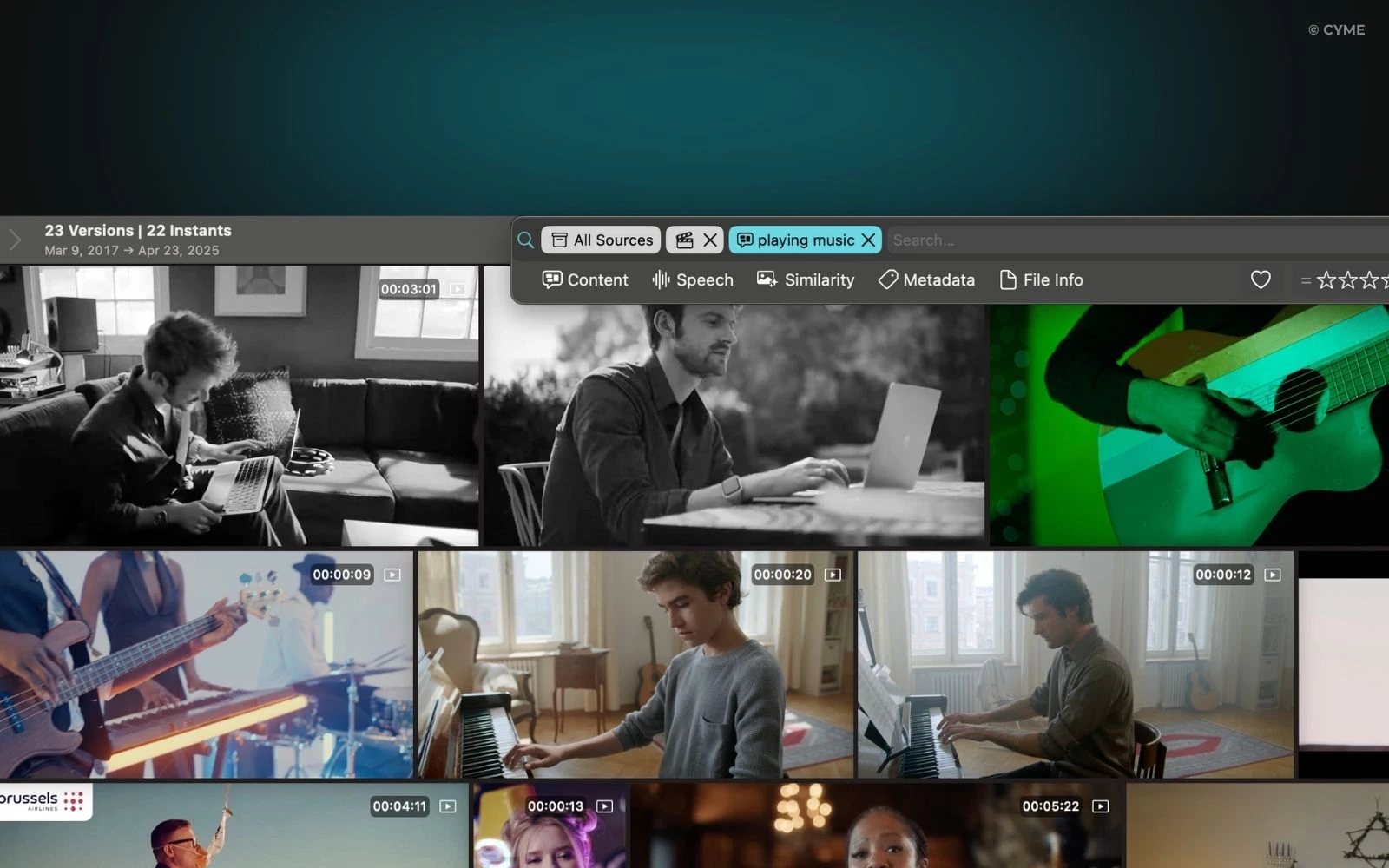
Find any video clip in seconds
Search your footage with AI prompts to instantly find a scene, action, event, visual detail, emotion, or social-ready highlight — without manually scrubbing through hours of video.
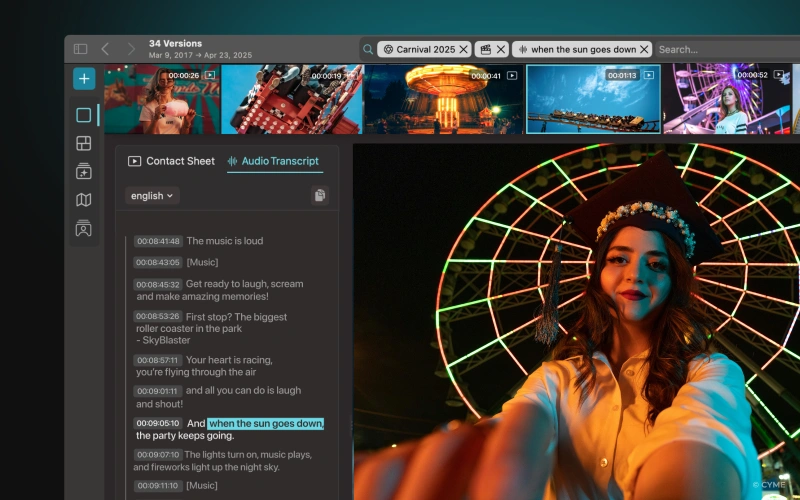
Search video by spoken words
Find a specific sentence, quote, interview answer, dialogue line, or keyword across your videos using AI-powered transcript search.
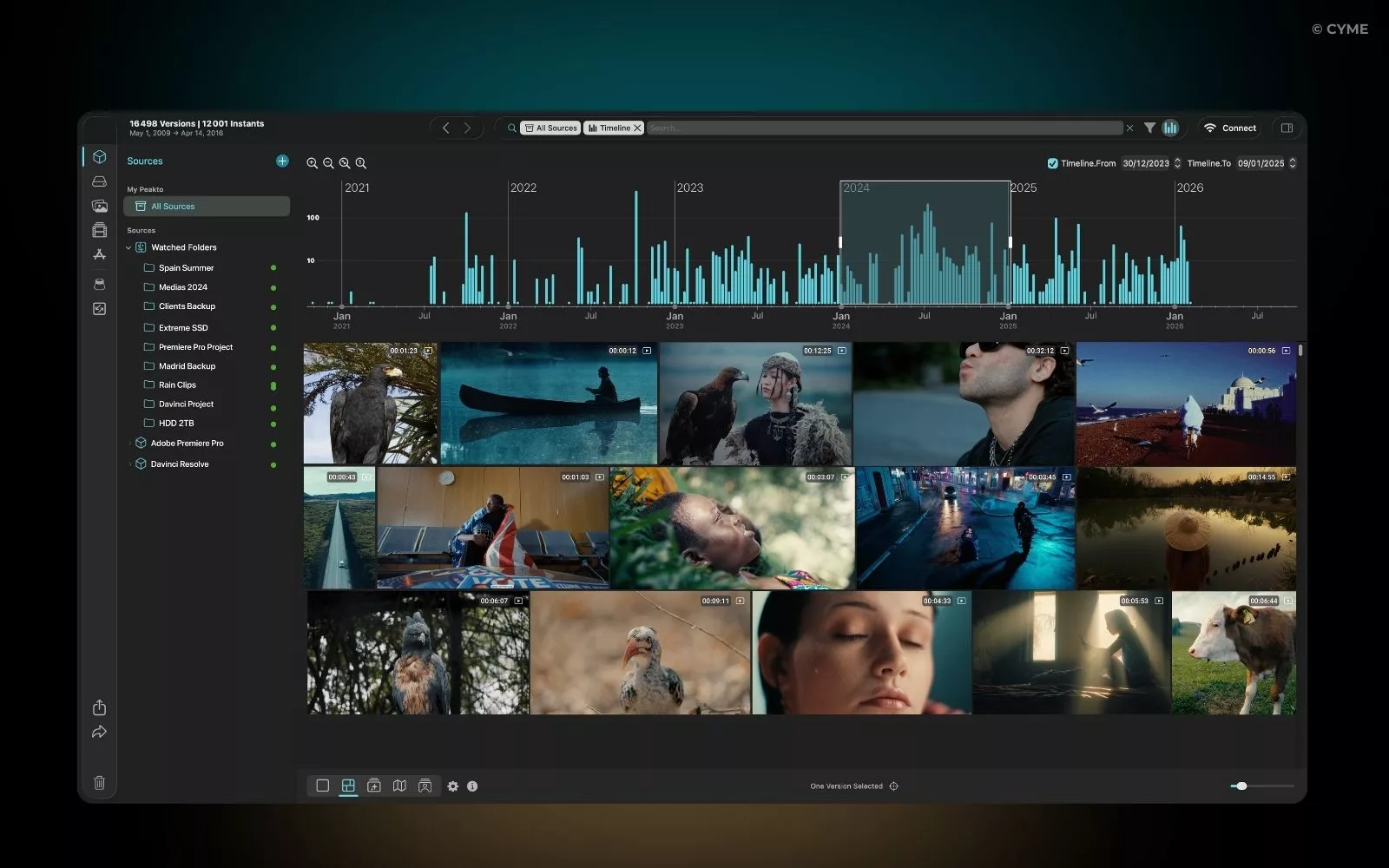
Find videos using metadata
Search your video library by file name, date, camera, format, location, duration, rating, tags, or custom metadata to quickly locate the right footage.
Find key moments in long videos
Jump directly to the right moment in interviews, events, conferences, podcasts, sports footage, or documentary rushes — even inside hours-long video files.
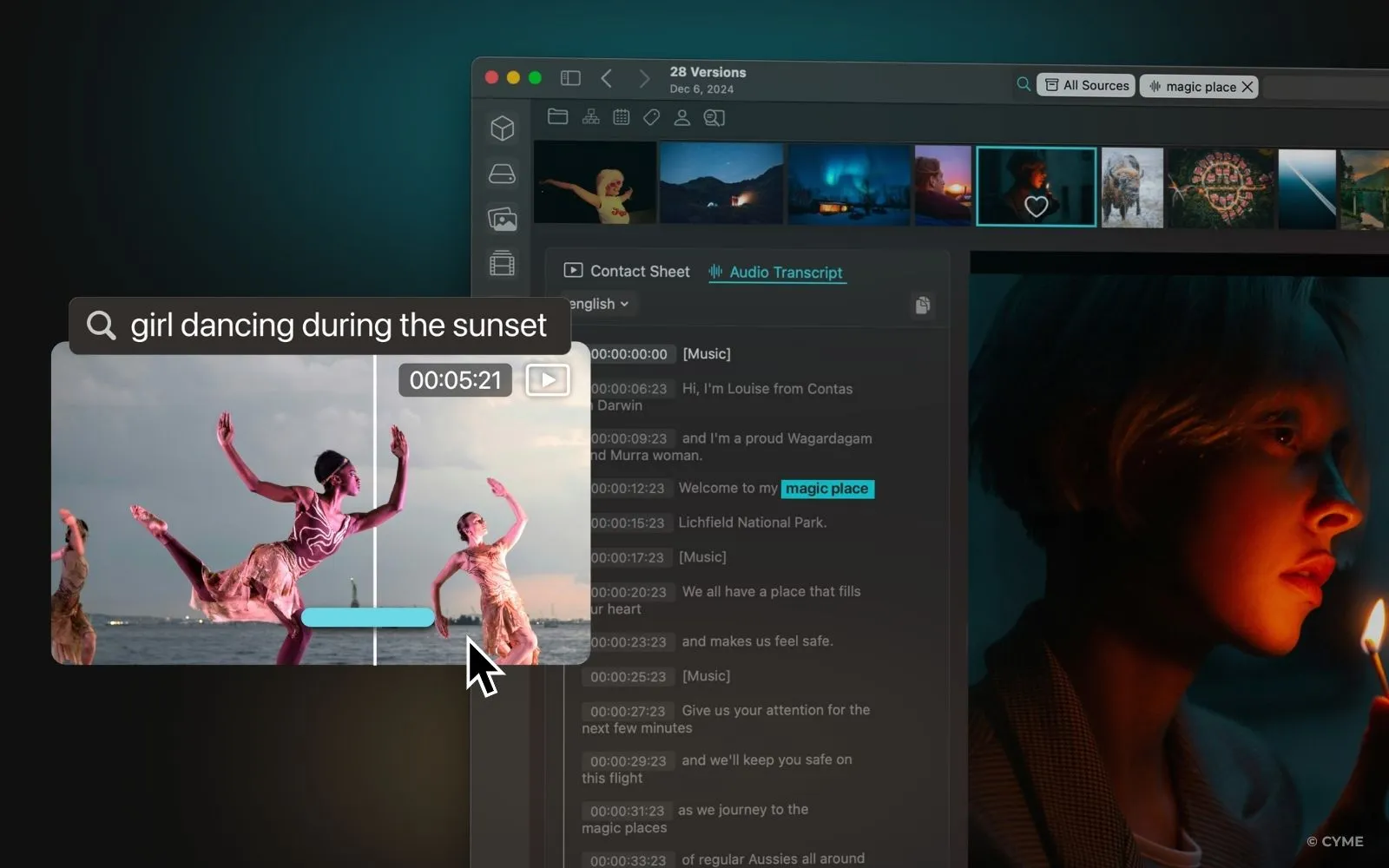
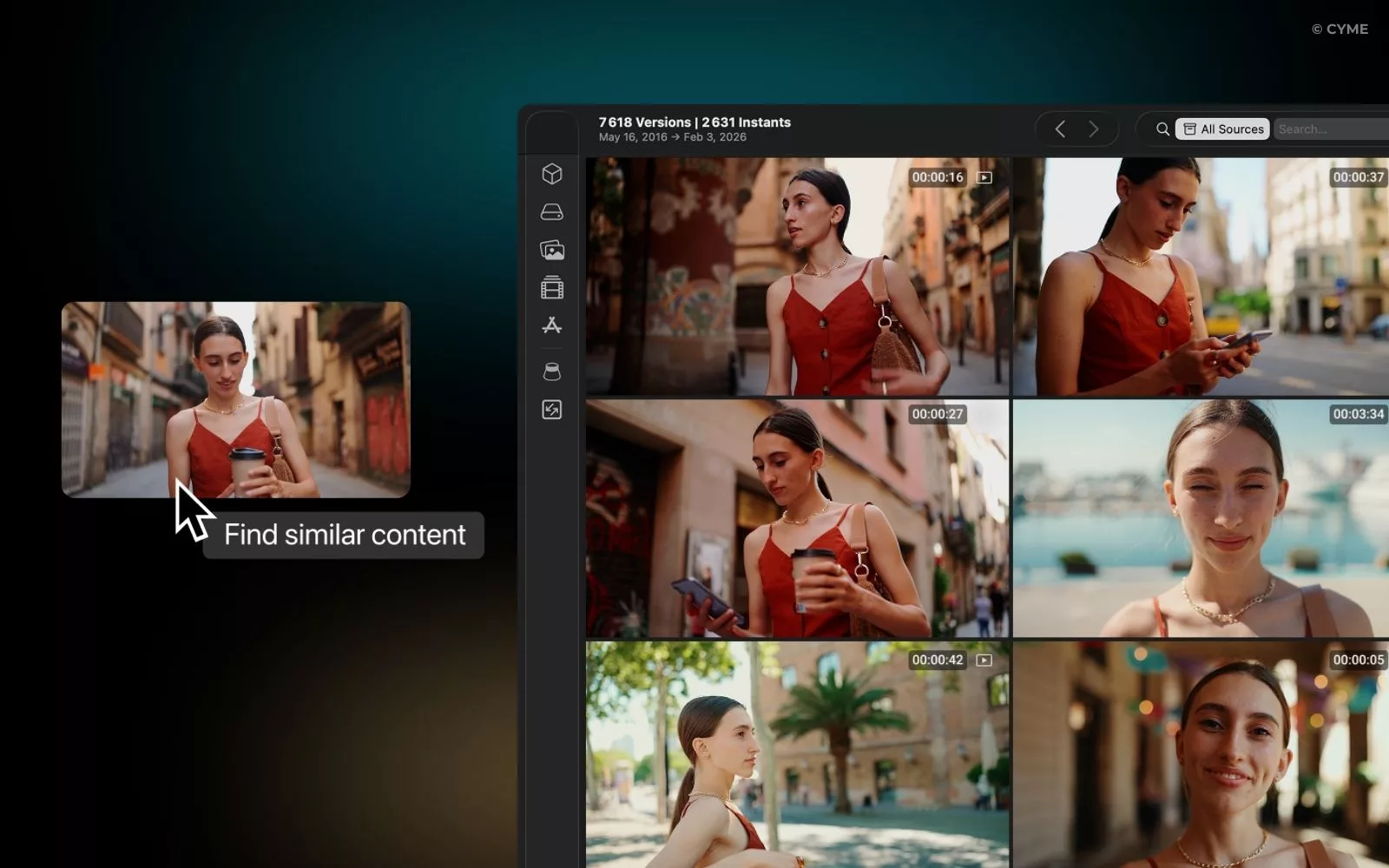
Find videos from an image or clip
Use reverse video search to find matching footage from a reference image, frame, screenshot, or video clip — and reconnect visual fragments to the original source.
They love Peakto






Built for every video workflow.
Made to find every key moment.

Documentary editor
Find the exact visual moment you need in hours of interviews, archival footage, B-roll, or documentary rushes — from a single reference frame or image.
Wedding videographer
Quickly retrieve the kiss, the first dance, the emotional speech, or any key wedding moment without manually scrubbing through hours of footage.
Agency / production team
Help your team instantly locate campaign shots, product scenes, client footage, or approved visuals across large video archives.
Content creator
Turn long videos into social-ready clips faster by finding strong hooks, reactions, gestures, products, or visual moments from a simple image or frame.
How to use video frame search in Peakto
Make your search more precise in just a few steps.
1.
Type-in the search bar
Describe the passage you are looking for in the search bar using simple natural language.
2.
Visualize the results
From the results, access a scrubber to quickly see if you have found the desired passage.
3.
Fine-tune your request
Refine the search results by adjusting the relevance or by specifying your search further.
Watch video
Key benefits
Save precious time
Finding a specific moment in a video can be a nightmare. Scrolling through video files and quickly skimming multiple sequences to locate the desired scene is a genuine waste of time. Peakto streamlines and accelerates video search, making it effortless.
Avoid unnecessary reshoots
Your archives are a goldmine. Peakto helps you find existing outdoor shots, product scenes, locations, people, and visual moments across your media library — so you can reuse your best footage faster.
Leverage your existing content
Creating new content for social media or your website is essential but time-consuming. How can you maximize the use of your already-shot footage? By easily viewing and instantly retrieving your videos, allowing you to create even more effortlessly.
Find more features
Related Topics
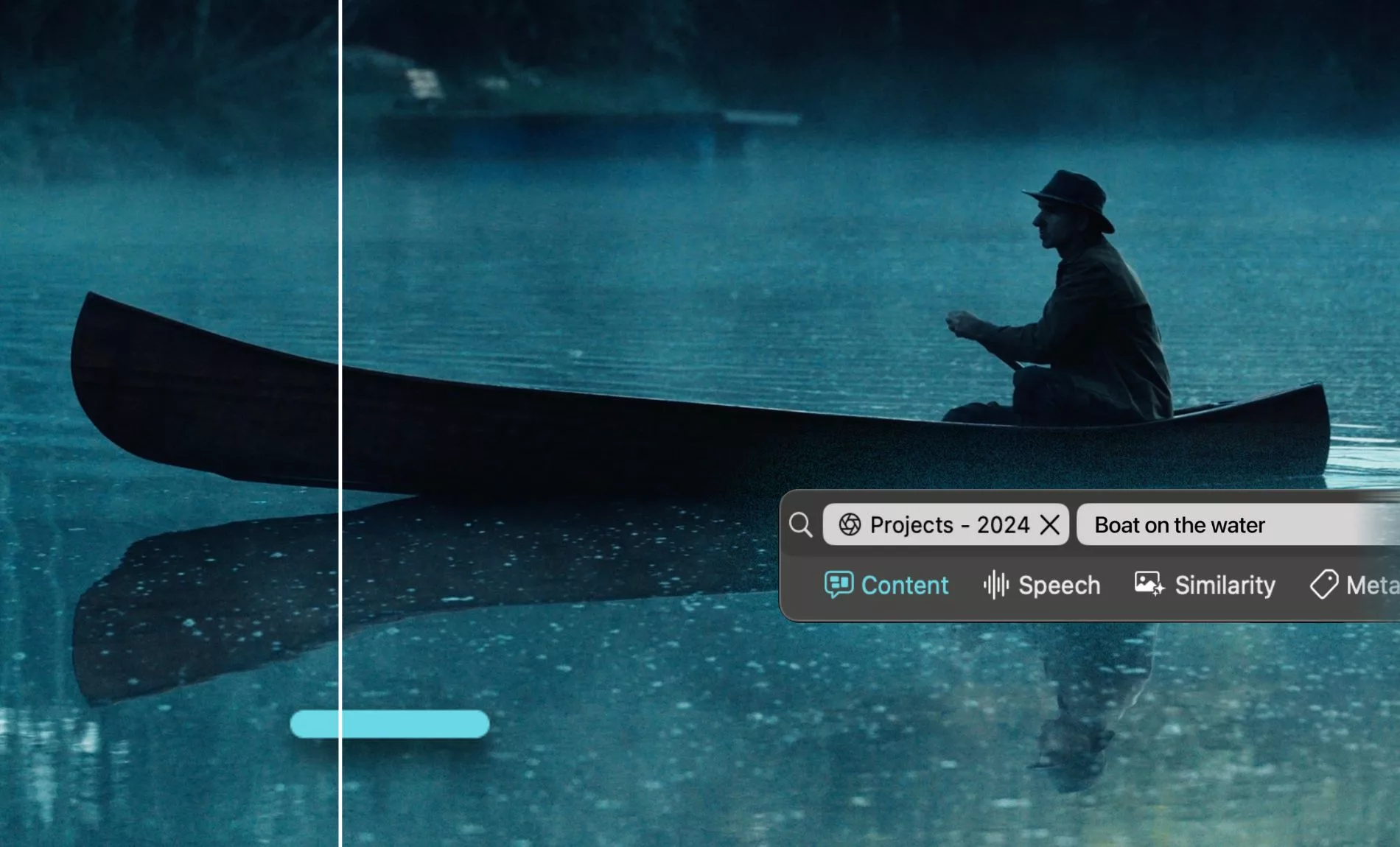
Video Finder: How to Find Any Video File Even Faster
Lost a video file? Find it in seconds — by image, transcript, metadata, or clip. 4 proven methods for photographers and videographers...
Read more
How to Reverse Video Search: Find Videos Instantly
Find where your video is being reposted—or match a clip back to your original file. Reverse video search helps you track, verify, and...
Read more
Finding Videos by Metadata Using Next-Gen Search Tools
Finding videos by metadata used to rely on perfect tagging. Next-gen AI search tools can now understand your footage – no tags required...
Read more