




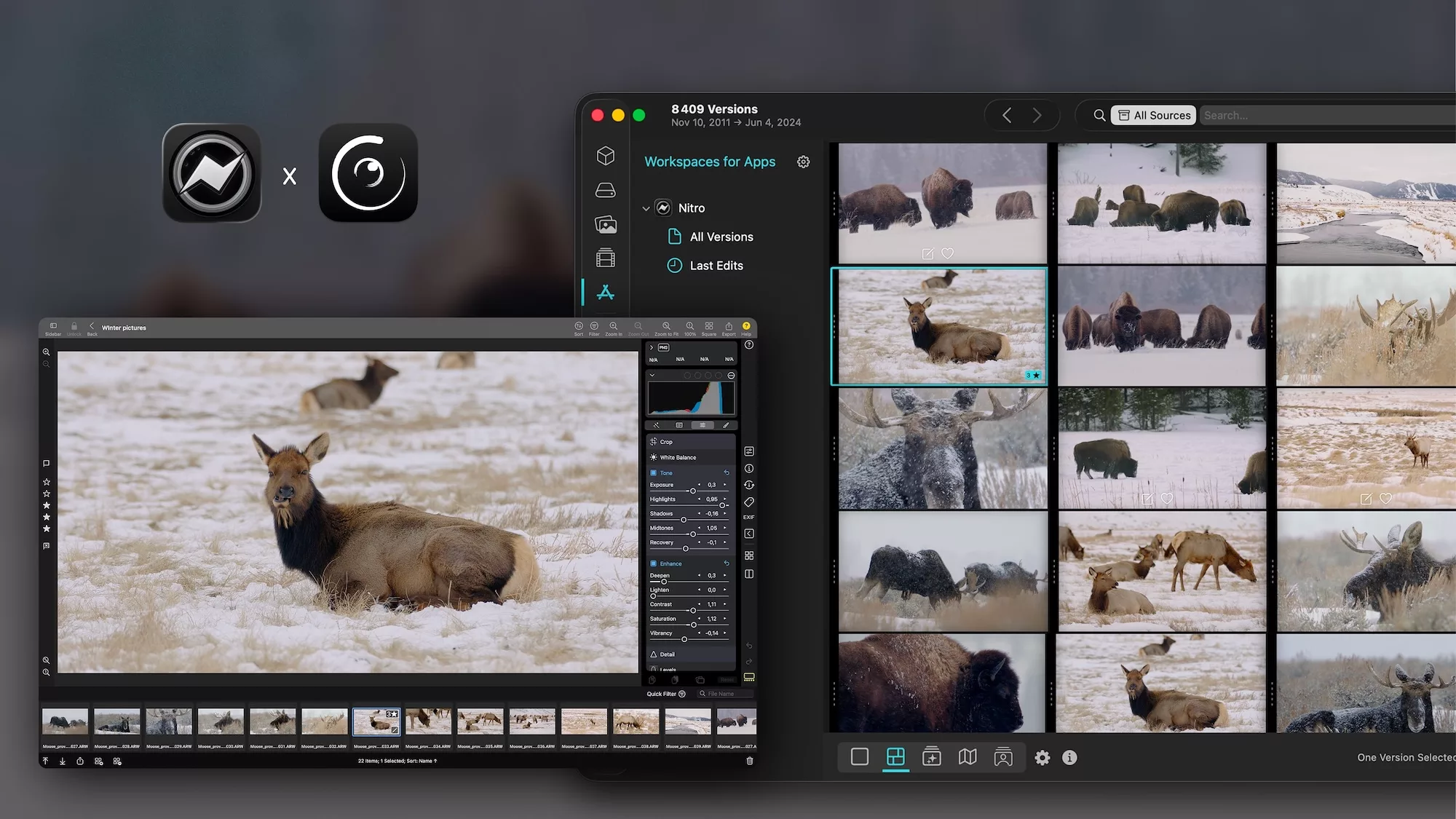









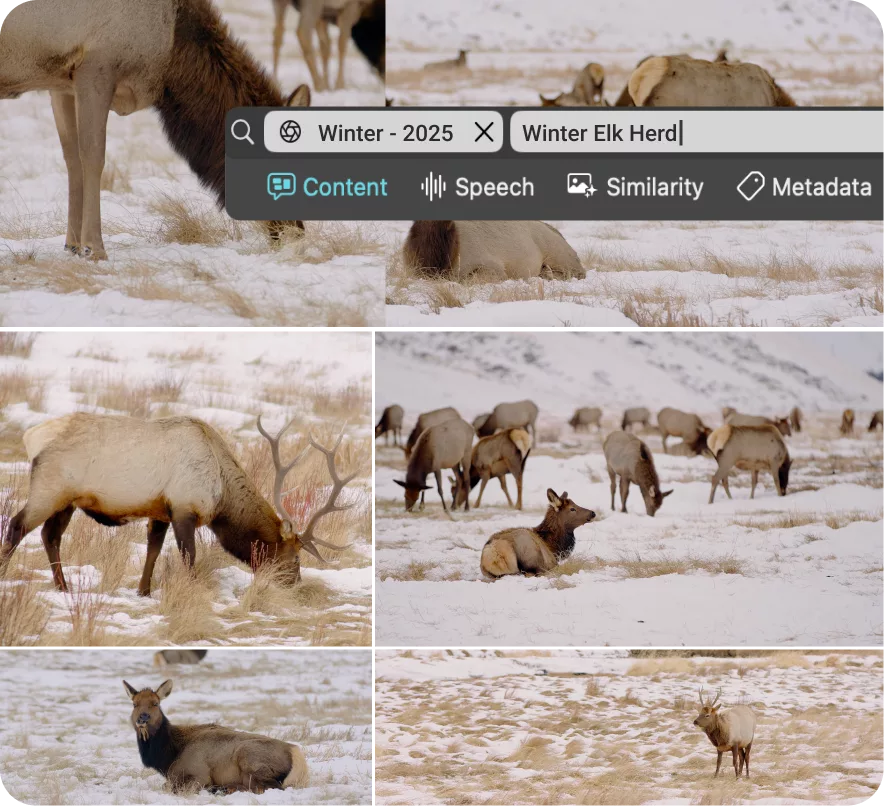

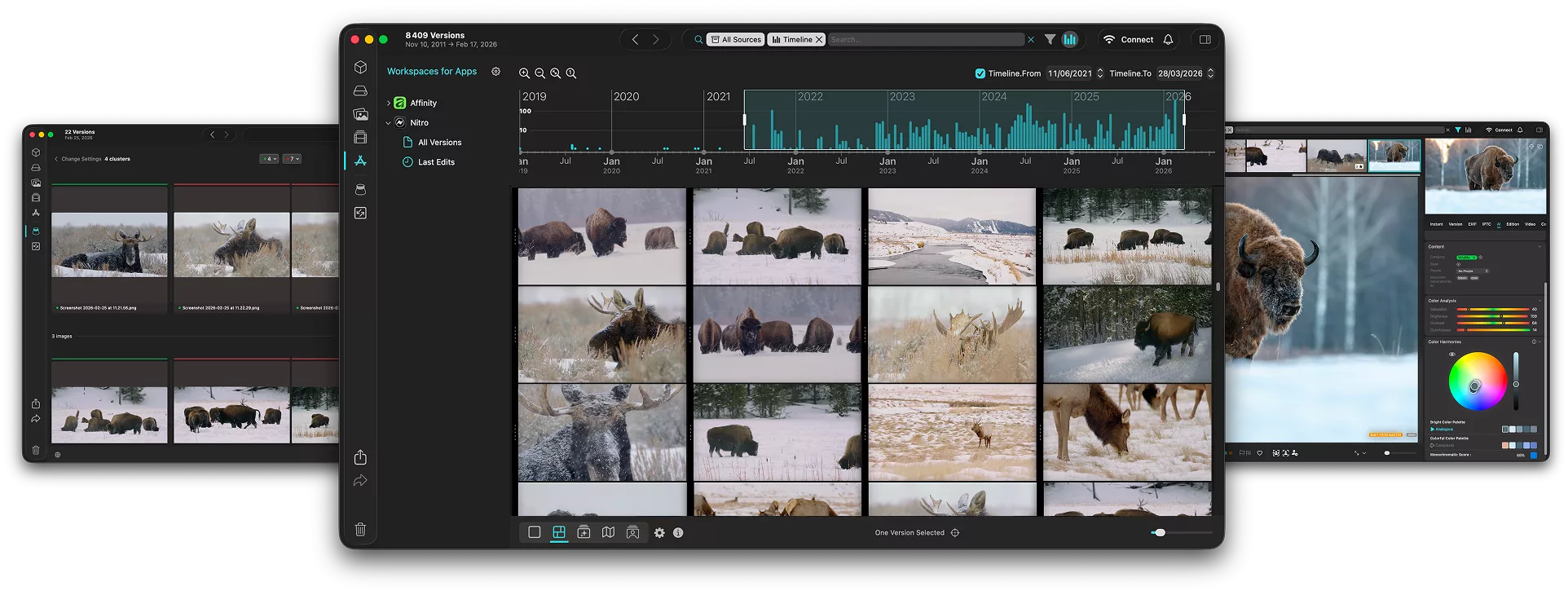
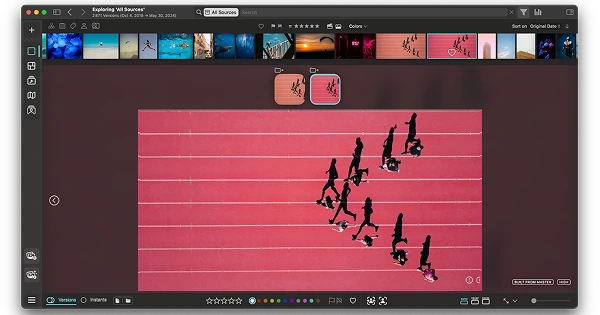


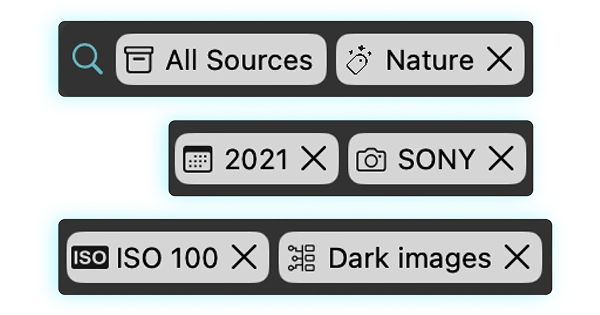
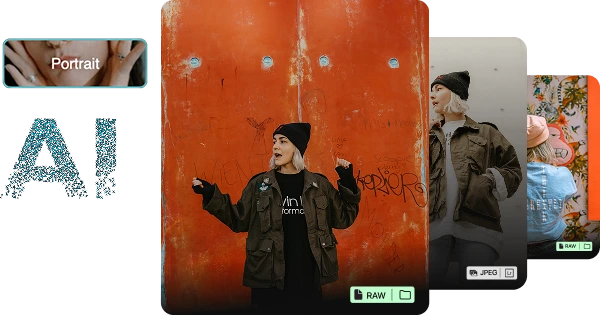
My favourite feature of Peakto is that it allows me to browse and search the contents of my Capture One catalogs, including variants, in one place.

So far, the functionality is great. I’m most excited by the frequency of releases and ongoing innovation. Ultimately, I invested because of your very clear roadmap, with some confidence and trust that the features would come.

Dream come true ! Visualize and find easily your images wherever they are, catalogs, files, external supports, it is now possible with Peakto. It’s impressive and indispensable. Beware, Peakto is addictive! What’s more, it’s user-friendly and aesthetically beautiful.

Congrats and especially Thanks for this first initiative that will (finally!) streamline access to the various digital asset management solutions that photographers have “endured” for the past 20 years…

The possibilities for searching make using Peakto somewhat relaxing because the tools are there and you’ll likely be quite successful in finding exactly what you are looking for.

Peakto is different. Finally an application that allows me to manage all of my 350,000 photos in one place. Previously spread across years of multiple Aperture and Lightroom libraries, now consolidated in one single app. The dev team actively responds with request and questions, often surprising me with better solutions than I was looking for.