New

Peakto 2.6 introduces AI-Assisted Culling and Deduplication

Speed Up Your Creative Workflow with Peakto x Luminar Neo

From AI media management to creative editing

Peakto 2.6 x Luminar Neo
Peakto is Trusted by the Press
Peakto Software Logo - Media Management for Creatives

Peakto

Organize, Find, and Edit Without Limits

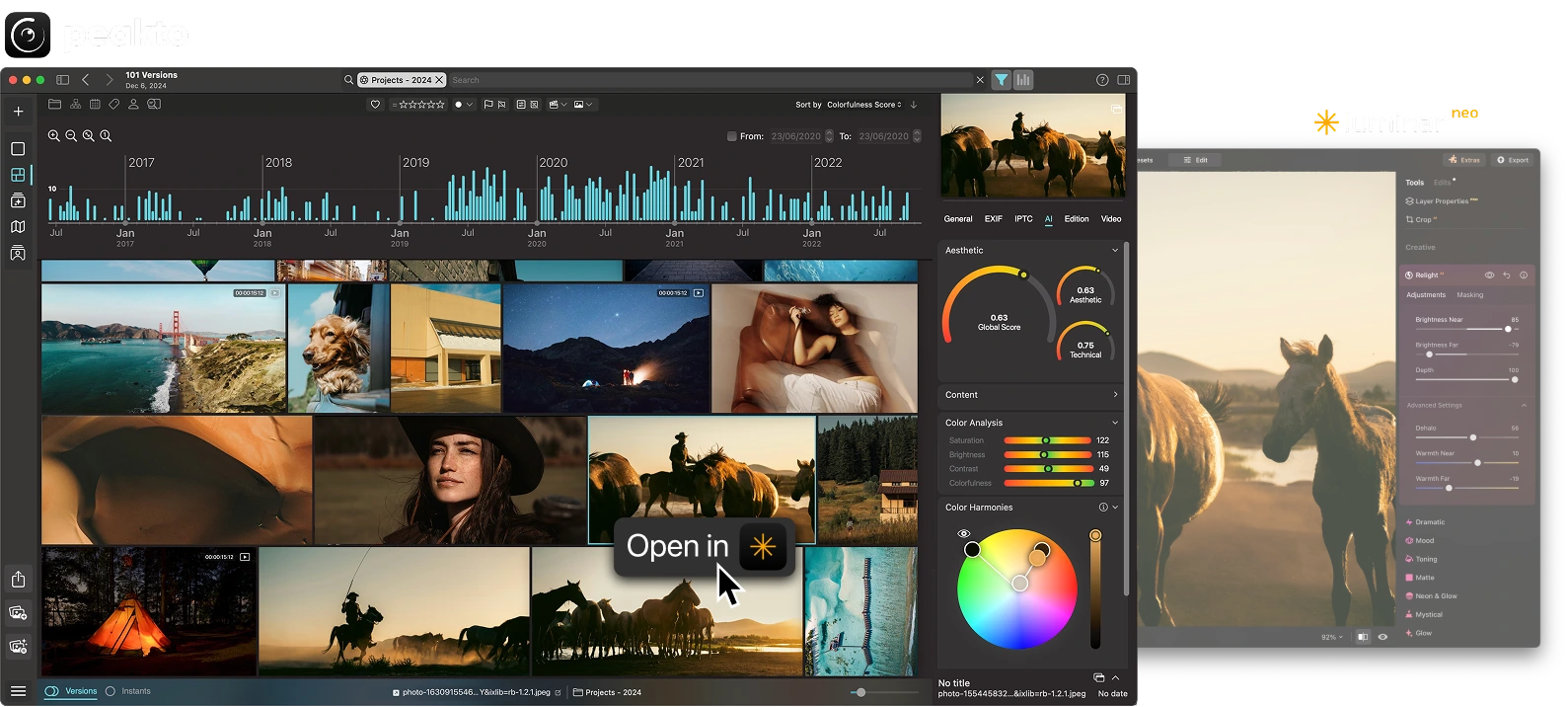
Editing is only part of the journey. Peakto complements Luminar Neo by helping you organize and find your photos effortlessly, even if they’re spread across multiple drives and libraries. Together, Luminar and Peakto give you total control over your photography — from organization to final edit.

Try Peakto for free today >

One central hub

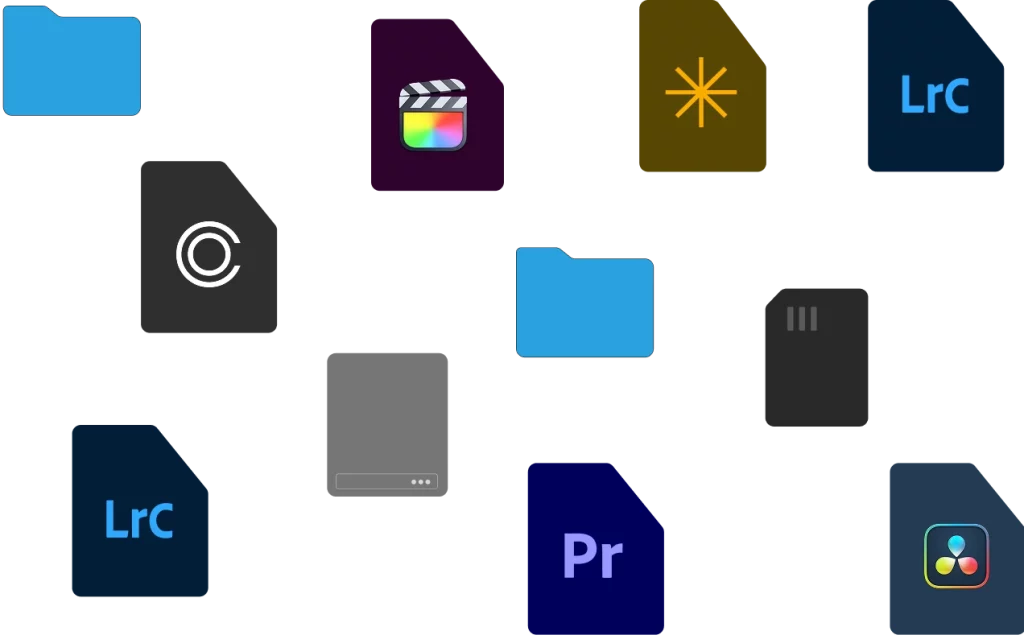
Peakto gathers all your images from Apple Photos, Lightroom, Luminar Neo, and more — no duplication needed.
Peakto x Luminar Neo - One central hub

Instant search with AI

Find any photo instantly by subject, color, or even description.
Peakto x Luminar Neo - Instant search with AI

Edit directly in Luminar Neo

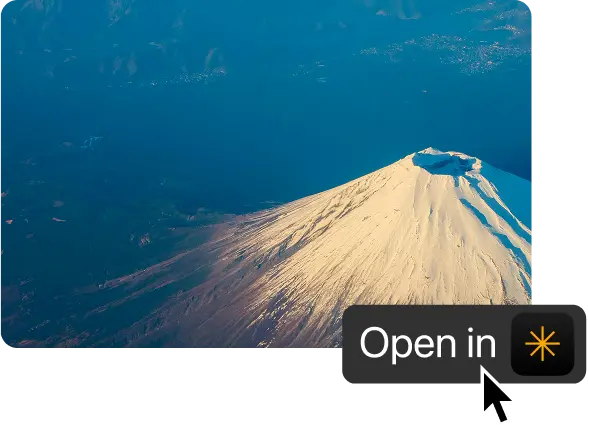
Open any image from Peakto into Luminar Neo with one click for smooth editing.
Peakto x Luminar Neo - Edit directly in Luminar Neo

Stay organized forever

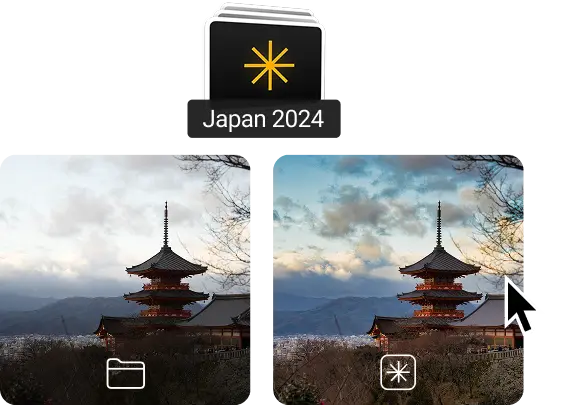
Track edited vs. unedited versions, manage large catalogs, and always know where your files are.
Peakto x Luminar Neo - Stay organized for ever
7-day trial included - cancel anytime
Luminar Neo - Framed Icon

Luminar Neo

Create Stunning Edits in Seconds

Luminar Neo is an innovative photo editor designed to make complex editing tasks fast, intuitive, and accessible to every creator. Powered by advanced AI technology, it automates time-consuming processes while giving photographers full creative control.  

Luminar Neo - Relight AI
Adjust depth, brightness, and color of lighting to rebalance foreground and background for strikingly dramatic or natural results.
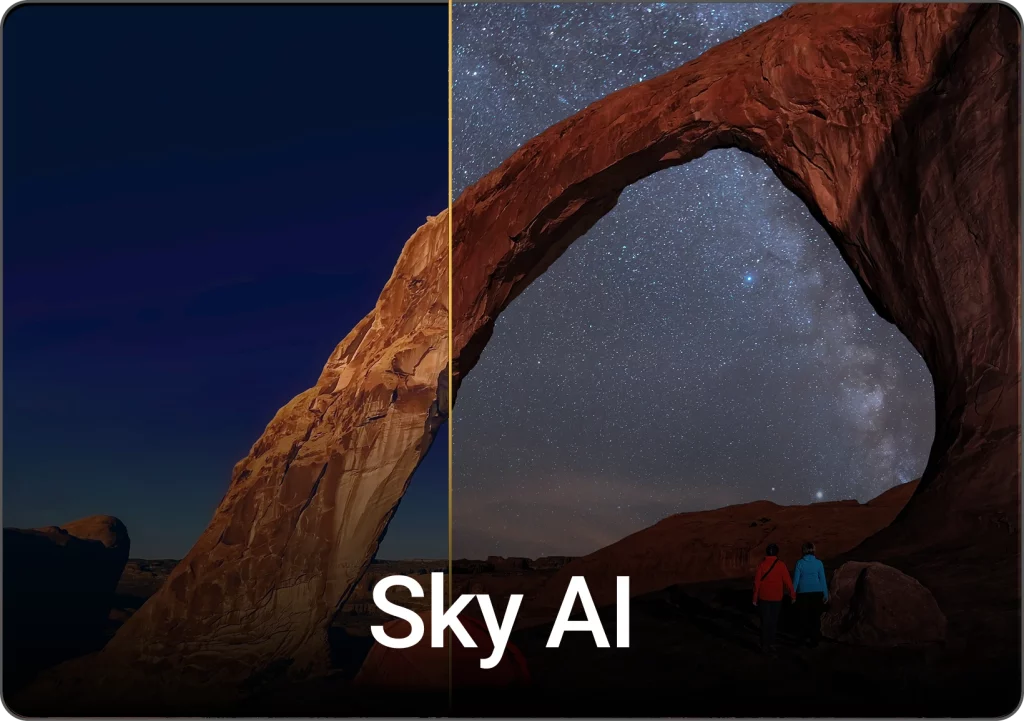
Luminar Neo - Sky AI
Instantly swap dull skies with vibrant ones. AI adjusts lighting across the photo for a seamless, natural-looking result.
Luminar Neo - Gen Erase

Effortlessly erase unwanted objects from photos. AI fills gaps with realistic textures, blending seamlessly into the scene.  

Luminar Neo - Enhance AI

A smart one-click tool that analyzes each photo and improves color, tone, details, and depth while keeping the result natural. 

Get AI Editing for Up to 80% Off

Perpetual License

Luminar Neo on Desktop. One-time purchase. Available on Windows and MacOS.
Loading
  •  
100 Creative Add-ons
Luminar Video Course
Luminar Quick Start Guide
Frequently Asked Questions
What is Peakto?

Peakto is an intelligent media manager designed for videographers and photographers. It centralizes your photos and videos from multiple sources — editing software, catalogs, hard drives, servers, or NAS — into one unified space.


Thanks to its artificial intelligence, Peakto automatically identifies the content of videos and images, allowing you to quickly find the files you’re looking for. It streamlines the organization, search, and sharing of your media, even within collaborative projects.

To obtain Peakto software, follow these steps:


  1. Purchase Peakto: Visit the Peakto store and choose between a subscription plan or an unlimited license.
  2. Download Peakto: After completing your purchase, you will receive an email with a link to download the software.
  3. Trial Period: Note that the 7-day trial period is only available with subscription plans.


How does it work?
Provide your payment information via credit card or PayPal. You will not be billed for the subscription until the end of the 7-day trial period. The free trial automatically converts to a monthly subscription (1, 12, or 24 months) unless canceled before the end of the trial period. After the trial period ends, all license purchases are final and non-refundable.

Peakto is compatible with Luminar Neo catalogs from version 1.0, making it easy to manage your photos and edits in one place.


Example workflow:


  • Import and preview all your media in Peakto.
  • Search with AI by content, face, or theme.
  • Open photos in Luminar for advanced editing.
  • Return to Peakto to organize, tag, and export — edits are preserved.


Luminar focuses on powerful AI editing.
Peakto focuses on smart, AI-driven organization.


Together, they create a seamless workflow to save time and stay organized.

Peakto is compatible with a wide range of photo and video software:


Video editing software:


  • Final Cut Pro v11 (beta)
  • Adobe Premiere Pro 2024 and 2025 (beta)


Supported video formats (via macOS): AV1, AVC / XAVC / XFAVC, Apple Intermediate Codec, Blackmagic RAW, CineForm, DNxHD, DNxHR, DVCPRO HD, H.263, H.264, H.265 / HEVC, HDV, MPEG IMX, XDCAM EX / HD / HD422.


Video containers: .avi, .braw, .dv, .m2ts, .ts, .mp4, .m4v, .mxf, .mkv, .mov.


Photo editing software:


  • Aperture from version 3.6
  • Lightroom Classic from version 5
  • Lightroom Creative Cloud (latest version)
  • Luminar Neo from version 1.0
  • Capture One from version 20 (v13.x)
  • Apple Photos from version 6 (Big Sur)
  • iView Media Pro from version 3
  • Pixelmator Pro from version 3
  • DxO PhotoLab 4 & PureRAW 2
  • ON1 Photo RAW 2022 and 2023
  • Topaz Photo AI version 3
Peakto Software Logo - Media Management for Creatives

Media Management Made Smarter
With Peakto for macOS

7-day free trial included

How to Organize Your Photos Using Keywords 01
Hey, wait...
Inspiration, Tips, and Secret Deals — No Spam, Just the Good Stuff