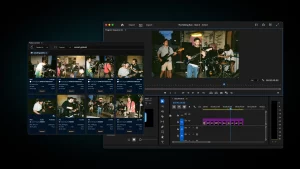


CYME announces Peakto 2.7, the latest version of its AI-powered media manager, introducing compatibility with Nikon RAW footage (R3D NE and NEV).
With this update, photographers and filmmakers can now preview, browse, and search Nikon’s newest video formats instantly — including files stored on external drives or NAS — directly inside Peakto, without conversion or import.
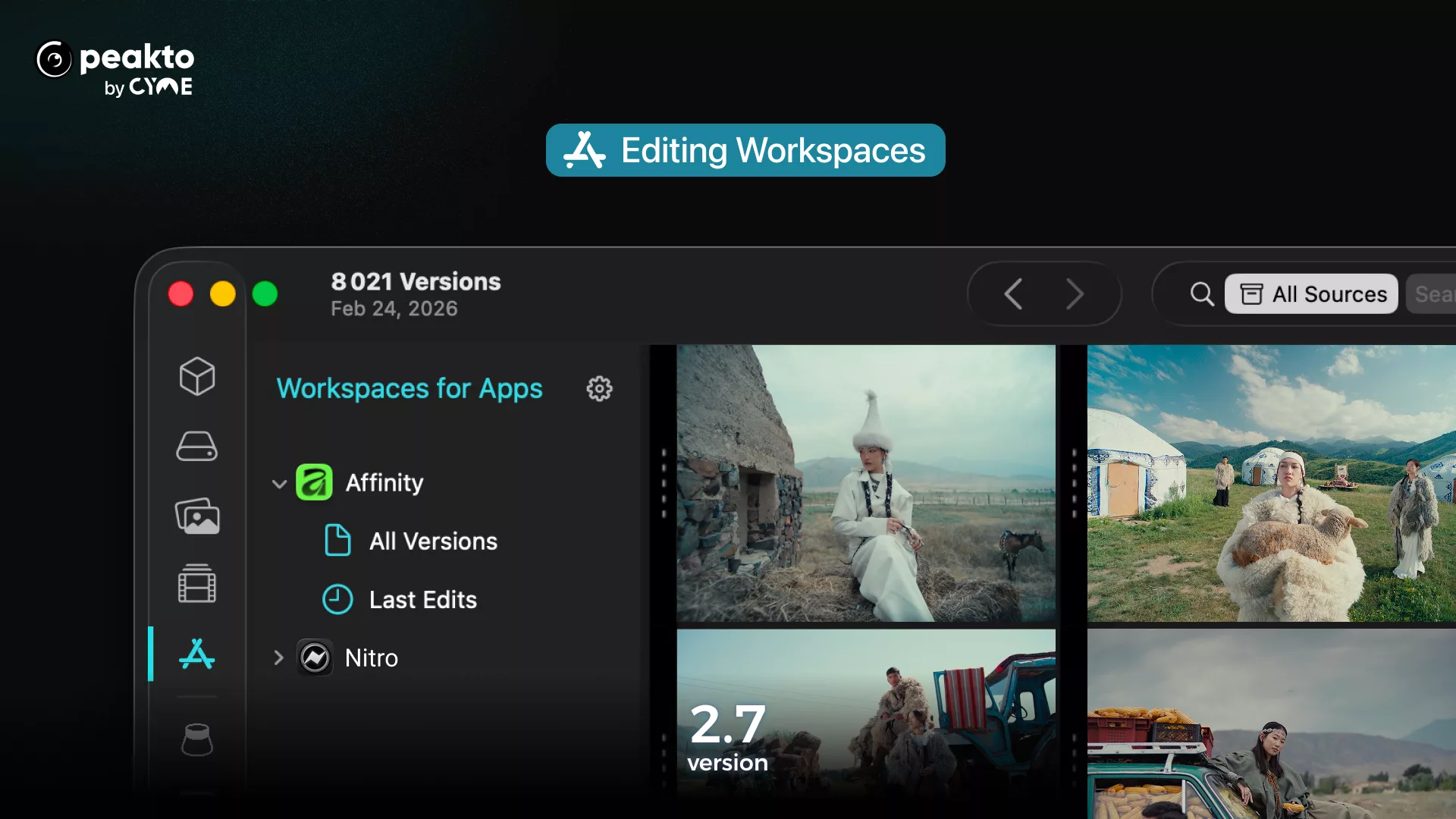
Peakto 2.7 also expands integration with Affinity and Nitro, keeping design files and edited photos organized and searchable alongside videos in a single workspace, and introduces a new team approval workflow in Peakto Pro to streamline remote review and validation without uploading media to the cloud.
Peakto 2.7 will be presented at CP+ Camera & Photo Imaging Show 2026 (Yokohama, Japan) from February 26 to March 1, 2026.
Turning Inaccessible Footage Into Usable Media
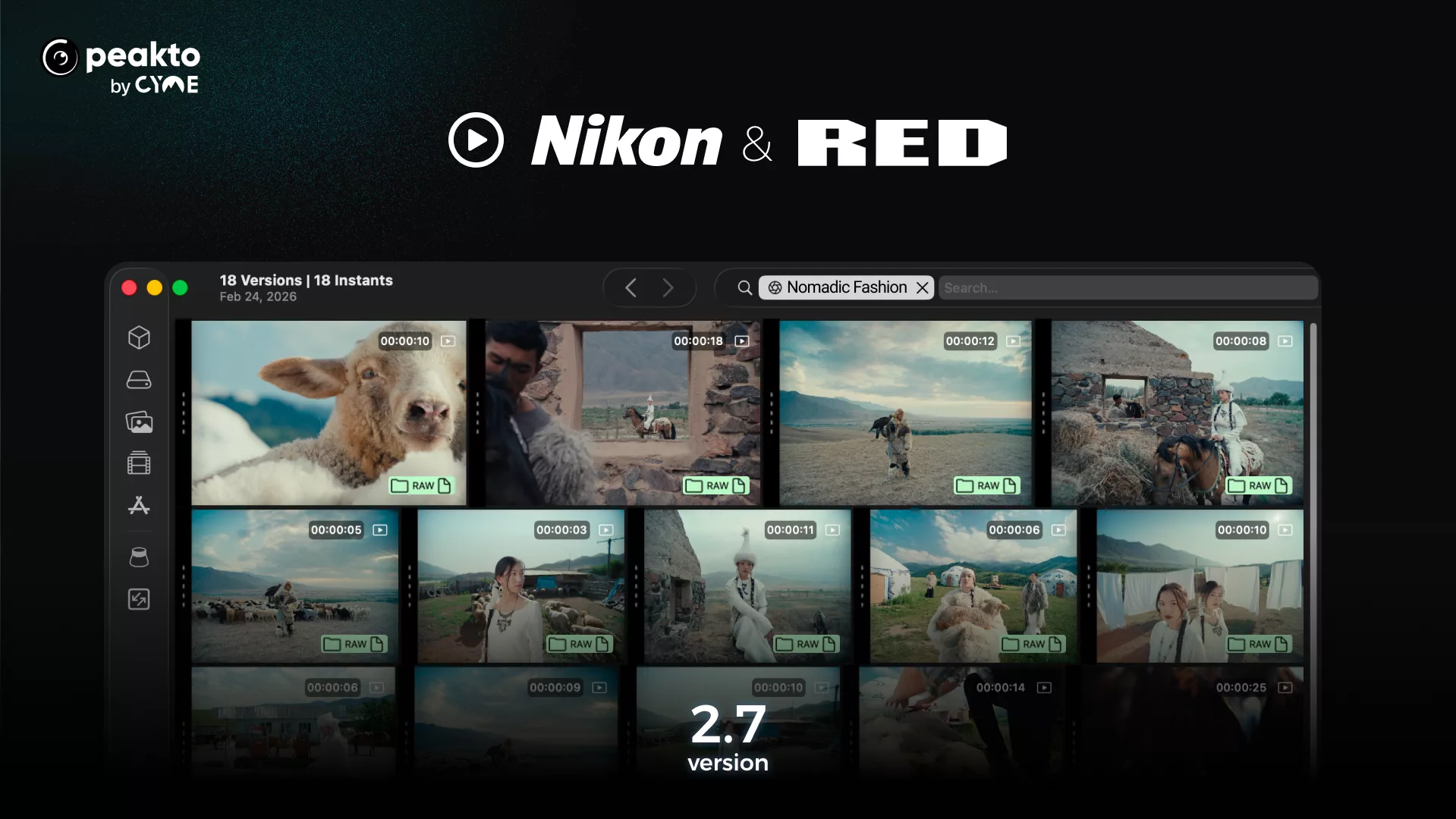
Nikon’s latest cinema-oriented formats build on RED’s established R3D technology, delivering exceptional image quality. However, on macOS, these files still present a challenge: they cannot be previewed natively in standard tools like QuickTime. Peakto 2.7 solves this problem. Instead of copying or transcoding media, users can now:
- Instantly preview Nikon RAW formats (NEV, NE, R3D)
- Scrub footage directly from disconnected drives
- Search videos using extensive metadata and AI prompts
- Organize selections before opening editing software
By adding Nikon’s newest formats, Peakto becomes one of the first media managers able to index and visualize next-generation cinema files.
Peakto acts as an intelligent media hub, allowing creators to access their footage immediately after shooting and carry out a smooth pre-edit: reviewing, sorting, and selecting happens before they even begin editing in Adobe Premiere Pro, DaVinci Resolve or Final Cut Pro.
More Integrations For Photo Editing Software
Peakto 2.7 also extends its role as a central media workspace across creative applications, with advanced integration for Affinity — a professional photo and graphic design suite now owned by Canva — and Nitro, a Mac photo editor for fast non-destructive RAW processing developed by Gentlemen Coders.
Affinity integration
Peakto automatically gathers files created in Affinity into a dedicated workspace, allowing users to browse and manage design assets alongside photos and videos. Peakto becomes a media manager for Affinity projects, complementing its creation-focused workflow.
Nitro integration
Peakto reads Nitro edited images, displays high-resolution previews, synchronizes metadata and retrieves ratings, enabling edited files to remain organized and searchable within the unified library.
New Team Approval Workflow (Peakto Pro)
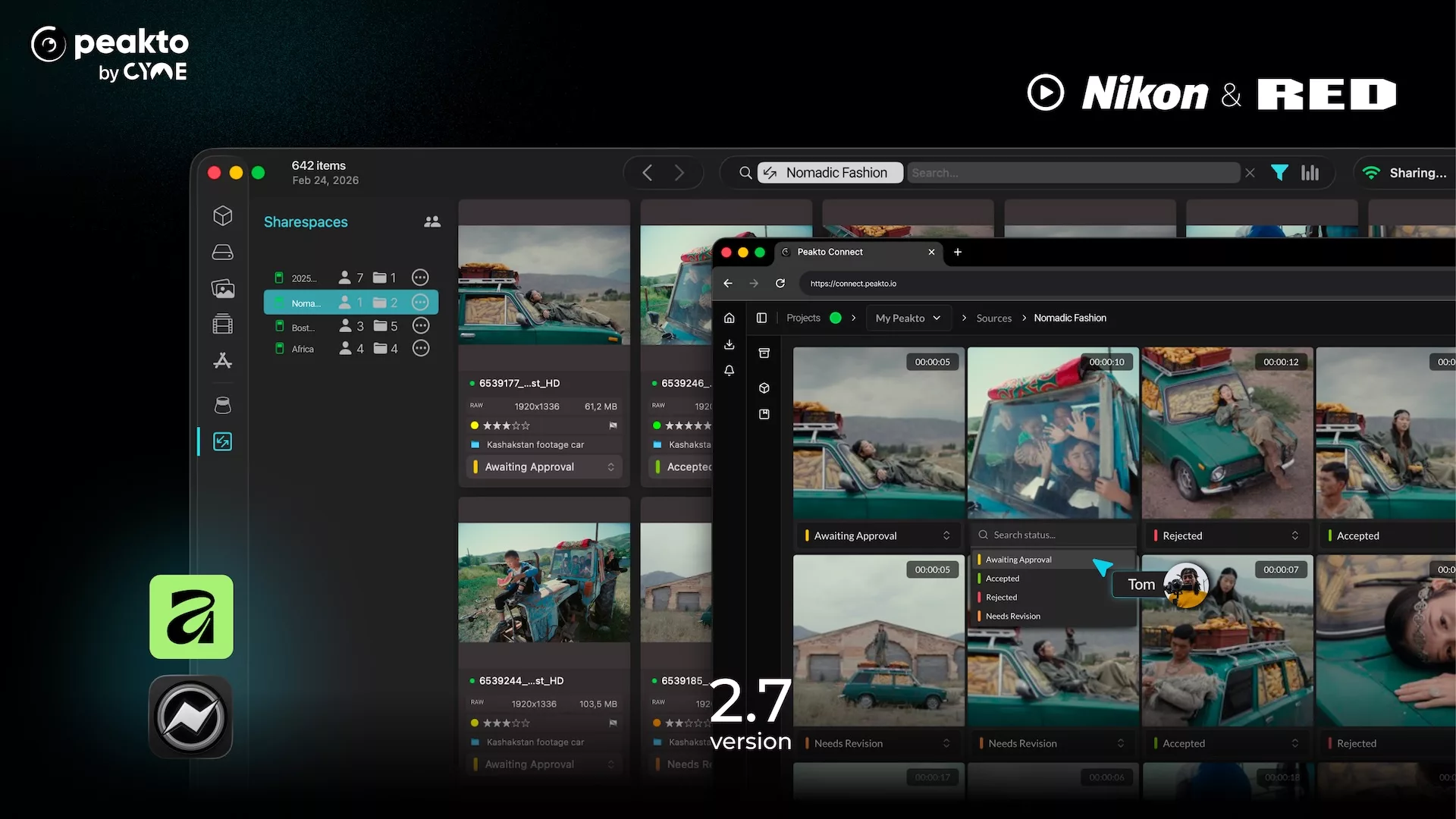
Peakto 2.7 adds a new validation workflow for teams in Peakto Pro. A content owner can create a ShareSpace from media stored locally (NAS/internal storage) and invite collaborators by email. From the web interface, reviewers can:
- view assets in high resolution and play videos
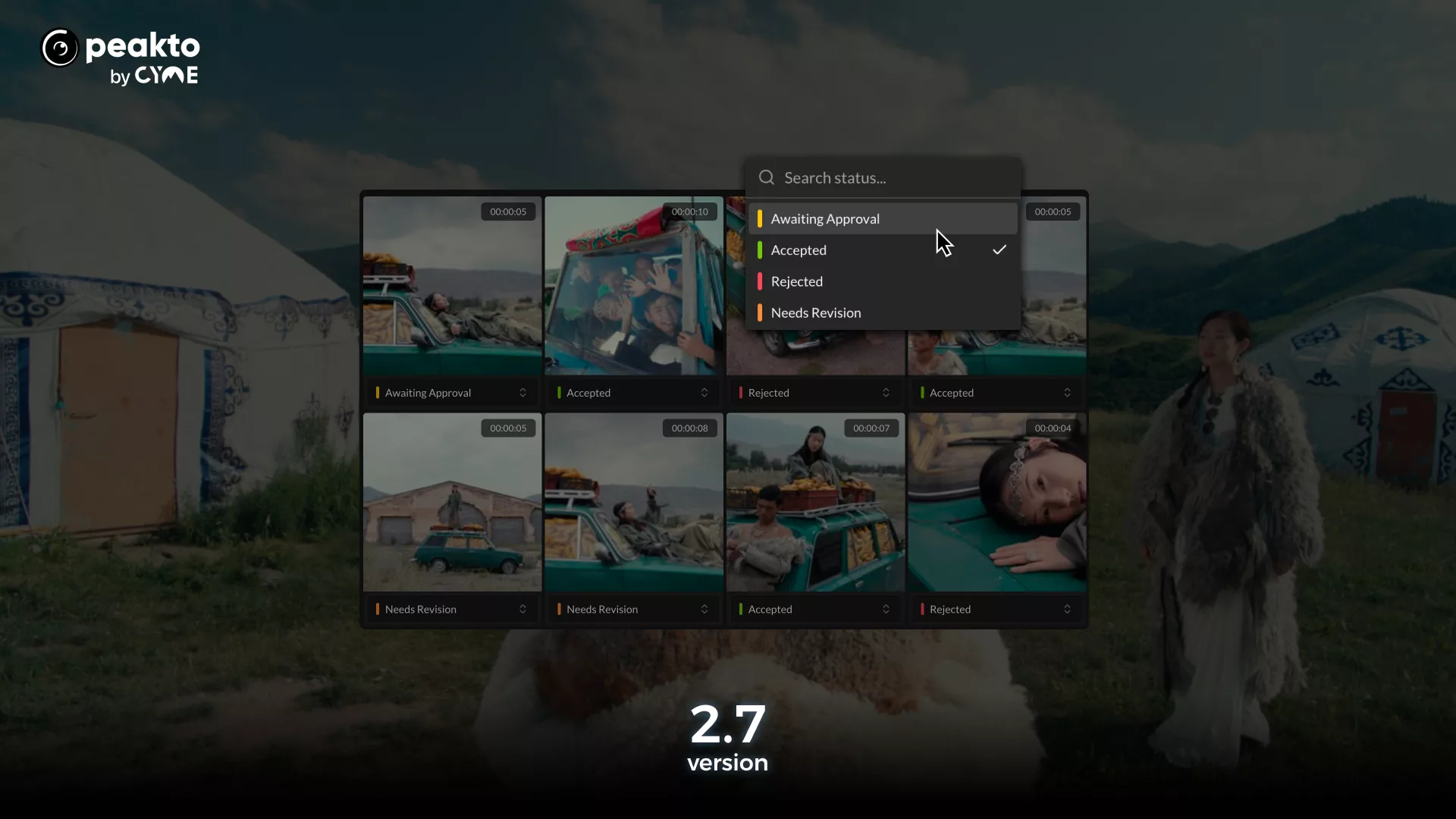
- assign clear review statuses (Awaiting feedback, accepted, rejected, needs revision).
Collaboration happens directly on the content through comments, reactions, and likes, while filtering tools help teams focus on what matters most. All annotations and decisions sync in real time back to Peakto, enabling content owners to quickly identify approved assets and move production forward.
For companies, this results in a faster and more secure approval process—without cloud uploads or back-and-forth file transfers.