

Peakto 2.7 is now available, bringing a major step forward for creators who work with high-end media and expect a smooth, cloud-free workflow. Whether you’re handling next-generation RAW video, juggling multiple creative apps, or collaborating with a remote team, this release is designed to remove friction—so you can move from review to production faster. Here are the new features for demanding creators:
- Native compatibility with Nikon RAW video formats (NEV, NE, R3D) for a seamless workflow on macOS.
- Deeper integration with Affinity and Nitro, for unified management of your photo and design projects.
- A collaborative approval workflow in Peakto Pro, designed for teams tired of endless back-and-forth.
Ready to take it to the next level? Let’s dive into the details.
For Videographers: Nikon’s Cinema Magic, Now at Your Fingertips
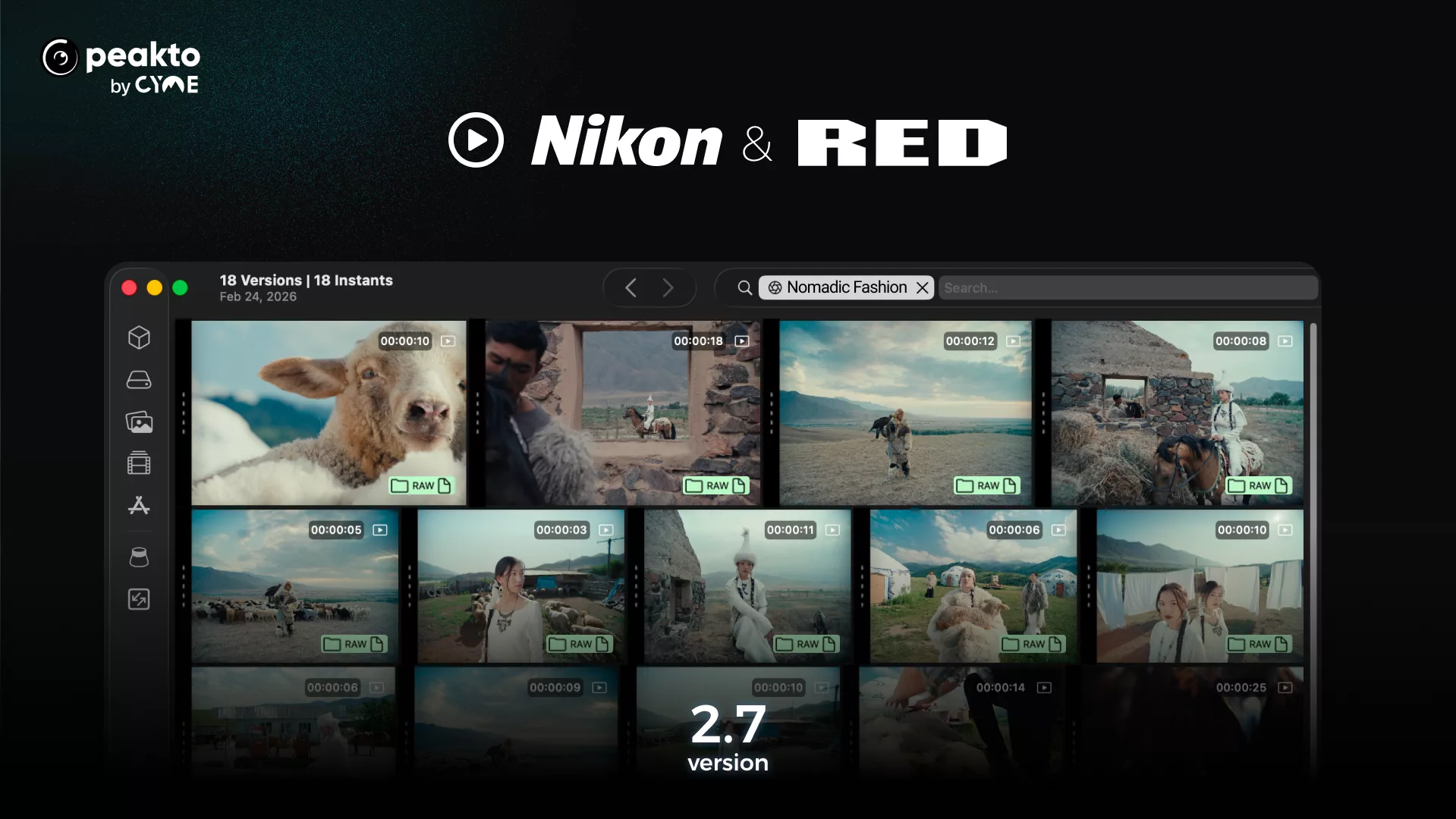
You asked for it, and we delivered: Peakto 2.7 now supports Nikon’s latest RAW video formats (NEV, NE, R3D). That means you can finally preview, browse, and search your high-end Nikon footage instantly.
Why it’s a game-changer:
- Nikon’s new cinema formats bring stunning image quality, but they’re notoriously tricky to work with on macOS. Peakto cuts through the hassle: just plug in your drive (or NAS), and your footage is ready to review.
- No more guessing: Scrub through clips, use AI-powered search to find specific shots, and organize your selects before you even open your editing software.
- Save time (and storage): Peakto lets you work directly from your external drives, so you can focus on storytelling—not file management.
Peakto is one of the first media managers to handle these next-gen formats, making it your secret weapon for seamless pre-editing.
For Photographers: Affinity & Nitro Compatibility
Affinity: The Photoshop Challenger
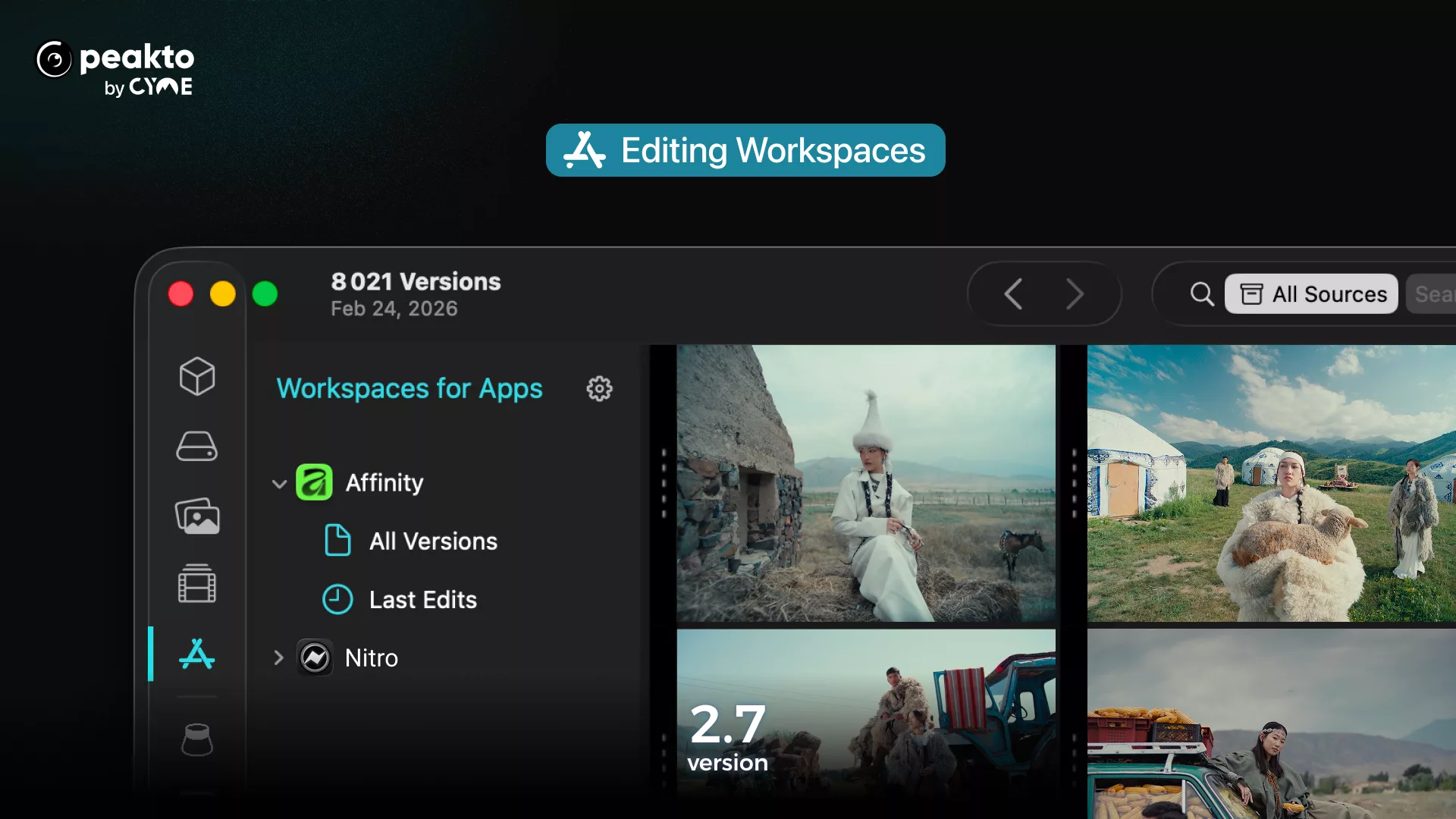
Affinity is now owned by Canva, but it’s still the professional-grade, budget-friendly alternative to Photoshop that creators adore. With Peakto, your Affinity projects (designs, edits, you name it) are automatically organized in a dedicated workspace. No more digging through folders—just instant access to all your assets, right alongside your photos and videos.
Nitro: The Mac RAW Editor You Already Love
Developed by Gentlemen Coders, Nitro is fast, non-destructive, and built for Mac users who demand precision. Peakto now reads Nitro-edited images, displays high-res previews, and syncs metadata and ratings. Your edited files stay searchable and organized, so you can find what you need in a snap.
For Everyone: Teamwork Just Got Easier
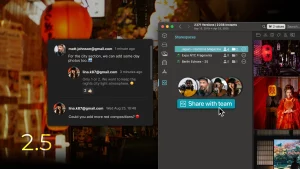
Collaboration can be messy—endless file transfers, confusing feedback, and version chaos. Peakto Pro’s new approval workflow is here to save the day. No cloud uploads, no file duplication. Your media stays on your own storage while you collaborate on the same library.
How it works:
- Create a ShareSpace from your local media (NAS or internal storage).
- Invite your team or clients via email.
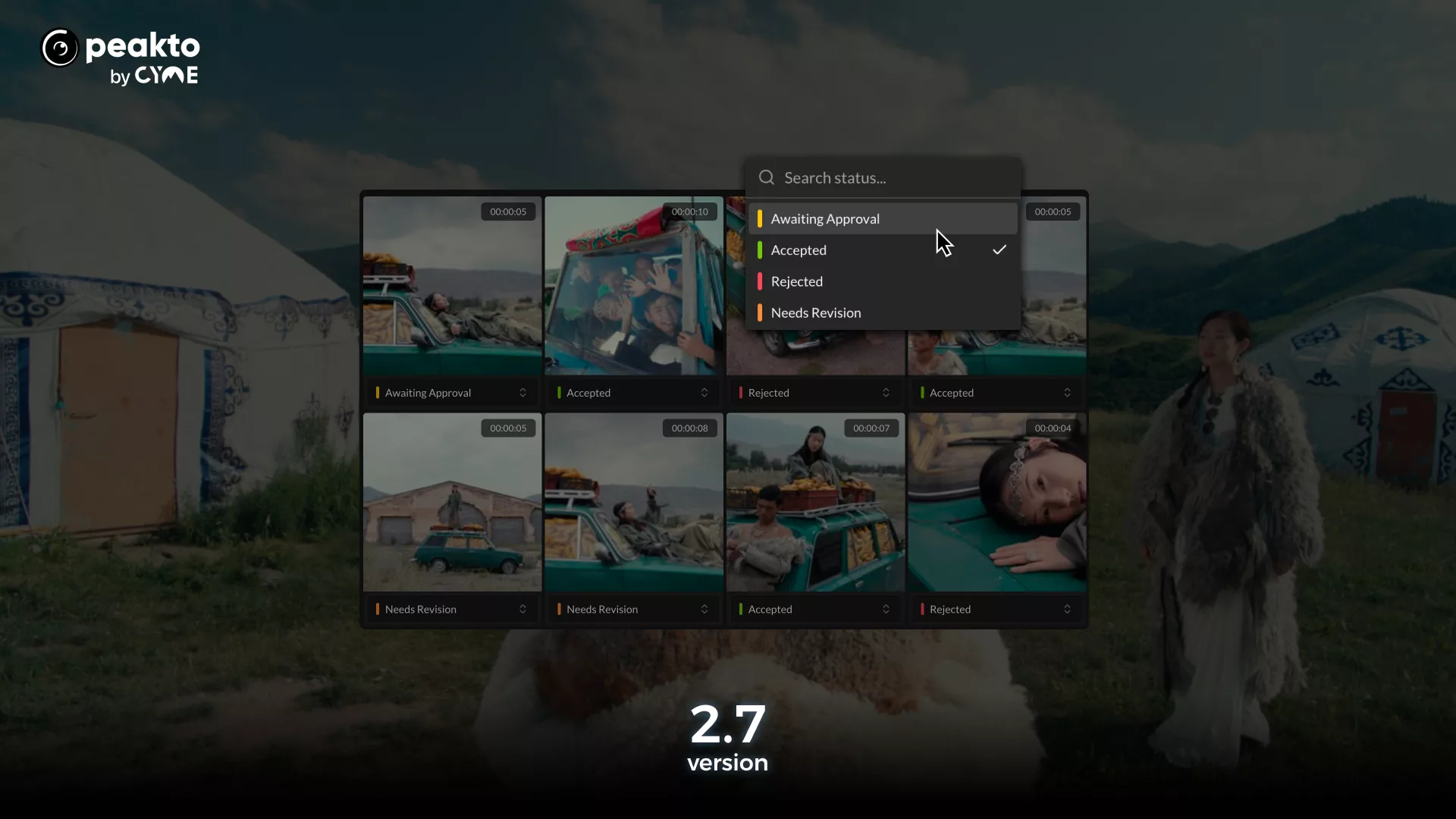
- Reviewers opent the sharespace in a browser and can view assets in full size, play videos, and set clear statuses: Awaiting, Accepted, Rejected, or Needs Revision.
- Annotations sync in real time. You can filter approved assets and keep production moving.
Why you’ll love it:
- Faster decisions: Search by description (thanks, Peakto AI!) instead of filenames.
- Instant feedback: You see reviewers feedback instantly inside Peakto.
- Secure and simple: Ditch the back-and-forth emails and cloud uploads.
What’s New in Peakto 2.7
We’ll be showcasing Peakto 2.7 at CP+ Camera & Photo Imaging Show 2026 (Yokohama, Japan) from February 26 to March 1 (Booth 44). If you’re there, come say hi!
The Next Step for Creators
Peakto 2.7 isn’t just an update—it’s a creative upgrade. Whether you’re shooting cinema-quality video, editing photos, or collaborating with a team, Peakto makes your media work for you. No more barriers, no more wasted time. Just smarter, faster, and more intuitive media management.