

Finding the right tools for video editing can feel overwhelming. Between hundreds of Premiere Pro plugins promising speed, automation, or cinematic effects, it’s easy to lose sight of what truly improves your work.
The idea in this article is to bring clarity: it gathers the best Adobe Premiere Pro plugins available now, carefully selected to help creators create better content and optimize every step of their workflow — from media search to color correction, from AI automation to final export.
Each plugin enhances a different step of how you edit. Most plugins are available for download directly from their developer’s site or the Adobe Exchange. Plus, many of these offer free versions or trials so you can view how they fit your projects before you buy.
Whether you’re an independent filmmaker, a YouTuber, or part of a production team, you’ll discover how these tools can save time, apply stunning effects, enhance creativity, and simplify complex tasks within your timeline.
And above all, you’ll see how Peakto, the AI-powered media manager, ties them all together — turning Premiere Pro into a smarter, faster, and more connected editing environment.
Adobe Premiere Pro: Still the Go-To Choice for Creators
In recent years, Adobe Premiere Pro has evolved into a modular creative ecosystem. Whatever your creative field, it remains the benchmark for professional video editing, combining reliability, flexibility, and constant innovation.
Constantly evolving, the software continues to adapt to new demands — integrating AI-powered tools, enabling collaborative projects, managing increasingly heavy video formats, and ensuring seamless compatibility with the Adobe ecosystem (After Effects, Photoshop, Audition…).
Choosing Premiere Pro means betting on stability, versatility, and longevity.
But now, creators can take things even further, being able to :
- Personalize their editing environment
- Save time on repetitive tasks
- Expand their creative possibilitie
And all of these thanks to a new generation of smart plugins, presets, and extensions.
1. Peakto — The Smart Media Brain Plugin for Premiere Pro
Category: AI media search & management
Best for: finding and organizing all your photos and videos, and pushing clips to your project
Learning curve: ⭐⭐⭐⭐(Easy)
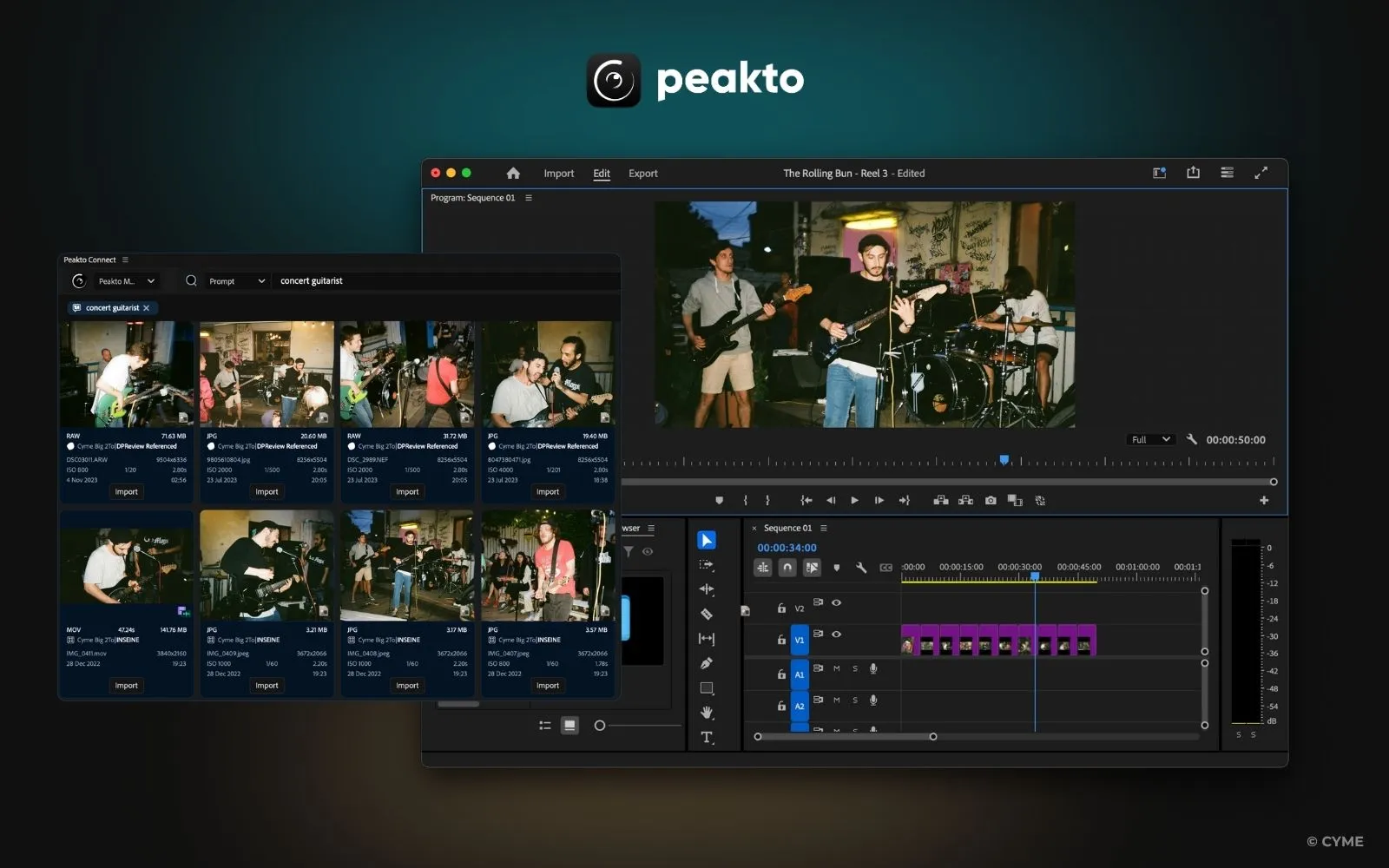
Unlike most plugins that live inside Adobe Premiere Pro, Peakto acts as a meta-layer across your creative universe. It indexes photos, video files, Lightroom catalogs, Premiere projects, external drives, and even disconnected NAS archives — all locally, with no cloud dependence.
With the Peakto plugin for Premiere Pro, editors can:
• Search media by text, face, or visual content before importing it.
• Preview and filter footage from anywhere on your system.
• Send clips directly into Premiere timelines via one click.
• Collaborate securely on projects using peer-to-peer media sharing.
Embedding relation: Peakto acts as a semantic media hub, seamlessly connecting your AI workflow tools like Simon Says and AutoCut with your creative layer powered by FilmConvert, Twixtor, and Red Giant — it’s not just another plugin, it’s the index that makes every other plugin instantly useful.
2. FilmConvert — Real Film Digitally Recreated
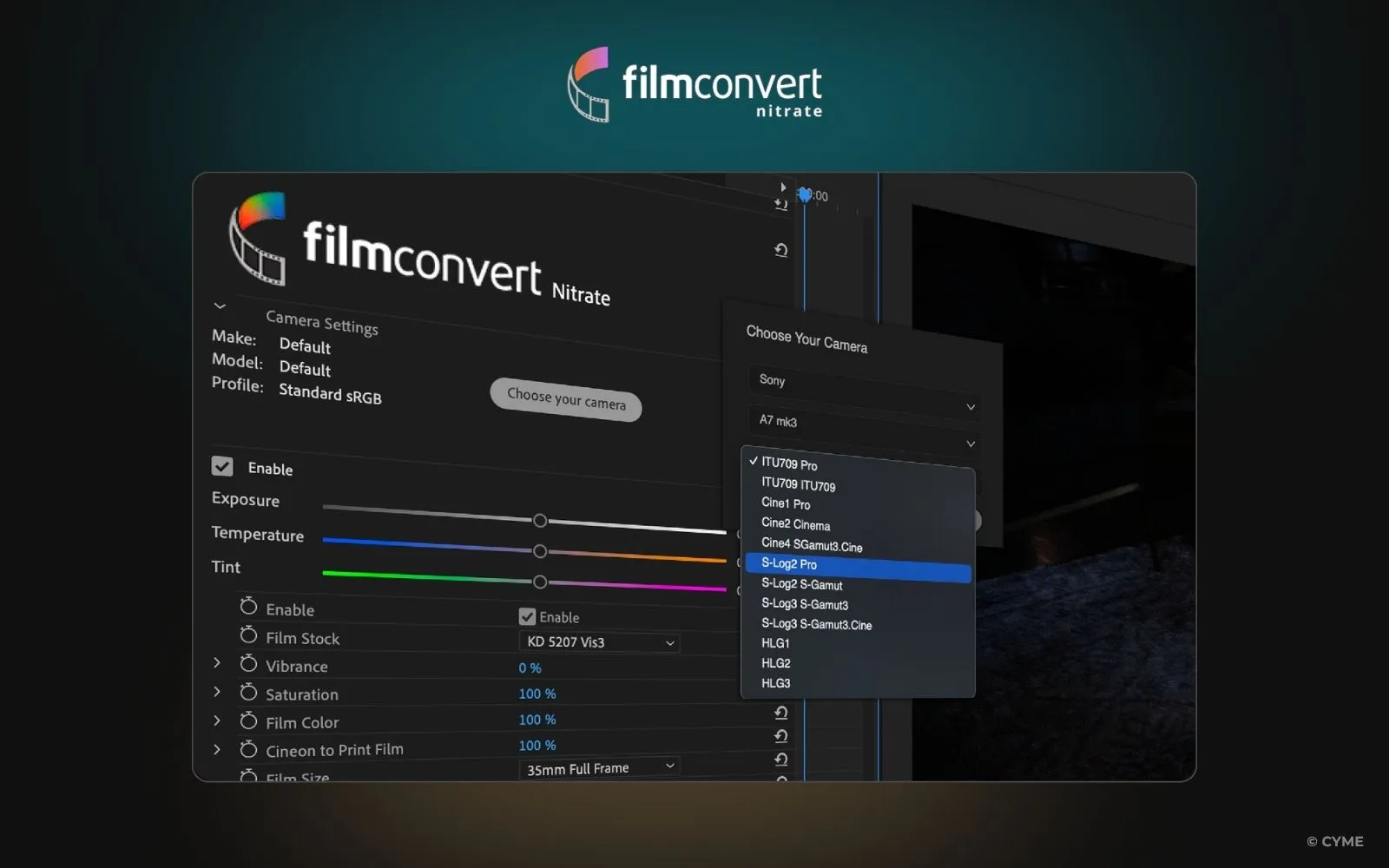
Category: color grading & film emulation
Best for: authentic film looks
Learning curve: ⭐⭐⭐ (Intermediate)
FilmConvert remains the most trusted film emulation plugin in professional post-production. It replicates real film stock response curves and camera color profiles, letting you create that timeless analog look.
Integration tip: Use Peakto to search your media by camera model or scene light before bringing those shots into FilmConvert. You’ll save time on correction and get perfect results faster.
3. Neat Video — Noise Reduction at Its Finest
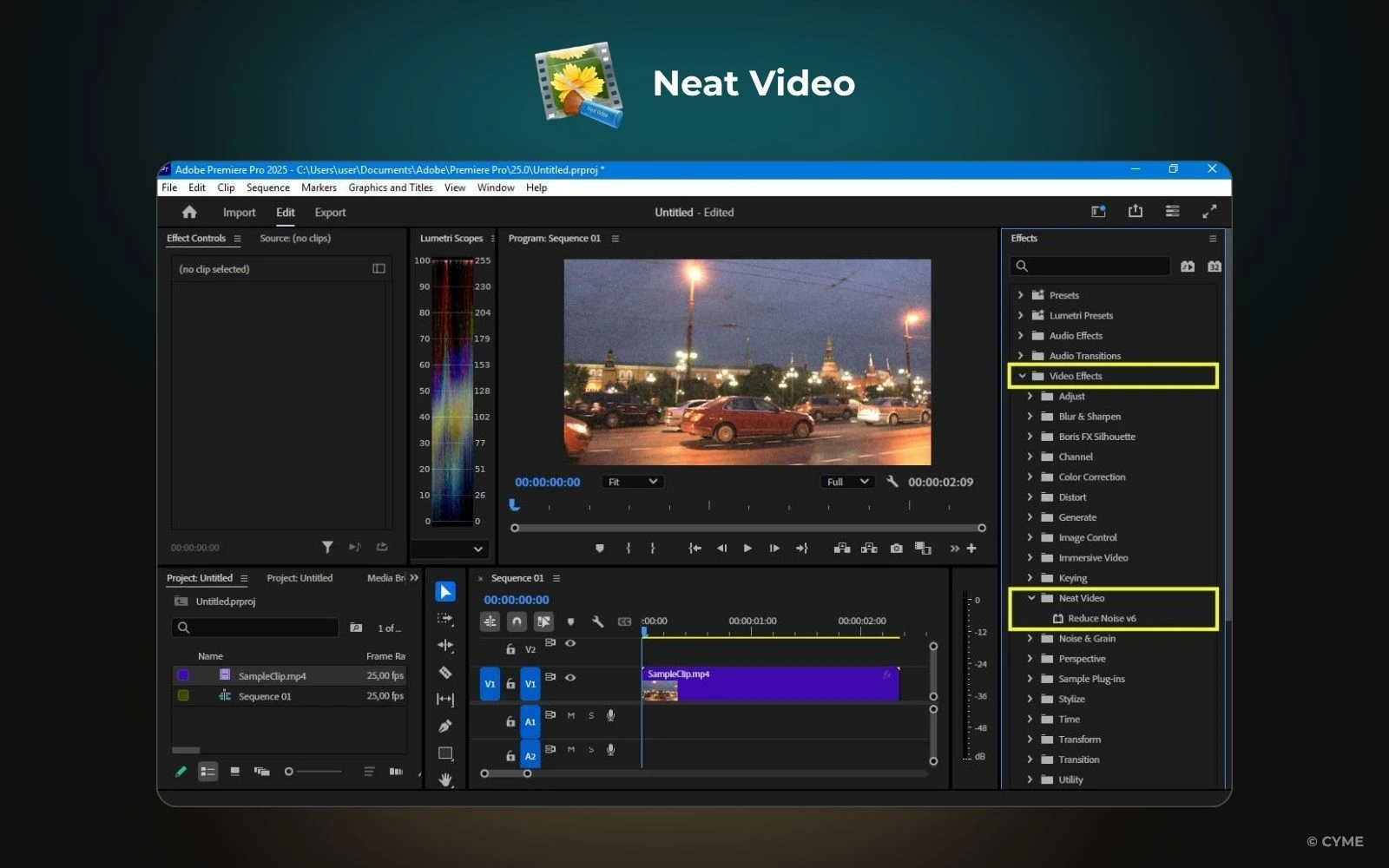
Category: denoising & image restoration
Best for: cleaning low-light or high-ISO footage
Learning curve: ⭐⭐⭐ (Moderate)
Neat Video analyzes noise patterns and removes them intelligently and simulates how light interacts with real film stock for authentic color response. It’s a staple for editors working with real-world conditions — event videographers, journalists, or indie filmmakers.
Workflow with Peakto: Use it to locate noisy clips shot under similar conditions (ISO info, camera type). Then batch-process those files with Neat Video for a clean, unified result.
4. Red Giant Universe — Motion Graphics and Transitions
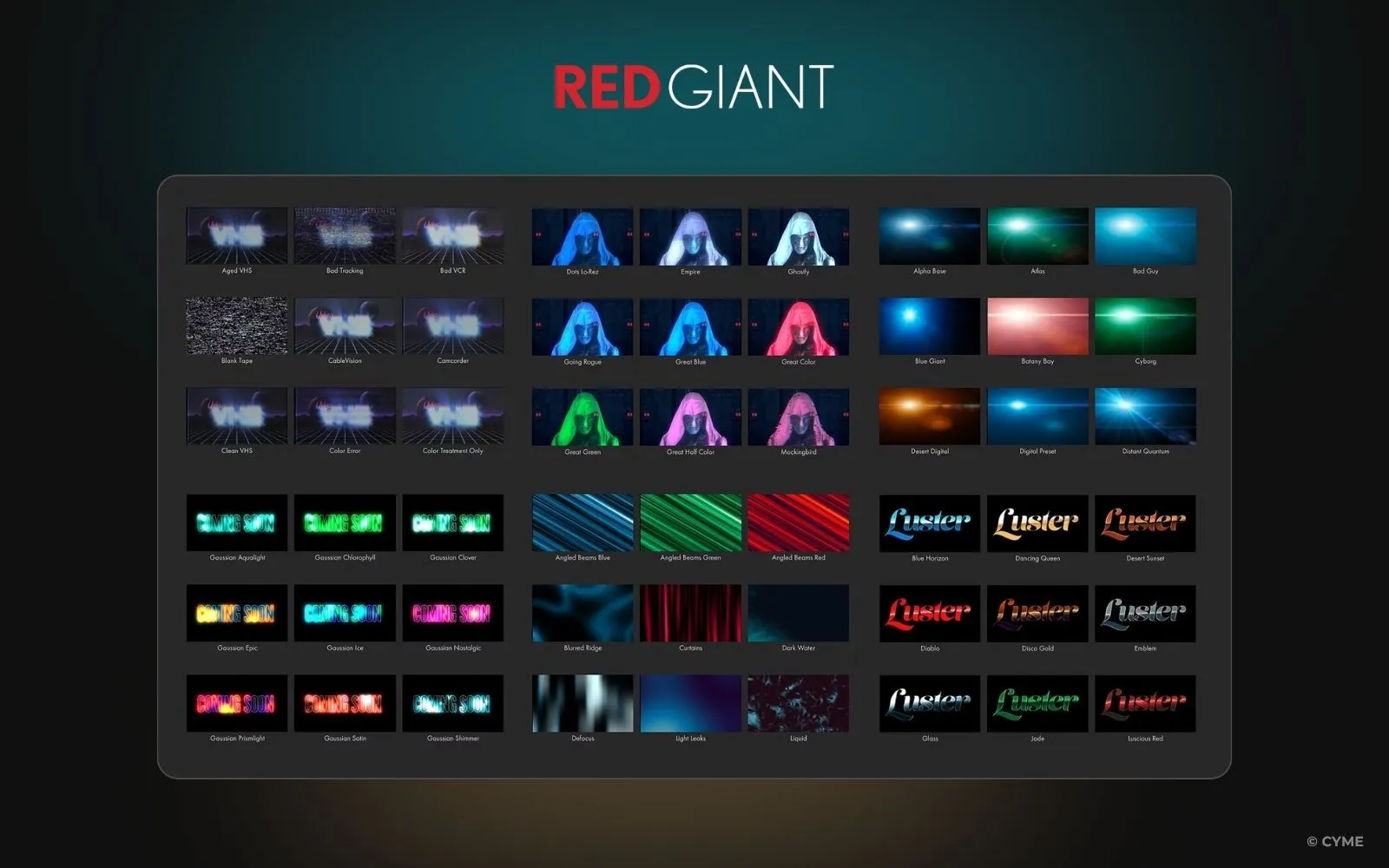
Category: effects & motion graphics
Best for: creative transitions and text animations
Learning curve: ⭐⭐(Advanced)
Red Giant Universe gives Premiere Pro 270+ GPU-accelerated tools for stylized editing. From glitch transitions to animated typography and text presets, it’s a playground for visual storytelling. Hundreds of ready-to-use presets help you apply cinematic results in seconds.
Workflow synergy: Peakto lets you search by color palette or scene tone — then use those matching clips for seamless transitions in Universe.
5. Twixtor — The Art of Slow Motion
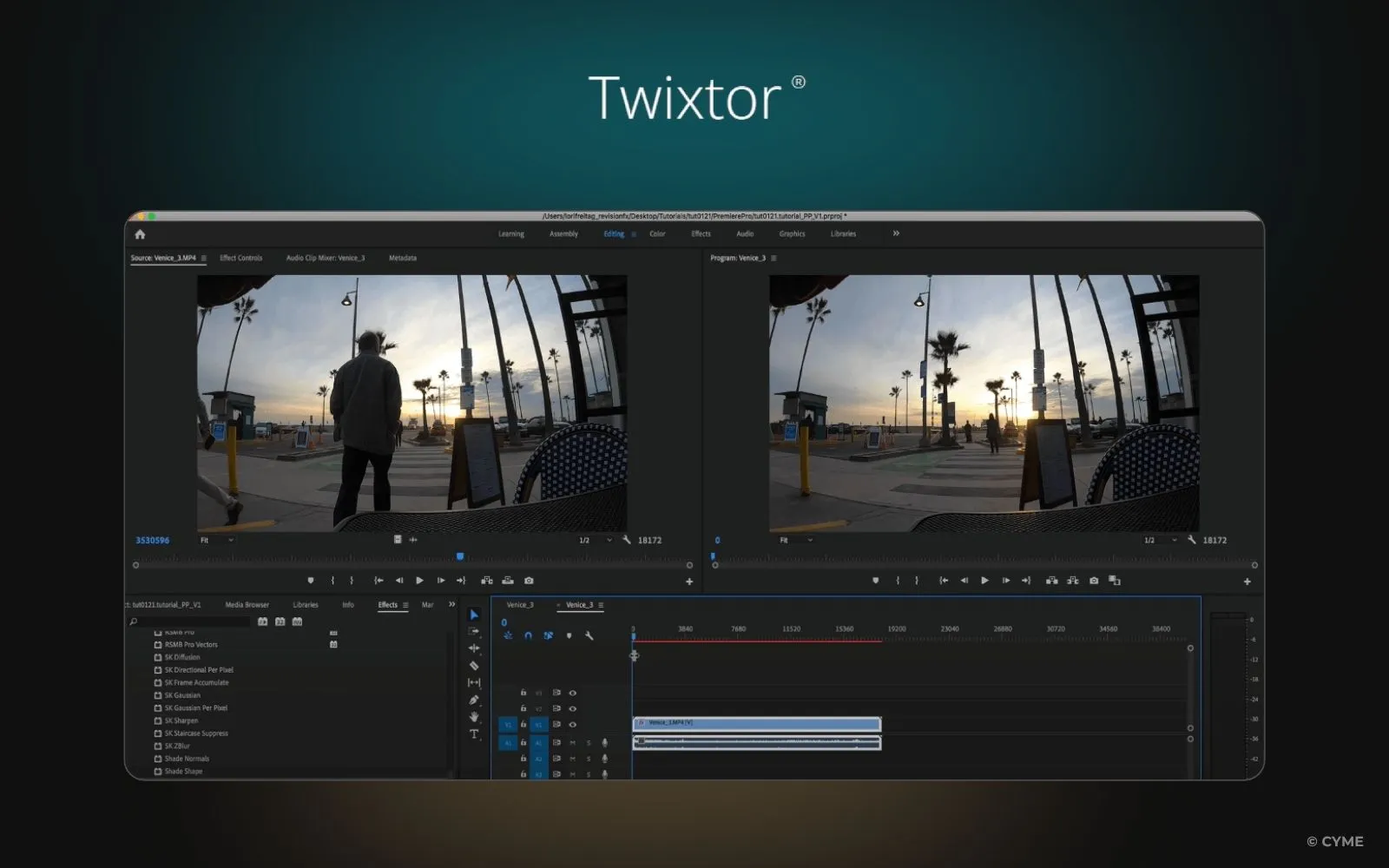
Category: time remapping
Best for: ultra-smooth slow motion
Learning curve: ⭐⭐ (Advanced)
Twixtor’s optical flow algorithm interpolates frames for impossibly fluid motion. It delivers buttery-smooth slow motion and speed change. Perfect for sports, music videos, or cinematic storytelling.
Peakto pairing: Search in Peakto for high-frame-rate clips or specific action sequences, then process only the best candidates through Twixtor.
6. Boris FX Suite — VFX & Tracking Mastery
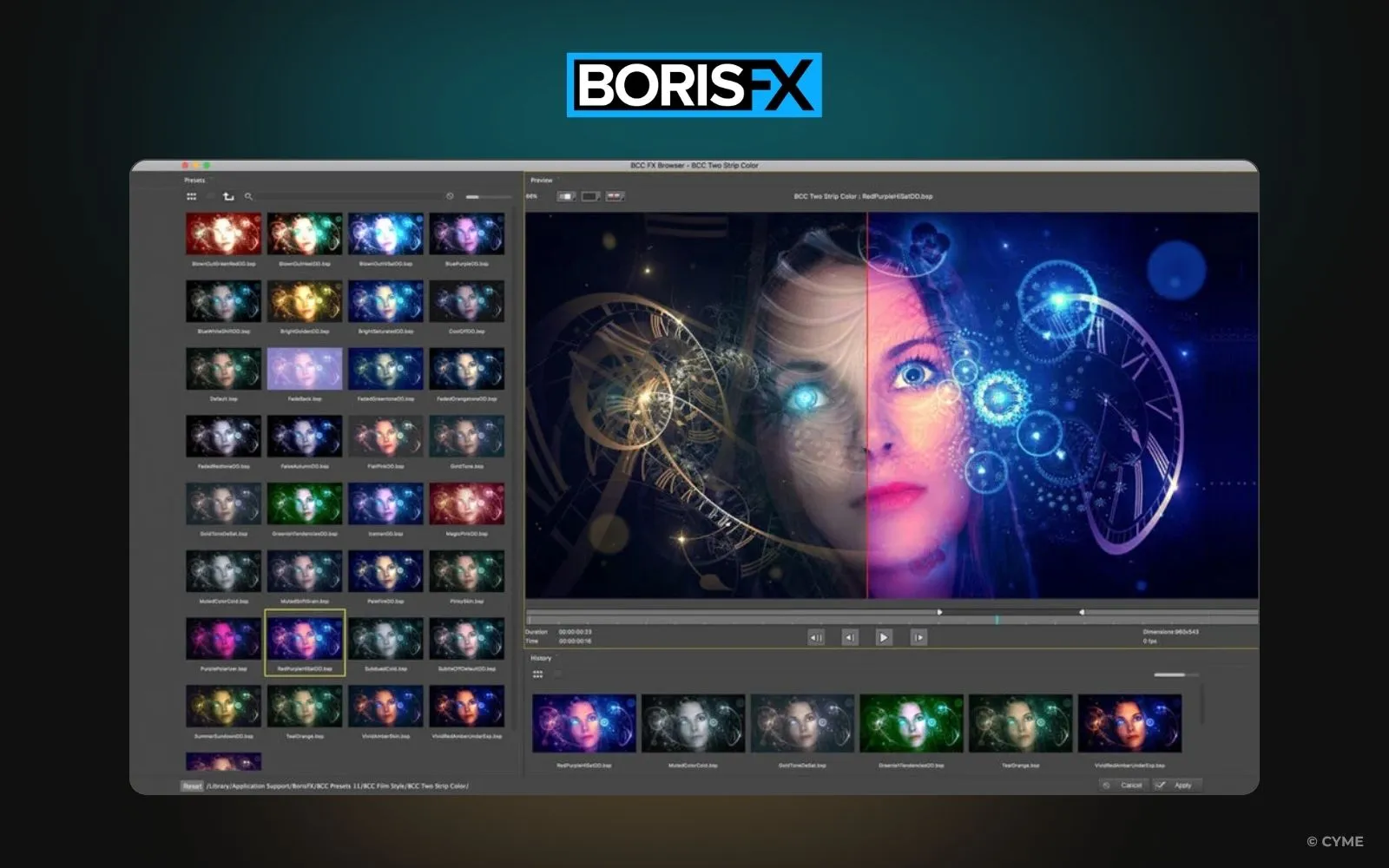
Category: VFX & compositing
Best for: tracking, keying, finishing
Learning curve: ⭐ (Expert)
The Boris FX suite (Mocha, Sapphire, Continuum) defines Hollywood-level post-production. It offers planar tracking, particle effects, and precise matte tools. Whether you need to change a background or fix a shot, Boris is the standard.
Peakto integration: When handling complex shots, Peakto helps you find and group sequences by camera angle or location info, feeding Boris FX with contextual material for compositing.
7. Beauty Box — AI Skin Retouching
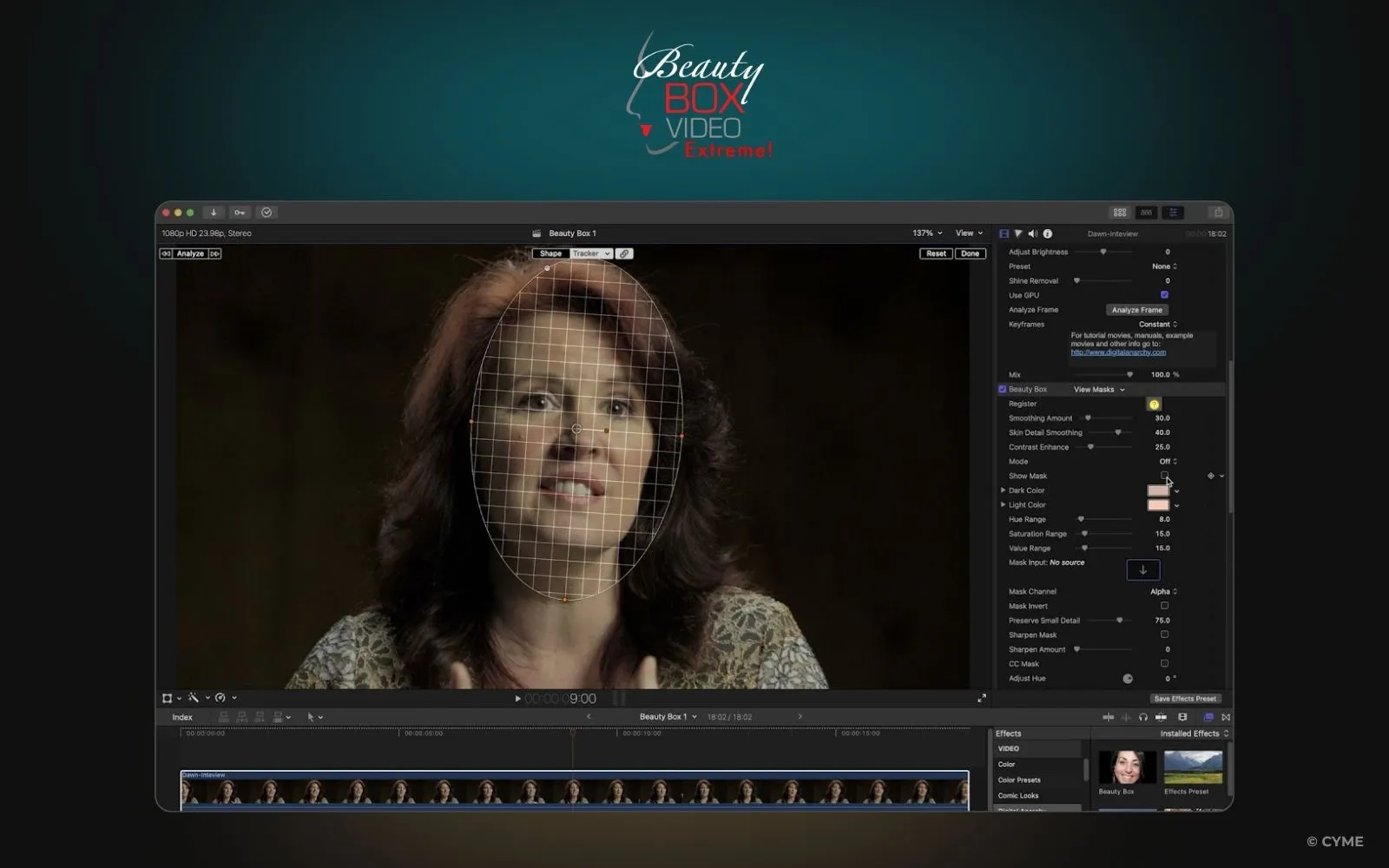
Category: portrait enhancement
Best for: interviews, social, fashion
Learning curve: ⭐⭐⭐⭐(Easy)
Beauty Box auto-detects skin tones and applies adaptive smoothing. Used by broadcasters and social content creators for natural-looking correction that is easy to apply.
Workflow synergy: Search in Peakto for close-up interviews or talent shots — tag them, send them to Premiere, and apply Beauty Box only where needed.
8. Premiere Composer — Speed for Creators
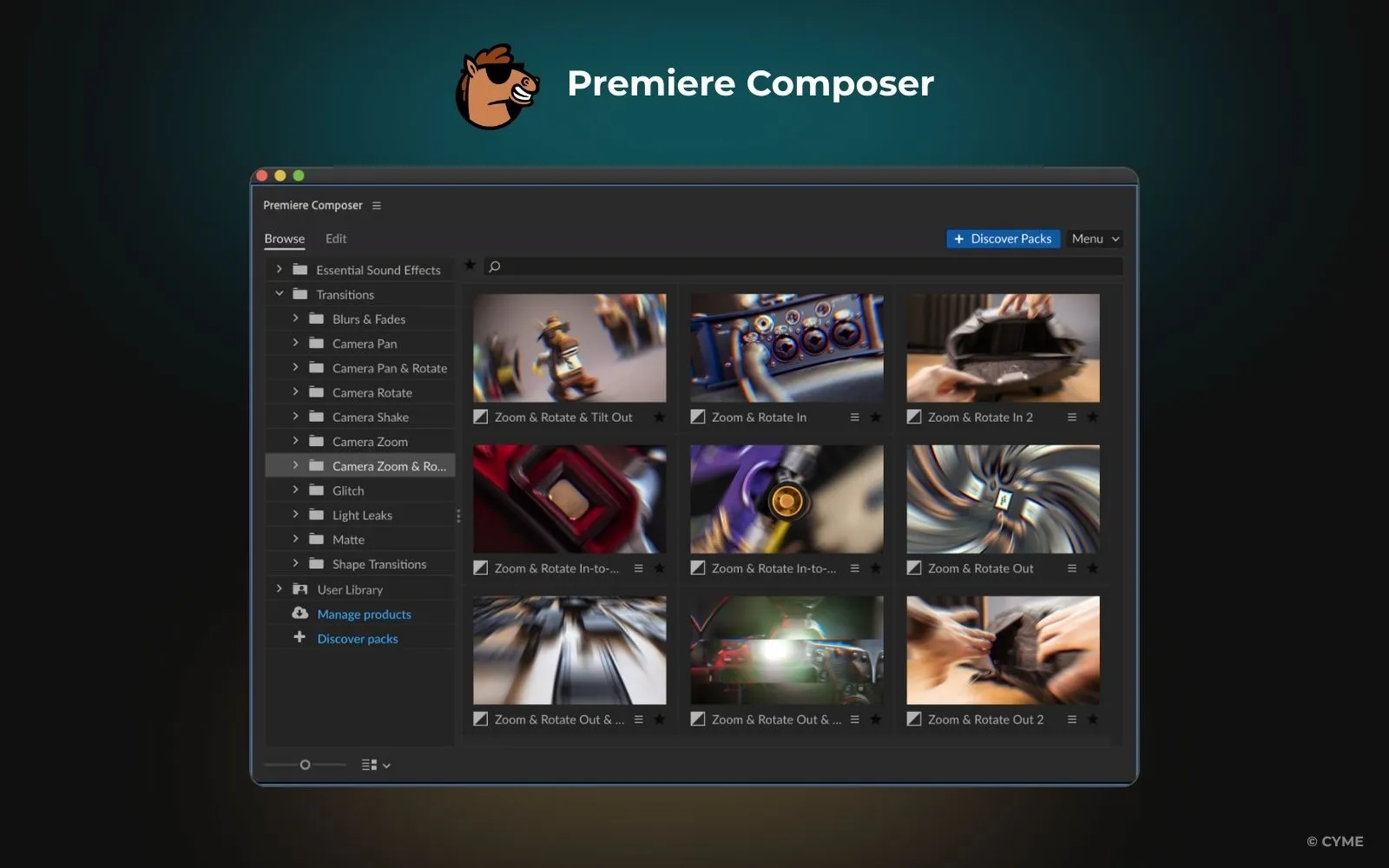
Category: presets, transitions & audio
Best for: motion templates and animated text
Learning curve: ⭐⭐⭐⭐ (Easy)
Premiere Composer allows you to quickly add hundreds of ready-made transitions, text, titles, and sound effects to your timeline with a single drag and drop. It is ideal for tight deadlines and often comes with a free starter pack you can download.
Peakto synergy: Tag and organize deliverables in Peakto (social, corporate, short-form). Then instantly load the right clips in Premiere Composer for consistent branded output.
9. Excalibur — The Workflow Multiplier
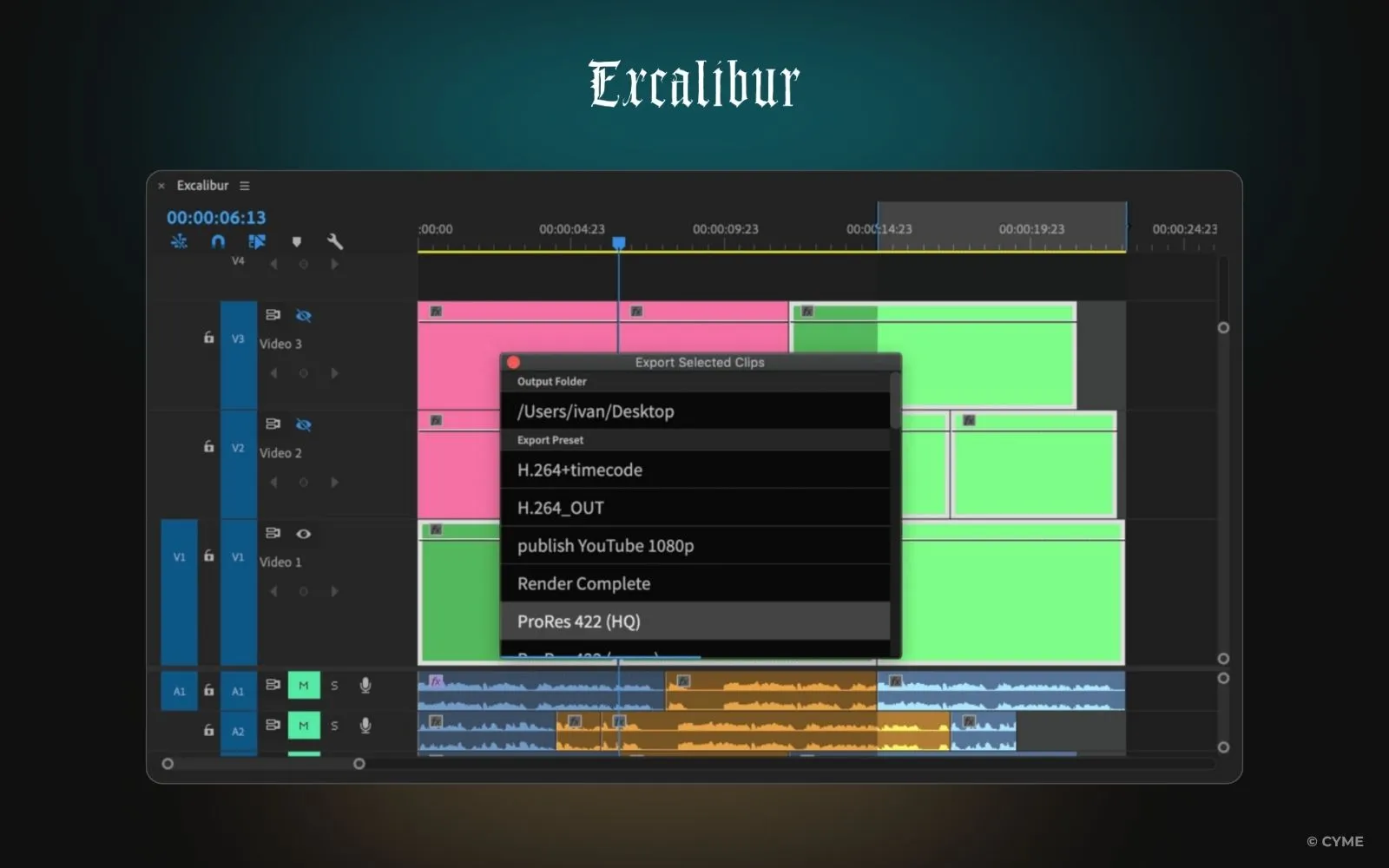
Category: automation & productivity
Best for: keyboard-based editing & shortcuts
Learning curve: ⭐⭐⭐ (Moderate)
Excalibur brings keyboard automation to Premiere Pro through customizable shortcuts, enabling instant access to sequences, effects, and presets to speed up your editing workflow.
Peakto synergy: Use Peakto to label projects and footage with metadata keywords. Then automate batch imports or project setups using Excalibur’s macros — combining organization + automation.
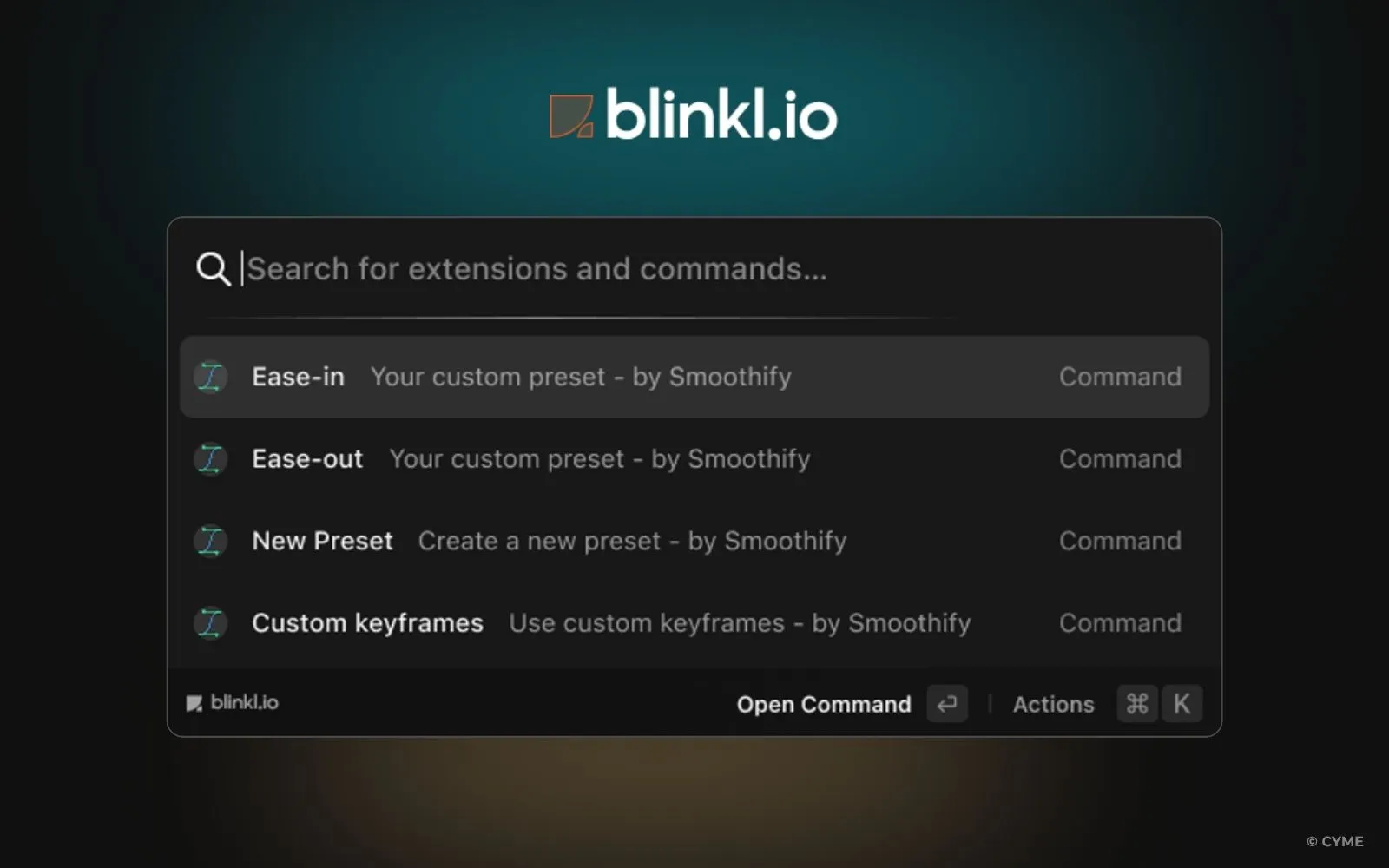
10. Blinkl.io — Extension Ecosystem Simplified
Category: plugin management
Best for: discovering and managing extensions like AutoCut or Smoothify
Learning curve: ⭐⭐⭐⭐ (Easy)
Blinkl.io centralizes extension installation, keeping your creative stack organized. It makes it easy to check out and install new tools. While not a creative effect itself, it’s a convenience layer for editors testing multiple workflows. Plus, it simplifies managing your downloads.
Peakto complement: If Blinkl.io helps you install and test plugins, Peakto helps you find the media that brings those plugins to life.
Compare the Top Premiere Pro Plugins
Software
Category
Best for
Learning Curve
Peakto
AI media management
⭐⭐⭐⭐
(Easy)
Achieving cinematic film looks with camera presets & correction
⭐⭐⭐
(Intermediate)
Cleaning noisy clips & video restoration
⭐⭐⭐
(Moderate)
Adding stylized transitions, text animations, and broadcast-quality effects
⭐⭐
(Advanced)
Creating ultra-smooth slow motion and speed change
⭐⭐
(Advanced)
⭐
(Expert)
Portrait enhancement
⭐⭐⭐⭐
(Easy)
Drag-and-drop text, audio, motion graphics, and transitions
⭐⭐⭐⭐
(Easy)
Keyboard shortcuts and editing shortcuts to boost productivity
⭐⭐⭐
(Moderate)
Installing and managing multiple Premiere Pro extensions and free tools easily
⭐⭐⭐⭐
(Easy)
Peakto — The Plugin That Connects Them All
While each plugin enhances a specific step of your editing process, Peakto is the one that enhances all of them. Peakto lets you view and filter every clip before importing it into Premiere Pro.
You can select the right clip for grading or slow motion directly from Peakto’s AI search. It acts as your creative compass, guiding you through terabytes of footage, forgotten archives, and scattered drives — so every plugin you use (from FilmConvert to Twixtor) becomes instantly more effective. Together, these plugins empower you to create faster, edit smarter, and tell stories with impact.
Nowadays, mastering Premiere Pro isn’t just about having the best effects — it’s about having the best overview. Peakto is that overview. The AI-powered media intelligence that lets you see, search, and use every frame you’ve ever created.